Can You Schedule Instagram Posts? Yes. Here’s How to Build a Better System
Blog

Can you schedule Instagram posts?
Yes, you can schedule Instagram posts in advance. Instagram’s own publishing tools and third-party social media tools can let eligible accounts prepare content and choose a future publishing time. The available post types, account requirements and exact controls can change, so check the options shown in your account before building your process around a particular format.
Scheduling is useful because it separates creating content from publishing it. Instead of stopping everything to post manually each day, you can prepare several pieces of content together, review them and place them on a calendar.
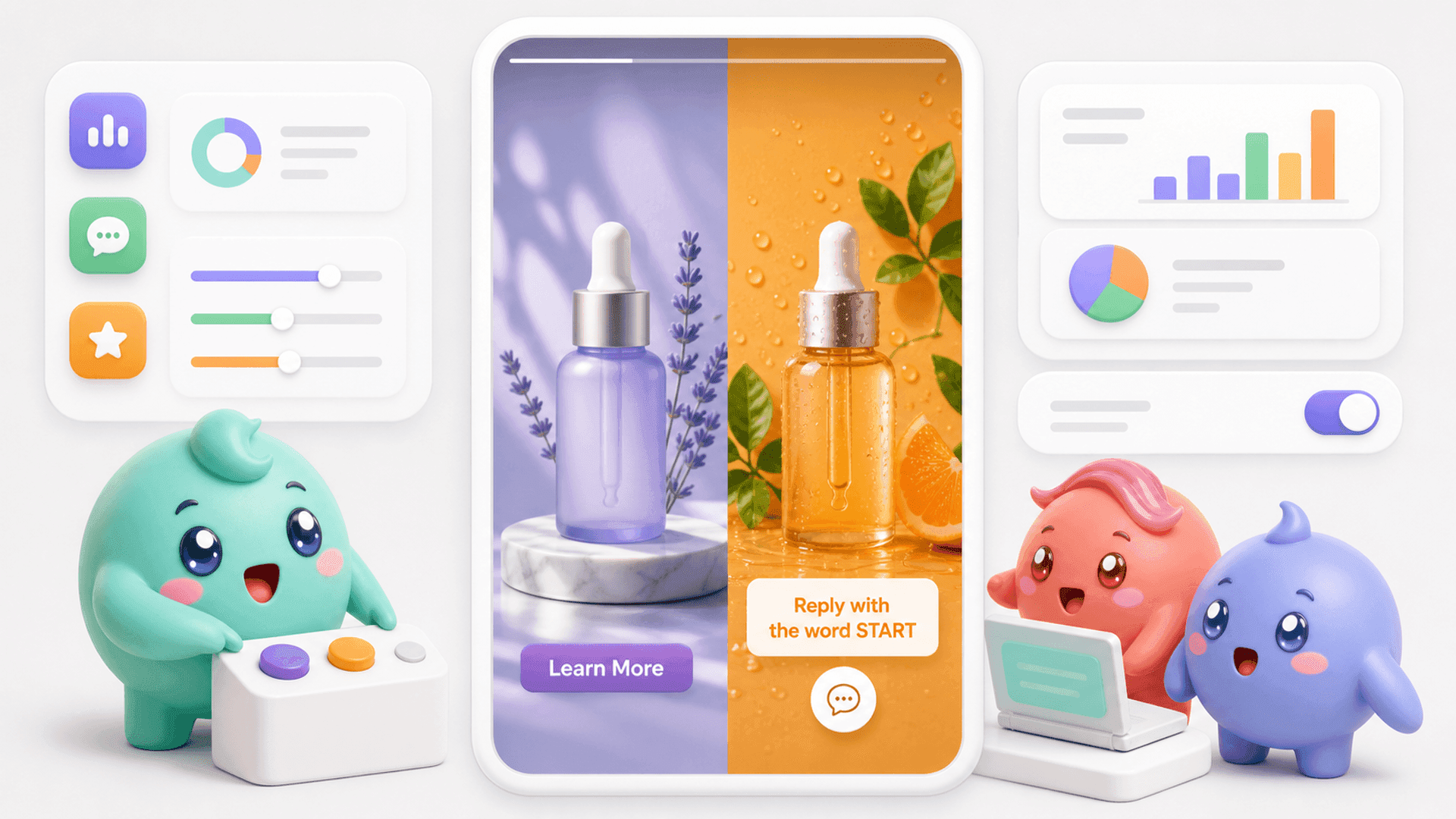
That makes consistency easier, but it does not make the complete Instagram workflow automatic. If a scheduled Reel asks people to comment a word, reply to a Story or send a DM, publishing the content is only the beginning. Somebody still needs to handle the conversations it creates.
What scheduling can help you do
- Prepare captions and creative before the publishing deadline.
- Maintain a steadier posting rhythm during busy weeks.
- Review calls to action before content goes live.
- Coordinate launches, educational posts and promotional content.
- Give the person handling the inbox advance notice of likely DM activity.
A scheduled post solves the publishing-time problem. A good content system also plans what should happen after somebody sees the post and takes action.
How to schedule Instagram content
The exact buttons vary by account, format and publishing tool, but the basic process is straightforward:
- Choose the purpose. Decide whether the post should teach, build trust, start conversations or invite people to take a specific next step.
- Prepare the post. Add the image, carousel or video, write the caption and check any relevant publishing settings.
- Add one clear call to action. If you want conversations, tell people exactly what to do, such as comment a word, reply with a question or send a DM.
- Select a future date and time. Use the scheduling option available in your chosen publishing tool, then review the time zone.
- Check the scheduled queue. Confirm that the right creative, caption, date and account are attached to the post.
- Prepare for responses. Make sure somebody is ready to handle comments and DMs once the content publishes.
Do not schedule and disappear
A common mistake is treating the calendar as the finish line. A post can publish perfectly while the business misses the people who respond to it.
Imagine a coach schedules a Reel with the CTA, “Comment GUIDE and I’ll send you the training.” The Reel goes live while the team is busy. New comments and DMs arrive, but qualified people become mixed with compliments, emojis and unrelated messages. By the time somebody returns to the inbox, the strongest conversations may already be buried.
If your scheduled content regularly brings people into the DMs, the inbox is part of the content plan. If you want to organize the conversations your Instagram content creates, you can try Mochi free for 7 days.
Build a schedule around conversations, not just posts
A useful calendar should tell the team more than what is publishing. It should help them anticipate what kind of response each post may create and what needs to happen next.
1. Give every post one job
A post designed for reach needs a different follow-up from a post designed to start sales conversations. Label each scheduled item by its main job: awareness, education, objection handling, conversation or offer.
This keeps the calendar honest. If every post tries to educate, build trust, generate comments and make a sale at once, the CTA usually becomes unclear.
2. Record the conversation source
When somebody enters the DMs, the team should know which post, Story, ad or outreach message brought them there. Otherwise, public metrics become the only easy way to judge the content.
The post with the most views is not always the post creating the most qualified conversations. A smaller post may bring fewer people into the inbox but attract more people who have the right problem and want help.
3. Prepare the first response
If you expect many people to comment the same keyword, prepare the opening message before the post publishes. It should deliver what was promised and make the next step clear.
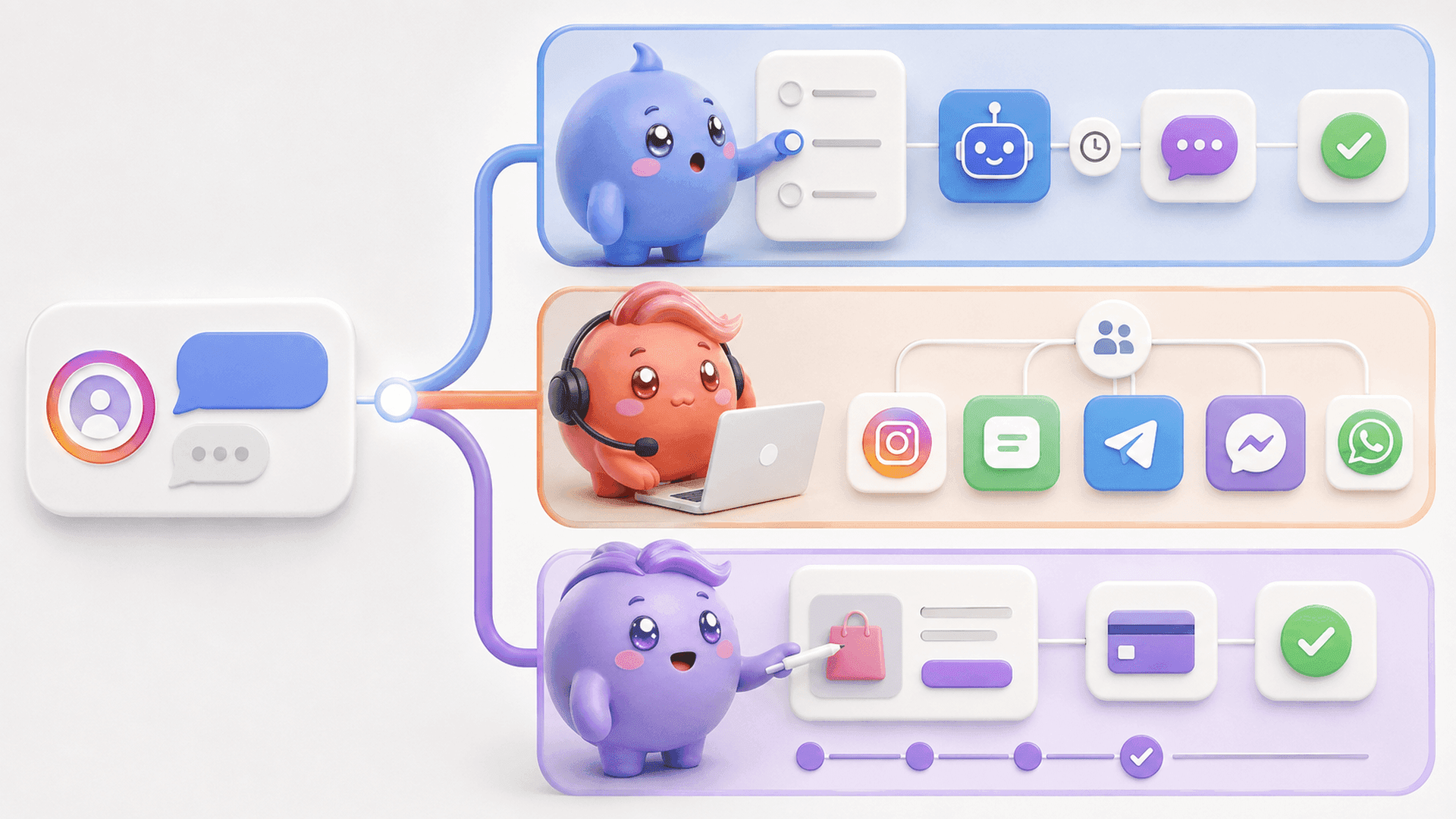
Mochi’s DM Automations can start conversations from actions such as comments, keywords, Stories and ads. After the first message, the conversation remains inside the same sales system so the team can see who replied, who became qualified and who moved forward.
4. Protect time for active conversations
Do not schedule a high-response post for a moment when nobody can check the resulting conversations. Decide who owns the inbox, how qualified leads will be recognized and when follow-ups will happen.
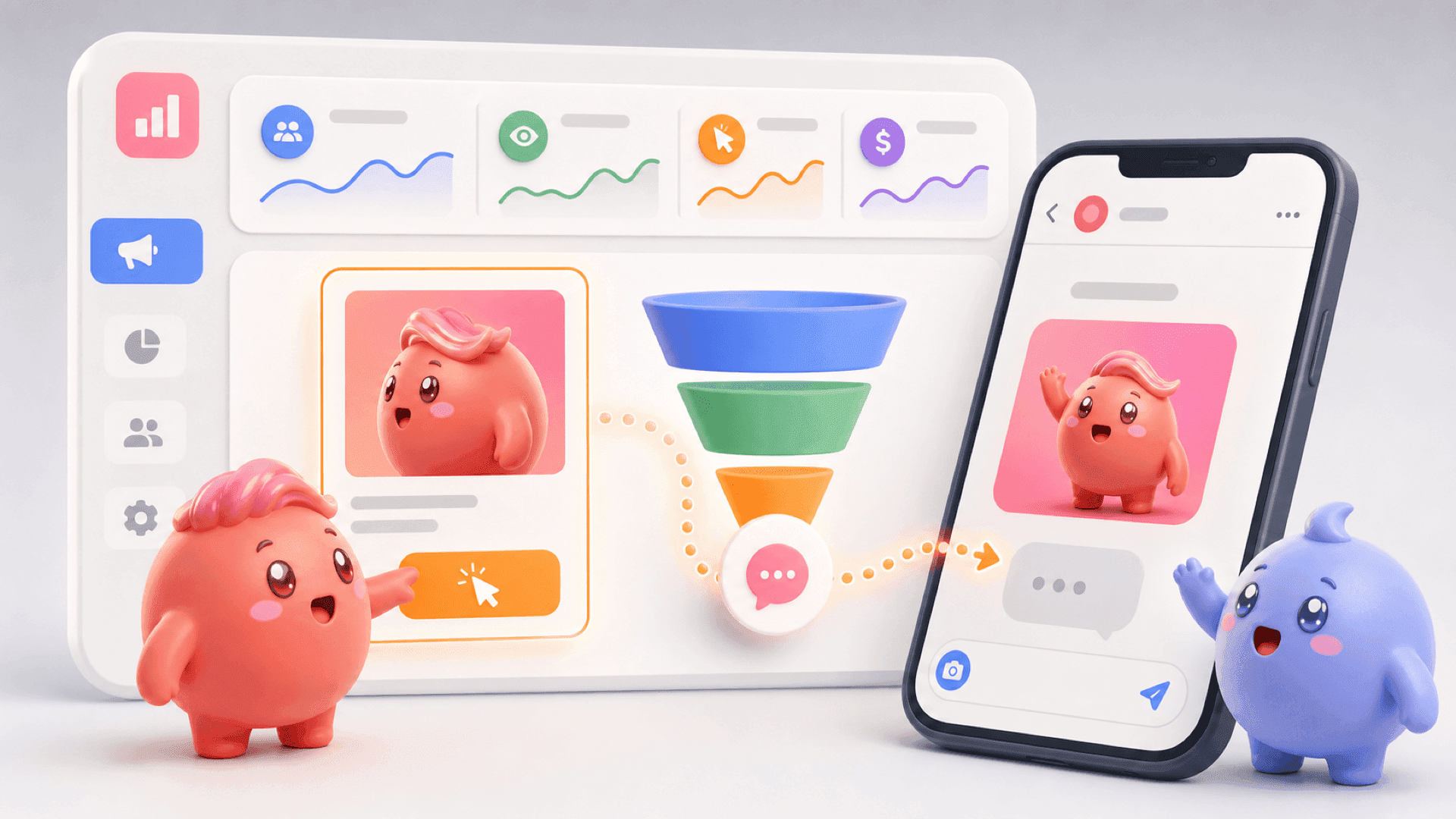
This is where scheduling and lead management need to meet. Mochi’s Content Attribution connects conversations to the content or Story that started them, while Priority Inbox helps the team handle qualified leads and follow-ups before random new messages hide them.
If your calendar is creating conversations but your inbox is losing them, start a 7-day free trial of Mochi and work with the leads already inside your Instagram DMs.
A simple weekly Instagram scheduling workflow
You do not need a complicated calendar to begin. Use a repeatable weekly process that connects content creation, publishing and inbox ownership.
- Review the previous week. Look beyond views and likes. Note which topics started useful conversations, produced qualified leads or revealed recurring questions.
- Choose the week’s priorities. Select a small number of problems, lessons or objections to address.
- Create in batches. Prepare the creative and captions together while the ideas are connected.
- Schedule the posts. Check the account, publishing time, caption and CTA for every item.
- Brief the person handling DMs. Share what is publishing, the promised resource, the likely questions and the intended next step.
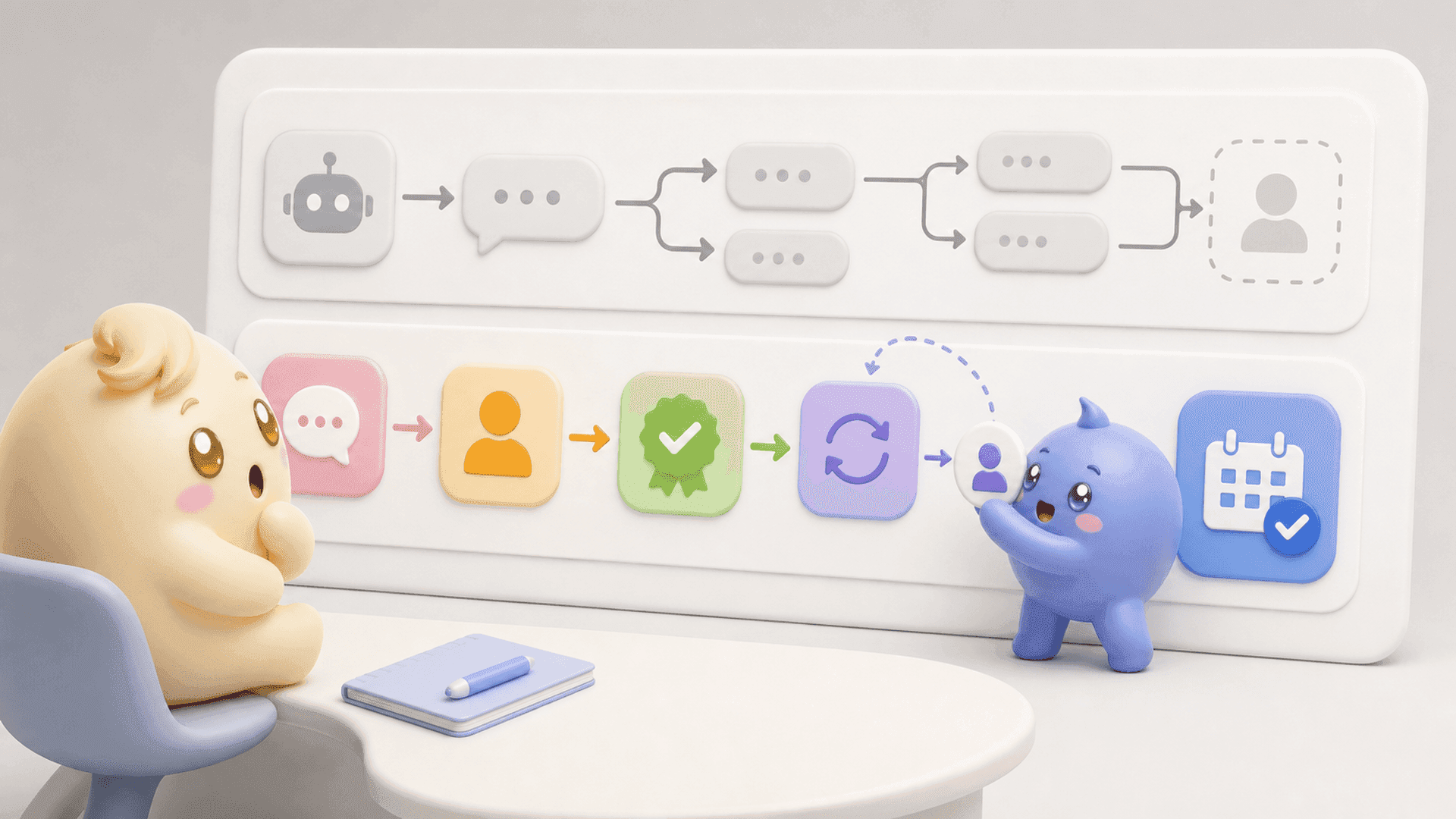
- Handle and follow up. Prioritize people who show real interest, keep the important context and return to conversations at the right time.
- Use the conversations to plan again. Repeated pains, questions and objections should shape future posts.
This creates a useful loop: content starts conversations, conversations reveal what the audience cares about and those insights improve the next content plan.
Scheduling gives you consistency. The stronger system makes sure the attention created by that consistency does not disappear inside the inbox. Mochi helps coaches, creators and digital-product businesses connect Instagram content to the DMs, identify the right people, follow up and see which sources create qualified booked calls or customers.
To turn scheduled content into a clearer DM sales process, try Mochi free for 7 days.