Instagram Messages Black Screen? Try These Fixes
Blog

Why Instagram messages may show a black screen
You tap the messages icon, open a conversation and see a black or blank screen instead of your DMs. Sometimes the inbox will not load at all. In other cases, the problem affects one conversation while the rest of Instagram still works.
A black screen usually points to a temporary loading problem rather than proof that your messages have been deleted. Possible causes include an Instagram outage, an unstable connection, outdated app software, damaged temporary app data or a display problem after an update. The exact cause is rarely obvious from the screen alone, so the safest approach is to test the simple explanations first.
Before changing anything, check whether the problem affects one chat, the entire inbox or the whole app. Also try opening Instagram on another device or in a web browser. If your messages appear there, the problem is probably limited to the app or device you were using.
If Instagram DMs are part of how your business speaks to leads, treat the interruption seriously but avoid repeatedly sending messages while the app behaves unpredictably. Duplicate replies can make the conversation more confusing when access returns.
How to fix an Instagram messages black screen
Work through these steps in order. Stop when the inbox begins loading normally.
- Check whether Instagram is down. If messages fail across several devices or accounts, the problem may be on Instagram’s side. Look for a sudden wave of recent outage reports or check Instagram’s official communications. When there is a widespread outage, waiting is usually more useful than changing every setting on your phone.
- Switch your connection. Move from Wi-Fi to mobile data, or from mobile data to a stable Wi-Fi network. Turn airplane mode on briefly and then off again. If the inbox works on one connection but not the other, the network is the likely cause.
- Force close and reopen Instagram. Remove Instagram from your recent apps, then open it again. This starts a fresh app session and can clear a temporary loading failure.
- Restart your phone. A restart clears temporary system processes that may be interfering with the app. Open Instagram after the phone has fully restarted and test the messages tab before opening several other apps.
- Install the latest Instagram update. Open your device’s app store and check for an update. If the black screen began after a recent Instagram change, a later release may contain a correction. Menu names and availability can vary by device.
- Test Instagram on the web. Sign in through Instagram’s official website and open your messages. If the web inbox works, you can continue urgent conversations while troubleshooting the mobile app.
If an important lead is waiting behind an unreliable or overloaded inbox, the technical problem can quickly become a sales problem. Try Mochi free for 7 days to manage real Instagram conversations in a system built around qualified leads, follow-ups and clear ownership.
If the basic fixes do not work
Clear temporary app data
On supported Android devices, open the device settings, find Instagram under Apps and clear its cache. Start with the cache rather than clearing all stored data. The wording and location of this control vary by phone.
On an iPhone, there may not be an equivalent one-tap cache control for Instagram. Offloading or reinstalling the app can refresh its local files, but make sure you know your login details and have access to any required verification method first.
Check display-related settings
If the conversation is present but text or controls disappear against a dark background, switch between light and dark mode and reopen Instagram. Also disable any forced color, contrast or display override temporarily. This helps separate a rendering problem from a messages-loading problem.
Log out or reinstall carefully
Logging out and back in can refresh the account session. Reinstalling Instagram is a later step because it removes local app files and requires another sign-in. Neither action should be treated as a recovery method for messages that were deliberately unsent or deleted.
Report the problem to Instagram
If the screen stays black, use Instagram’s in-app problem-reporting option from an area of the app that still works. Include:
- Your phone model and operating-system version
- Your Instagram app version
- Whether the issue affects one chat or every message
- Whether messages work on the web or another device
- When the problem started and which steps you already tried
- A screenshot or screen recording that does not expose private customer information
Do not give your password or verification code to anyone offering an unofficial repair. Use Instagram’s official app, website and support paths.
For businesses, the bigger risk is losing track of the conversation
A black screen is an obvious failure. A busy inbox creates a quieter version of the same problem: the conversation exists, but the right person cannot see or continue it when it matters.
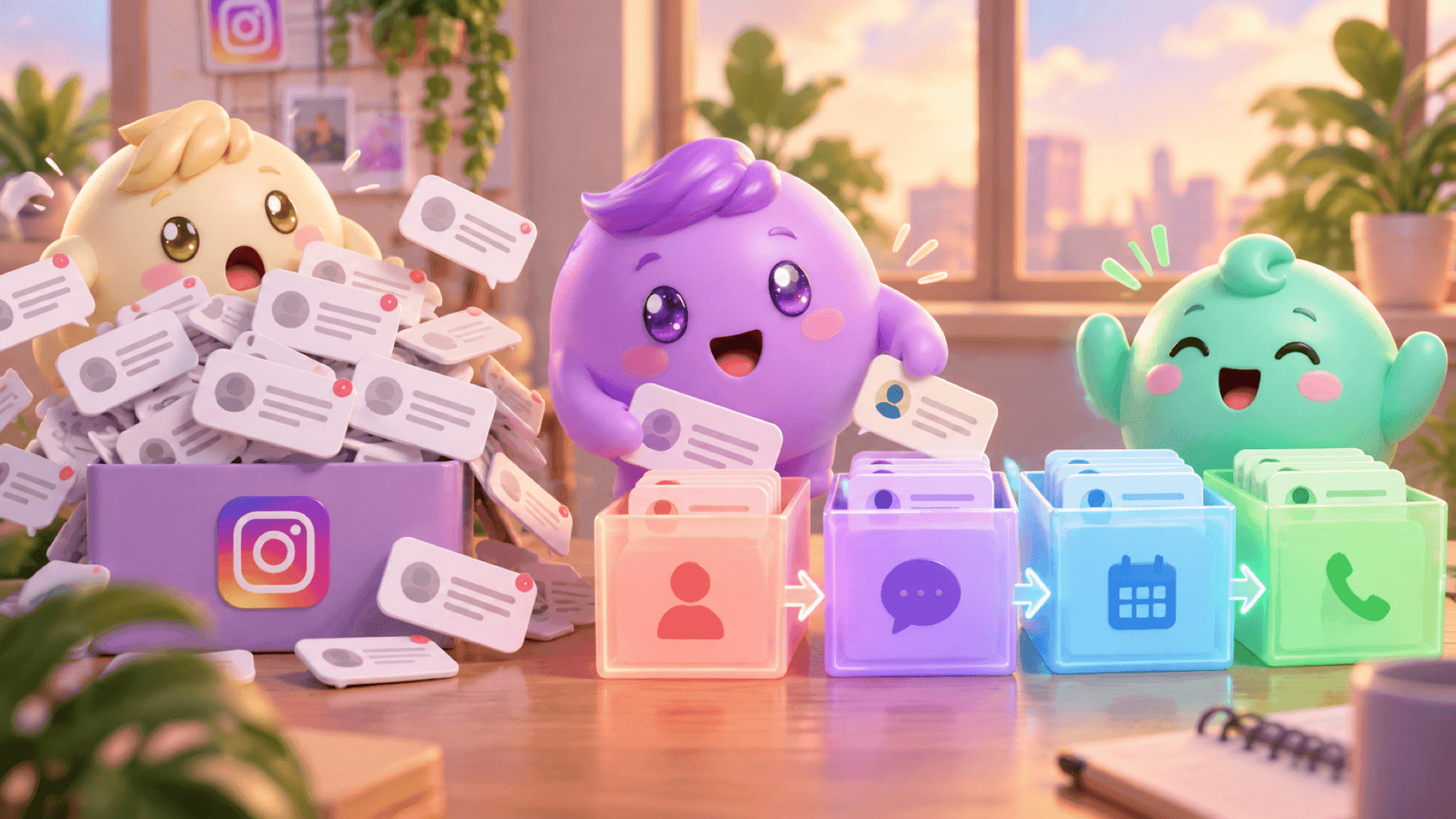
Instagram puts recent activity near the top. That means a new compliment can appear above someone who already answered your questions, asked to book a call or needs a follow-up. When the app is unreliable, or when several team members share the inbox, it becomes even harder to know who owns the conversation and what should happen next.
A simple manual safeguard is to keep an operating checklist outside the inbox:
- Record which team member is responsible for each important conversation.
- Note qualified people who need a reply or follow-up.
- Check whether a calendar link was merely sent or whether the person actually booked.
- After an outage, review active conversations before working only from the newest messages.
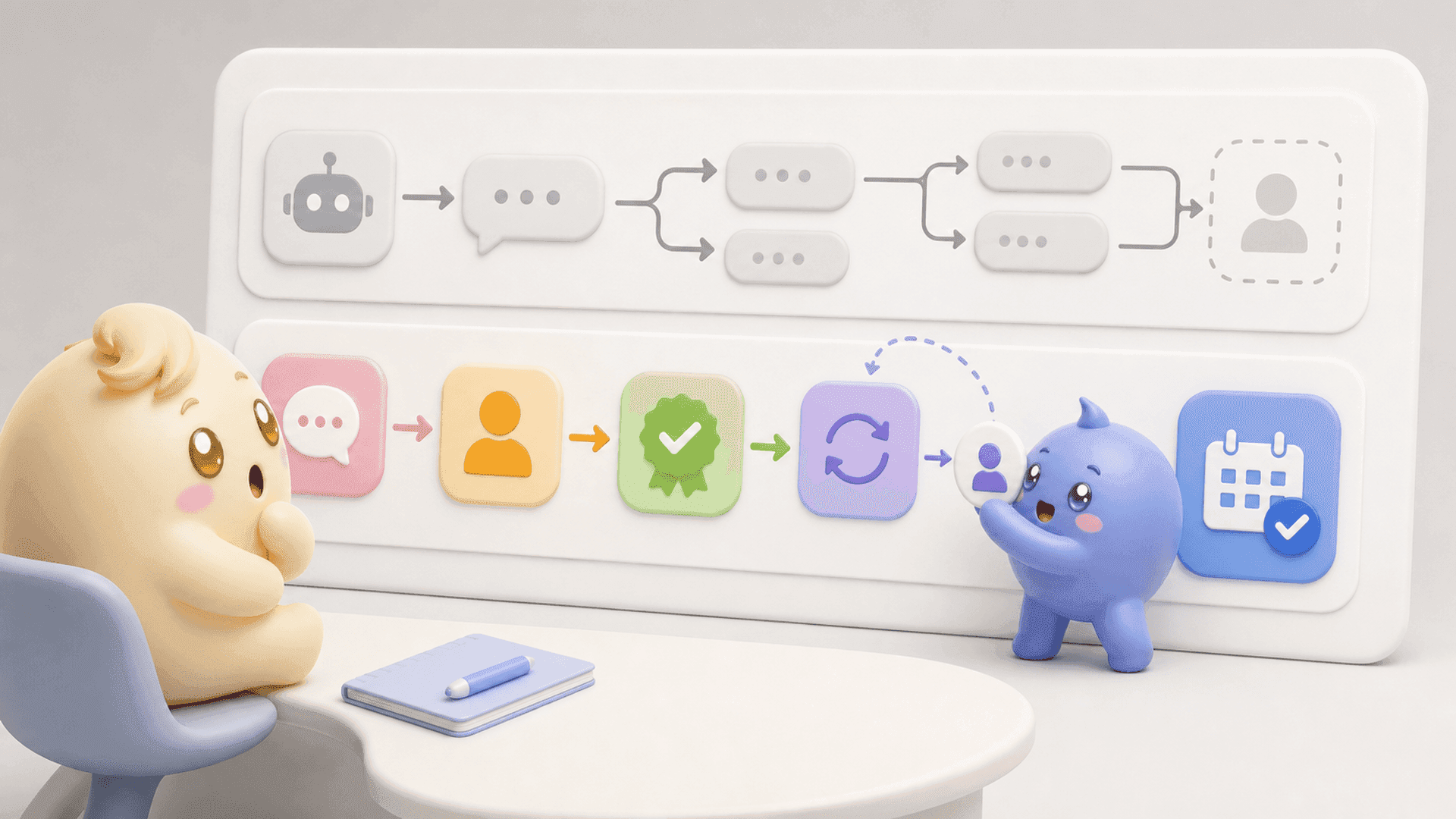
Mochi gives coaches, creators and info businesses a stronger way to run this process. Its Priority Inbox helps the team start with important leads instead of blindly working from the newest message downward. Lead Filters can surface groups such as qualified leads, follow-ups or conversations assigned to one person. Scheduled Follow-Ups keep an interested person from depending on somebody’s memory, while Conversation Summaries give the next person the context needed to reply like the business actually listened.
Mochi does not fix a black screen inside the Instagram app, and no tool can prevent every platform outage. Its role is different: helping the business manage the sales process around the conversations so qualified people are less likely to disappear under random new messages.
If Instagram DMs are a real sales channel for your business, do not let the entire process live in one crowded inbox. Try Mochi free for 7 days and organize the conversations already coming into your business.