Live Chat Alternatives: How to Choose the Right System for Instagram DM Sales
Blog

Searching for live chat alternatives sounds simple until you realize that “live chat” can describe several completely different jobs. One business needs a chat box for website support. Another wants one inbox for several messaging channels. A creator may need to send an Instagram DM when somebody comments on a Reel. A coaching business may already receive plenty of DMs but struggle to turn those conversations into qualified booked calls.
Those businesses should not choose the same tool. The right choice depends less on which platform has the longest feature list and more on where conversations begin, who handles them and what outcome the business needs.
This guide explains the main categories of live chat alternatives, the questions worth asking before you switch and what to look for when Instagram is a serious sales channel.
Why businesses look for live chat alternatives
A basic live chat tool works well when somebody visits a website, asks a question and expects a quick answer. The conversation is usually support-led: help the visitor find information, solve a problem or decide what to buy.
That model becomes less useful when the real customer journey starts somewhere else. A coach might publish a Reel and ask viewers to comment a keyword. A creator might receive replies to a Story. A sales team might begin conversations through manual outbound messages. In each case, the important work happens inside social DMs rather than a website widget.
The problem is not necessarily that live chat is bad. It may simply be built for a different workflow. Before comparing products, define what you are replacing:
- A website conversation tool: visitors need help while browsing your site.
- A support inbox: a team needs to answer questions from several channels.
- A messaging automation tool: people need an immediate first response after a trigger.
- A sales conversation system: the team must qualify people, follow up and track which conversations become calls or customers.
If your main problem is losing qualified Instagram conversations beneath random new messages, a conventional website chat replacement may not solve it. Try Mochi free for 7 days to organize the leads already inside your Instagram inbox.
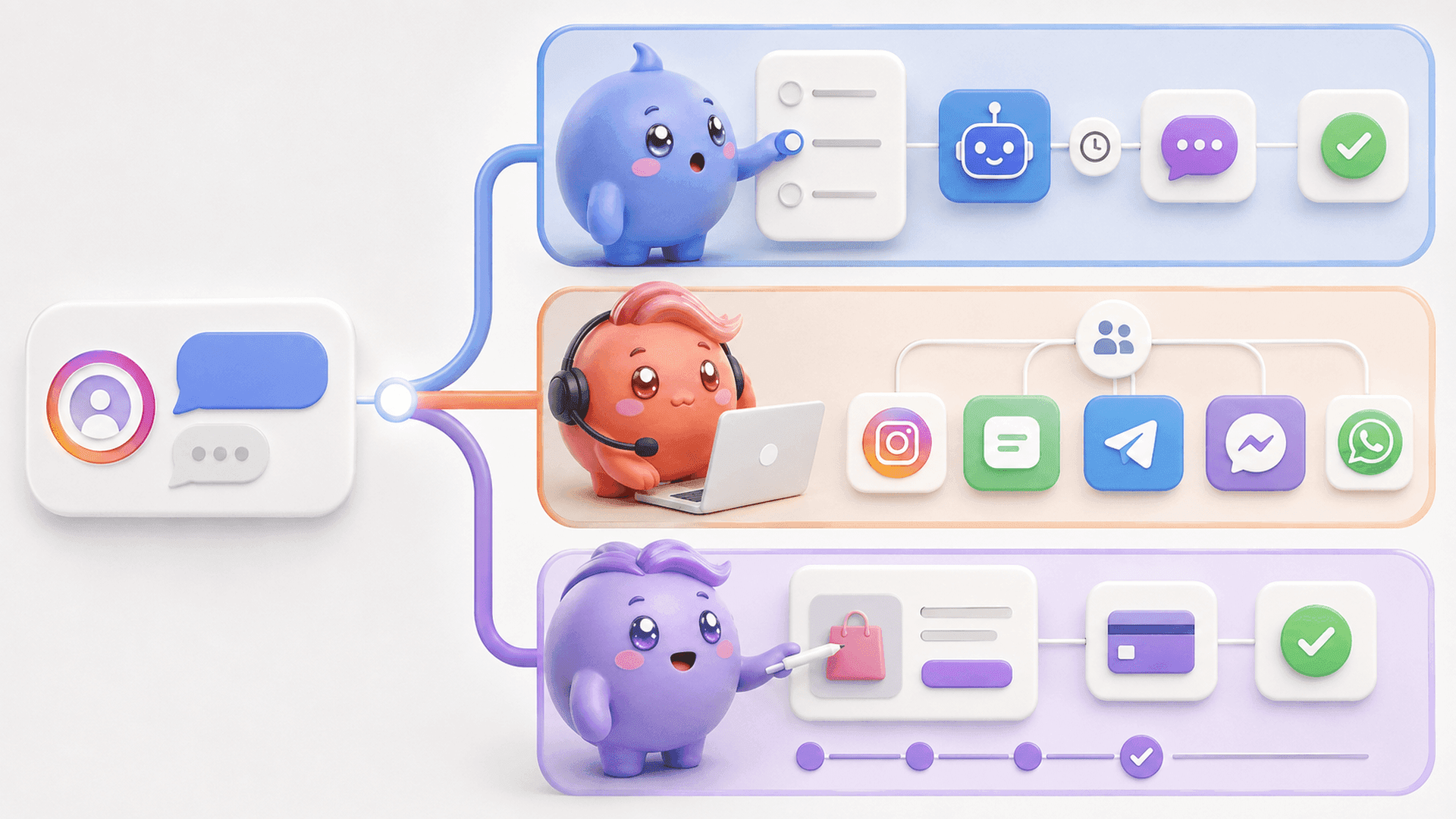
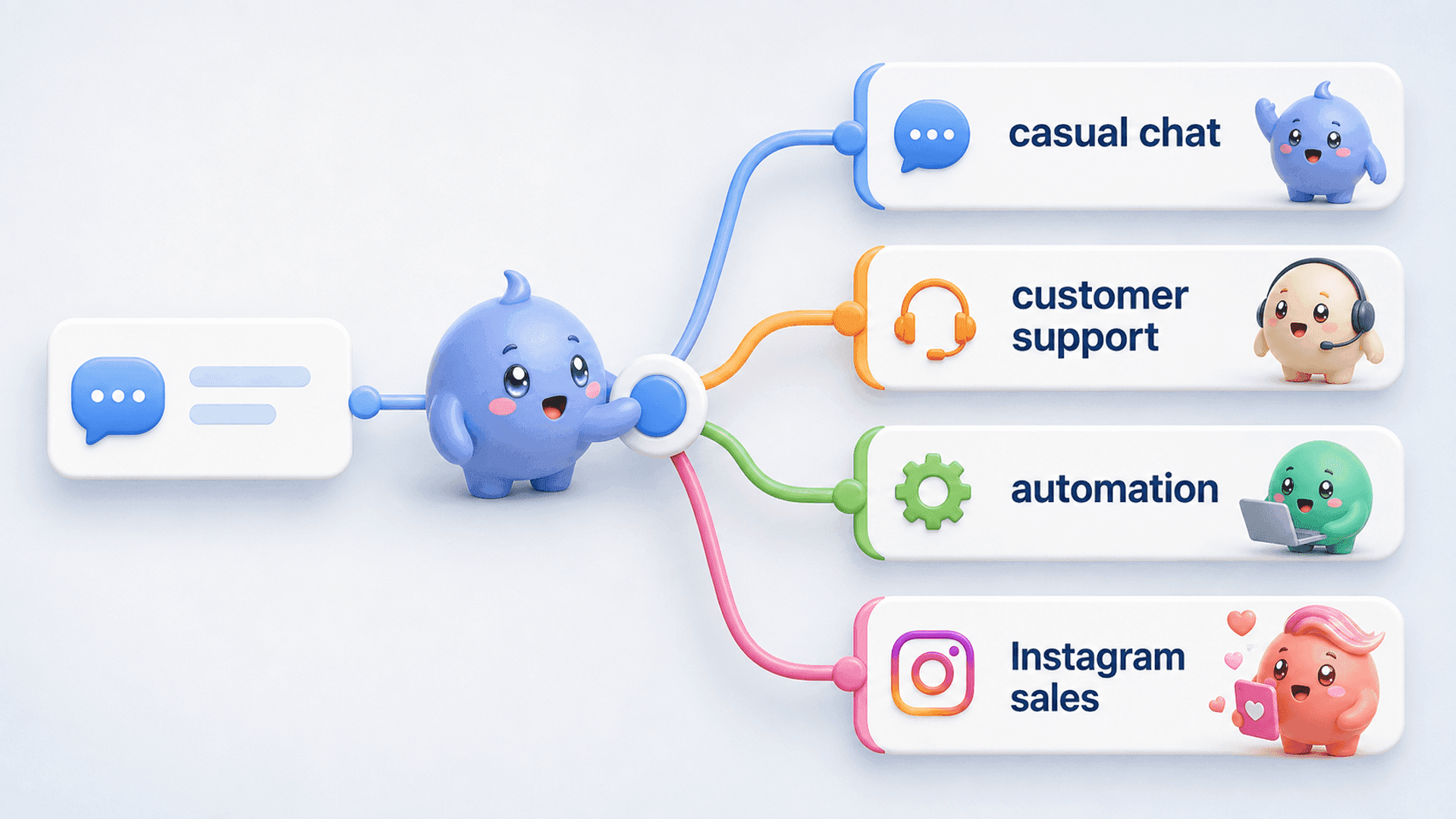
The four main types of live chat alternatives
1. Website chat and customer-support tools
Choose this category when most conversations start on your website and the primary goal is customer service. Useful capabilities may include a site widget, help-desk routing, conversation history and support reporting.
This can be the right fit for an ecommerce store answering delivery questions or a software company helping users inside its product. It is less likely to fit an Instagram-first sales team if it cannot show who is qualified, who needs a follow-up or what happened after a booking link was sent.
2. Omnichannel shared inboxes
A shared inbox brings messages from several channels into one place. It can help a support or sales team avoid switching between separate accounts and give each conversation a clear owner.
The tradeoff is depth. A broad tool may cover many channels without being built around the exact sales process used on any one of them. Check whether the system merely displays Instagram messages or actually supports the stages, follow-ups and reporting your team needs.
3. Chatbots and messaging automation
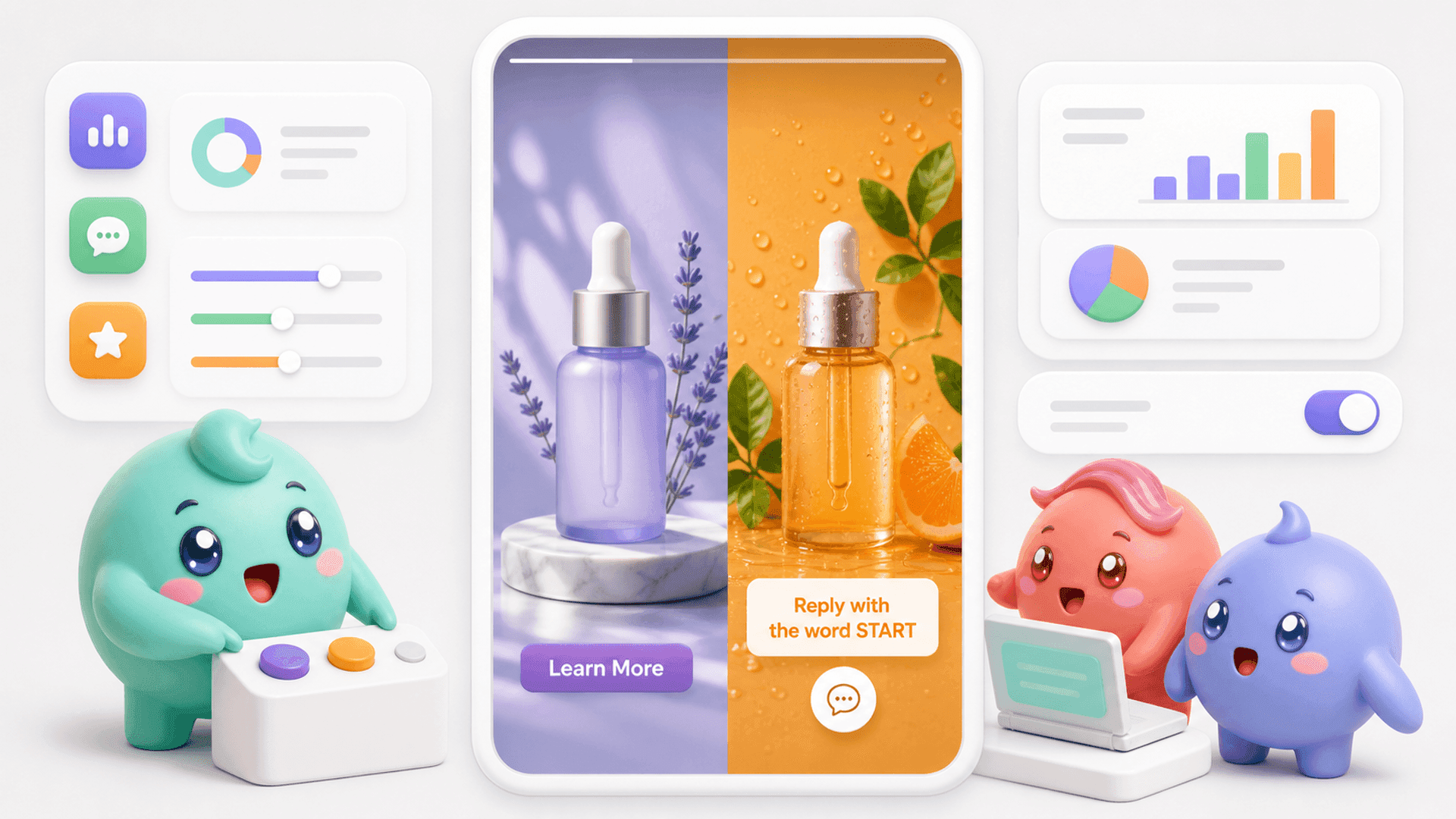
Automation tools are useful when the main job is starting or routing conversations. For example, somebody comments a keyword and immediately receives a DM with the requested resource. That fast first response can prevent attention from being lost while it is fresh.
But the first message is only the beginning. The team may still need to understand the person, ask qualifying questions, follow up, send a calendar link and see whether the lead booked. When comparing automation tools, look beyond the number of triggers and flows. Ask what happens after a human conversation begins.
4. Instagram DM sales systems
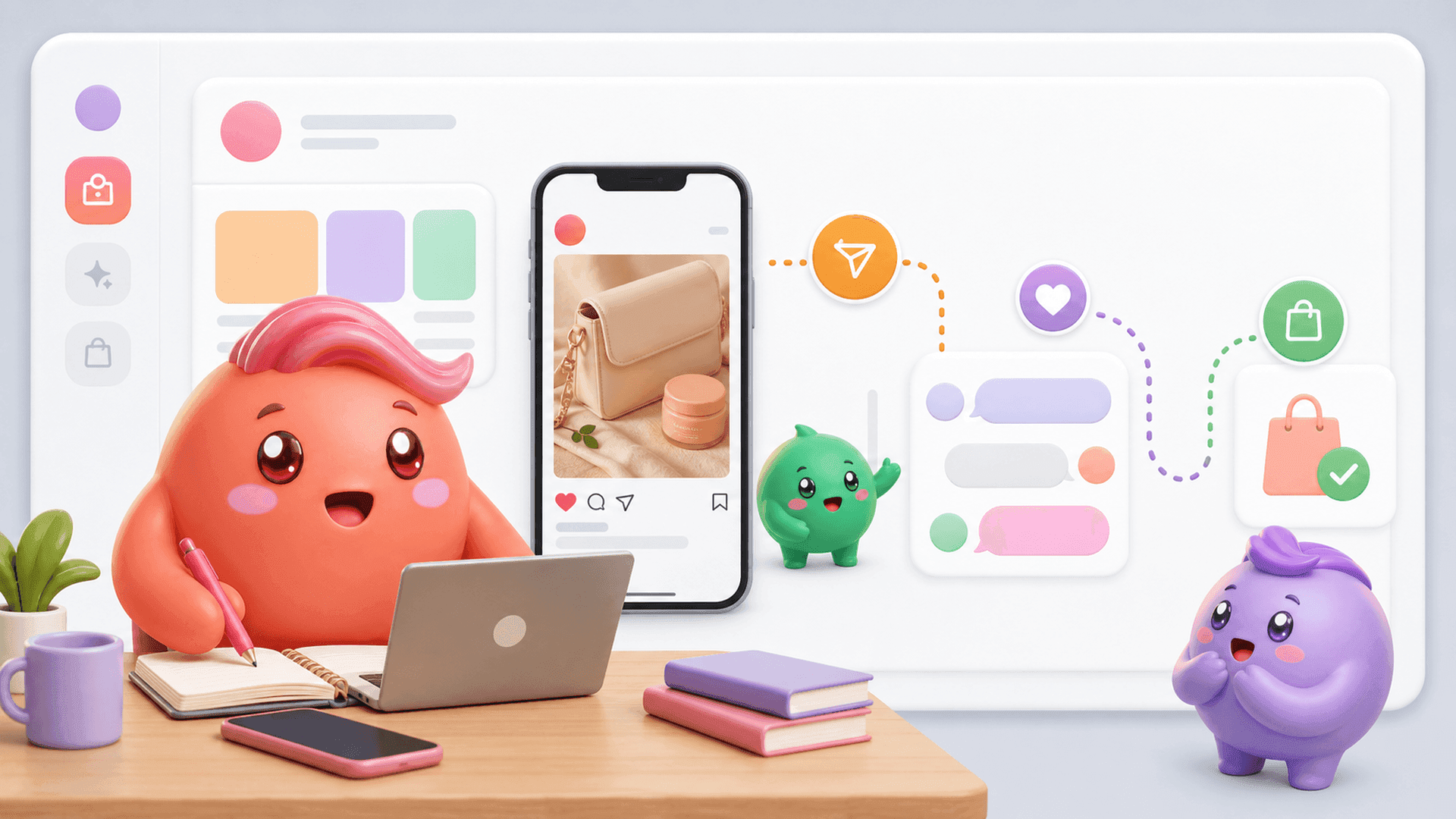
This category is for businesses that treat Instagram as a real sales channel. The goal is not simply to answer messages. It is to help the person handling the DMs focus on the right leads, continue conversations with context and understand which activity creates qualified booked calls or customers.
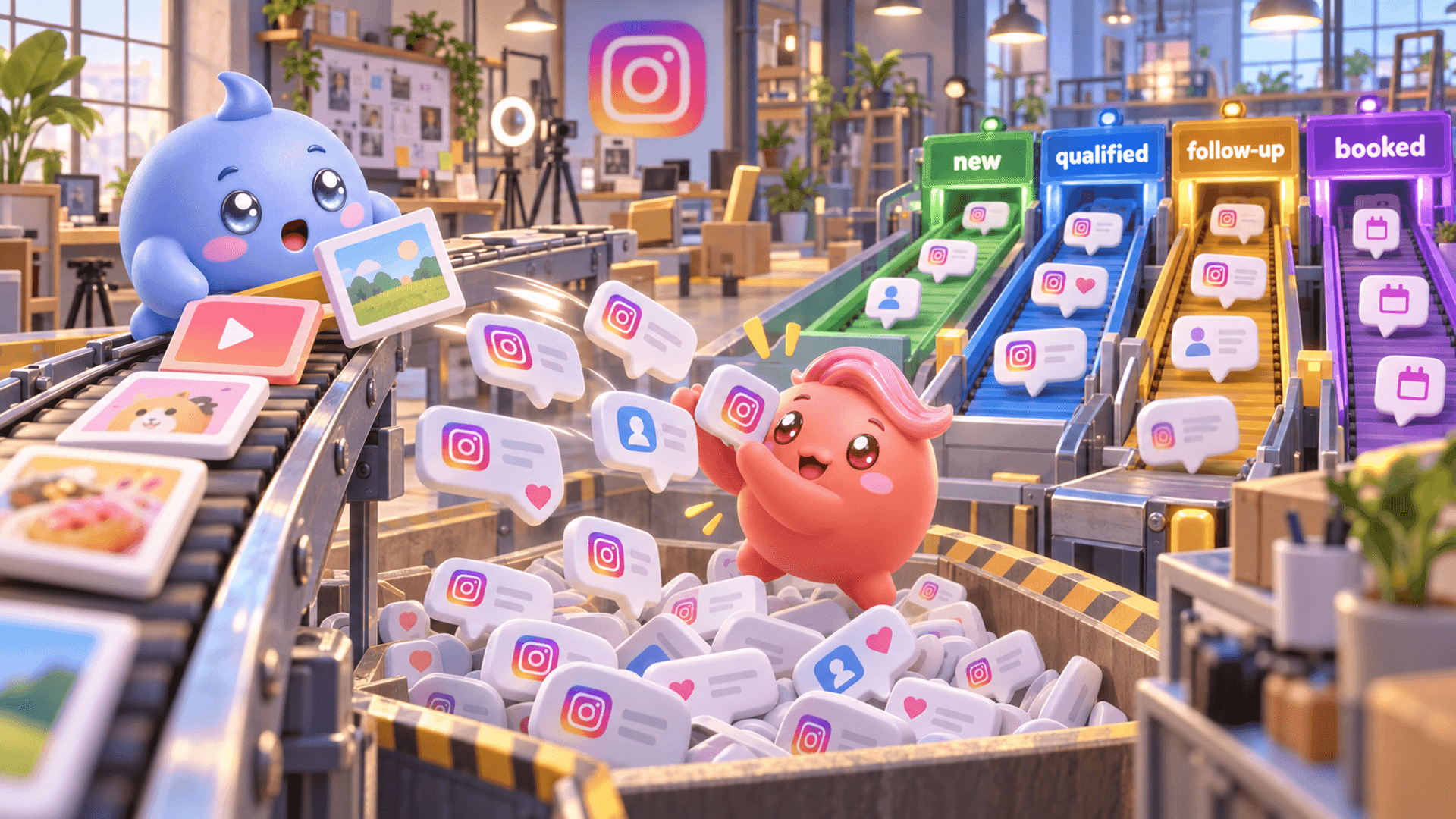
This distinction matters because Instagram puts the newest message at the top. A compliment from one minute ago can sit above a qualified person who already asked to book. A busy team can answer messages all day while the conversations closest to a sale wait below them.
How to compare live chat alternatives
A useful comparison starts with your workflow rather than a generic checklist. Map the journey from the moment somebody starts a conversation to the final business outcome, then test each option against that path.
- Identify the main channel. Decide whether most valuable conversations begin on your website, Instagram, WhatsApp or across several channels. A tool designed around your primary channel will usually be more useful than one that technically connects to it.
- Define the result. Support teams may care about resolution and response time. Instagram sales teams may care about qualified leads, booking links, booked calls and customers. Make sure the reporting follows the result you actually want.
- Check how priority works. Recency is not the same as importance. Ask whether your team can find qualified people, overdue follow-ups and conversations at a particular stage without opening chats one by one.
- Test ownership and handoffs. Every active conversation should have a clear owner. When another team member takes over, they should be able to understand what the person wants, what they have already said and what needs to happen next.
- Inspect follow-up controls. Interested people rarely move forward on the first exchange. Look for a dependable way to bring conversations back at the right time without relying on unread messages, memory or scattered notes.
- Follow links beyond “sent.” If your process uses a calendar link, knowing that it was sent is not enough. The team needs to distinguish between somebody who never opened it, somebody who clicked but did not choose a time and somebody who booked.
- Measure the full path. Count how many conversations become qualified, receive the next step, book and buy. A final sales number cannot show where people disappeared.
A simple evaluation exercise
Before starting a trial, take a small group of real conversations and walk them through the tool. Try to answer these questions without using a separate spreadsheet:
- Which conversations need attention first?
- Who owns each conversation?
- What important details did each person share?
- Who needs a follow-up today?
- Who received or opened the calendar link but did not book?
- Which source or piece of content started the conversation?
- Where are qualified people dropping out?
If the tool cannot answer the questions that control your revenue, it may give you another inbox without giving you a better sales process.
If Instagram is your main sales channel and you want the team to prioritize, qualify and follow up from one system, start a 7-day free trial of Mochi.
When Mochi is the stronger alternative
Mochi is built for coaches, creators and info businesses that get leads through Instagram and sell through DMs or book calls for a sales team. It is not trying to be a generic live chat platform for every customer-support channel.
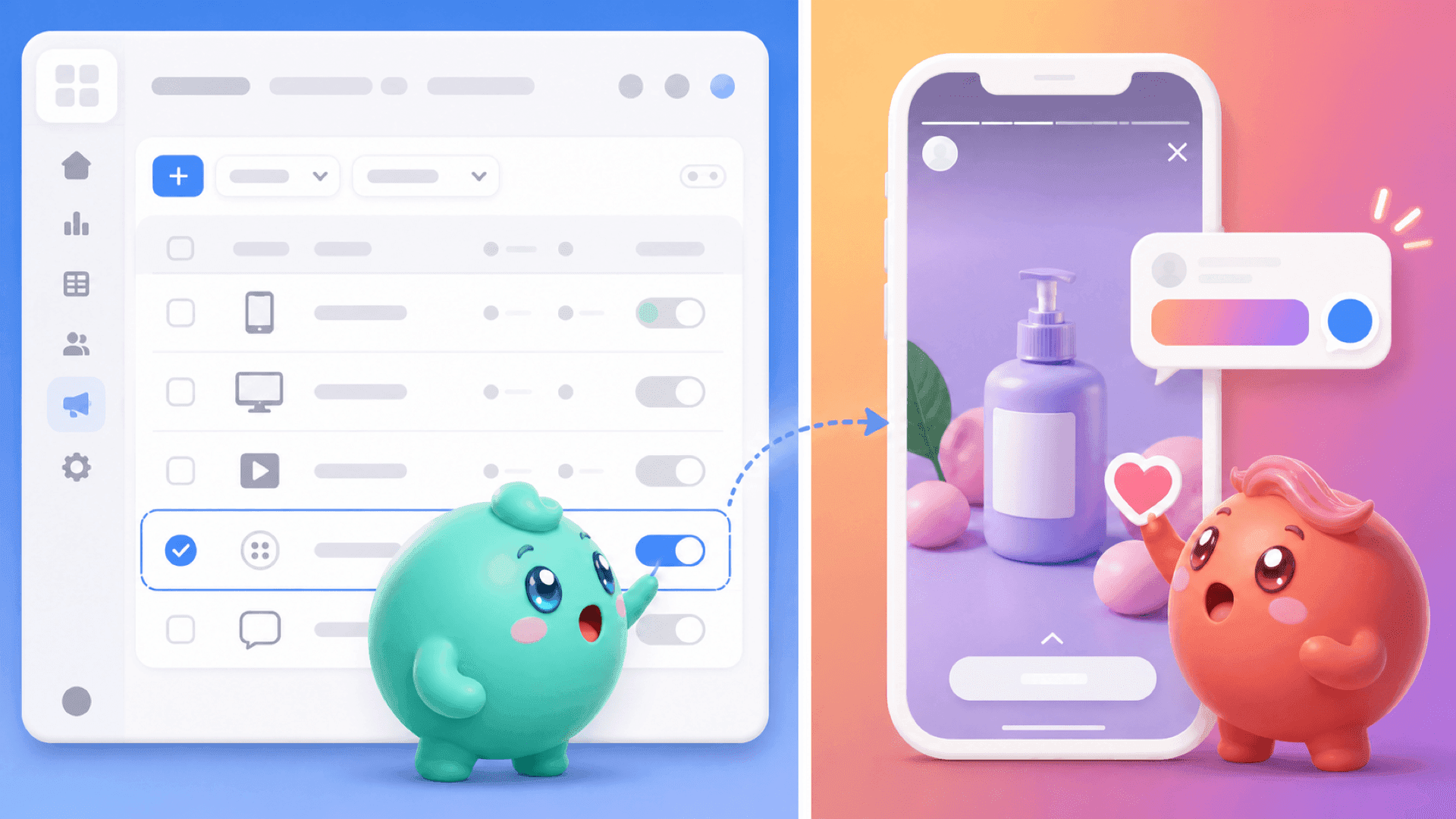
Its value becomes clear after conversations start. Imagine that a Story brings many new messages into the inbox. The person handling those DMs may naturally work from the newest message downward. Meanwhile, somebody who already answered the qualifying questions and asked to book is waiting lower in the inbox.
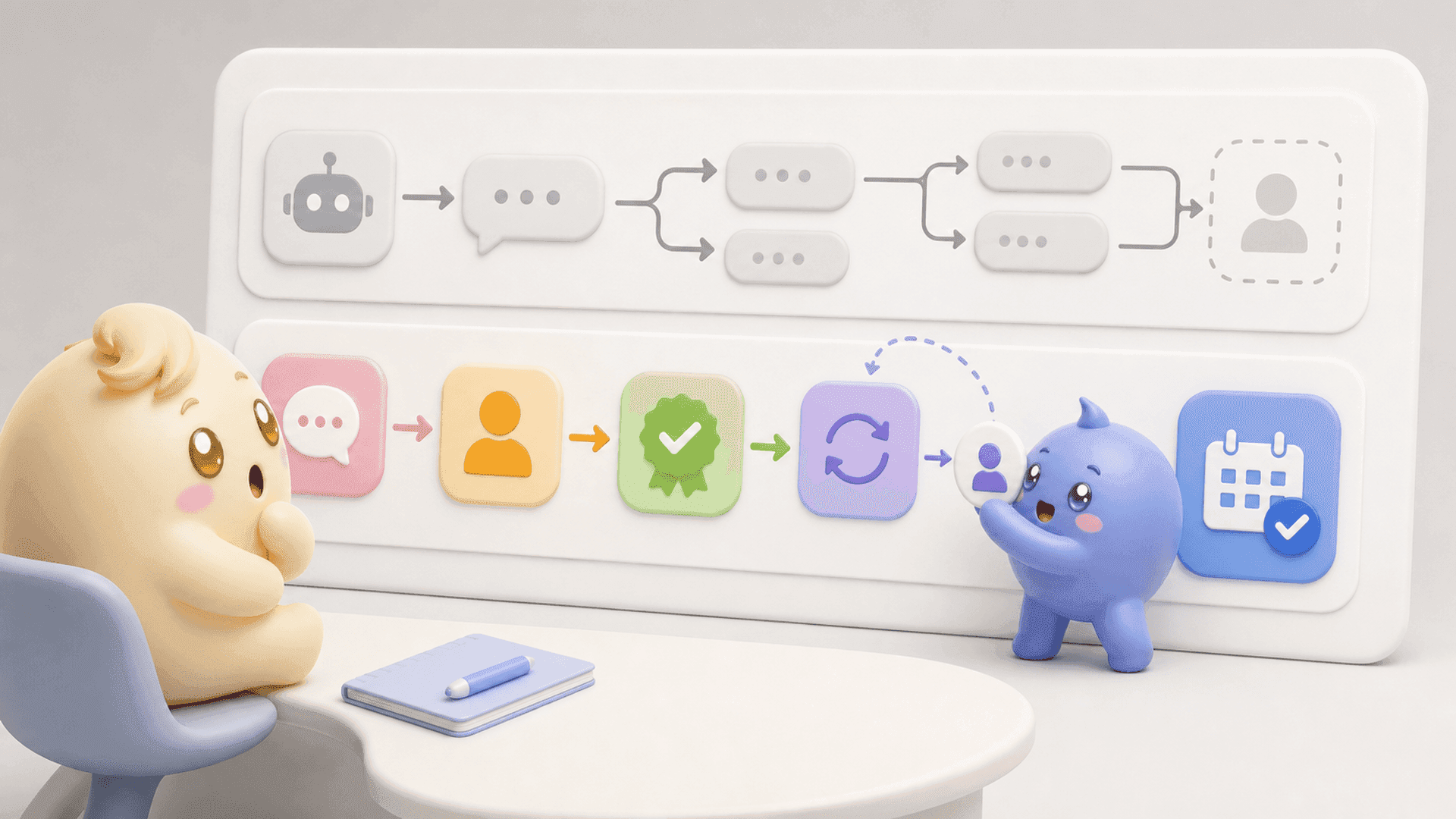
Mochi changes that workflow in connected steps:
- Priority Inbox and Lead Filters help the team find qualified leads, follow-ups and other important groups instead of searching through every recent message.
- AI Tags read what people say and organize useful lead information according to the business’s own rules.
- Conversation Summaries surface the person’s goals, pain points, objections and important details so the next reply does not feel generic.
- Scheduled Follow-Ups bring interested people back at the right time, with an option to skip the scheduled message if they reply first.
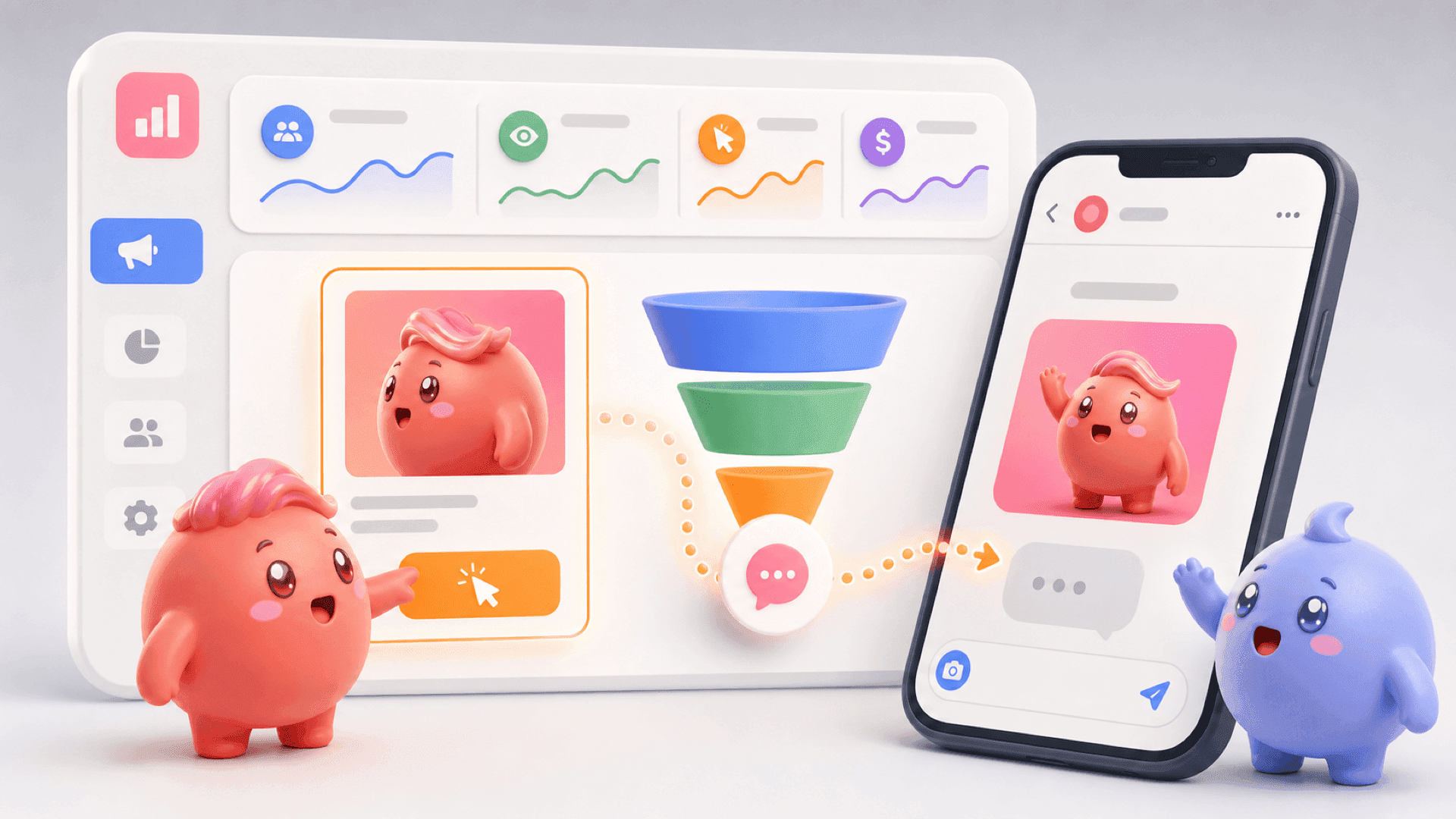
- Calendar Link Tracking shows who received the booking link, who opened it and who booked.
- Custom Funnels and the DM Sales Pipeline show how conversations move from new lead to qualified, booked and sold, helping the founder see where people disappear.
This is the difference between answering chat messages and running an Instagram DM sales operation. One keeps the inbox moving. The other helps the team decide who matters, what to say next and whether the conversation created a real result.
Choose for the job you actually need done
The best live chat alternative is not automatically the cheapest tool or the one that supports the most channels. It is the one built around the conversations that matter most to your business.
Choose website chat when visitors need help while browsing. Choose an omnichannel inbox when your team must manage support across several places. Choose automation when the immediate first response is the main problem. Choose an Instagram DM sales system when people already enter your DMs but the team struggles to prioritize, qualify, follow up and see what becomes a booked call or customer.
You do not always need more leads. Sometimes the good people are already there and the current inbox makes them too easy to lose. To give those conversations a clearer path forward, try Mochi free for 7 days.