How to Create a QR Code for Your Instagram Account
Blog

What is a QR code for an Instagram account?
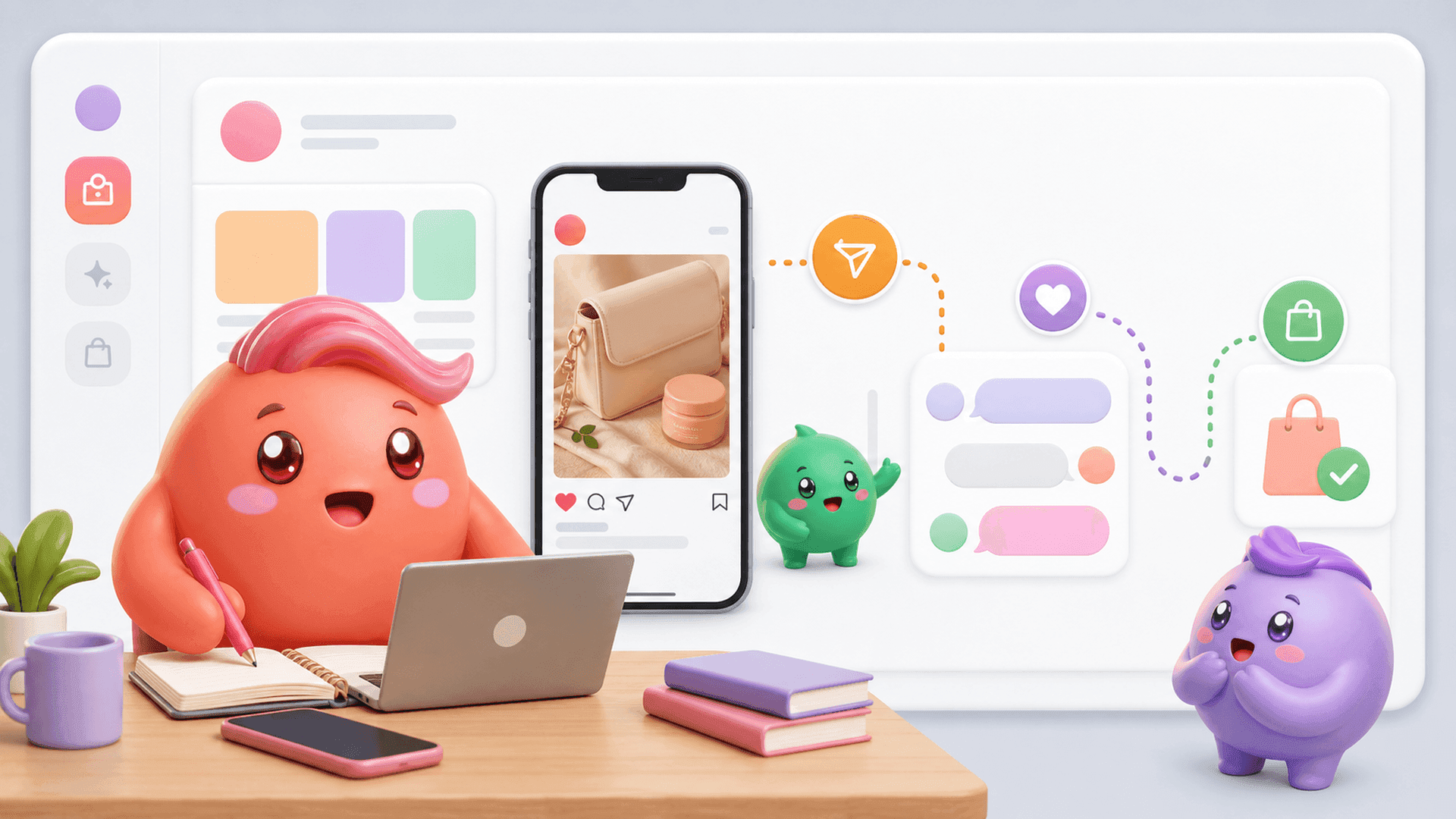
A QR code for an Instagram account is a scannable code that opens an Instagram profile. Instead of asking somebody to type and check a username, you can let them scan the code with a phone and reach the account directly.
That makes the code useful anywhere someone sees your business away from the Instagram app. You could place it on an event sign, product insert, printed guide, presentation slide or reception desk. It can also appear in a digital document when the reader may be viewing that document on a different device.
The important distinction is that a profile QR code creates a route to your profile. It does not automatically create a qualified lead, start a useful sales conversation or make somebody buy. The profile still needs to tell visitors what the business offers and what they should do next.
For coaches, creators and digital-product businesses, that next action might be to follow the account, read a pinned post or send a specific word by DM to receive a resource. The QR code removes one small piece of friction, while the profile and call to action do the real work.
How to create a QR code for your Instagram account
Instagram normally provides a shareable QR code from the account's profile area. Menu names and placement can change between app versions, but the basic process is straightforward:
- Open the correct Instagram account. Check the username before creating or downloading anything, especially if you manage several accounts.
- Go to the profile. Look for the profile-sharing control. Depending on the current app version, this may appear as Share profile or as a QR code option in the profile menu.
- Open the QR code. Instagram will display a code associated with that profile.
- Save or share it. Use the available save, download, screenshot or share option provided by your device and current version of Instagram.
- Test the final asset. Scan it from another phone before publishing or printing it.
Test the version people will actually see
Do not stop after testing the image on your screen. If the code will be printed, test a printed proof at the intended size. If it will appear on a presentation slide, test it from the back of the room. Make sure there is enough contrast and clear space around the code, and avoid placing it over a busy image.
Confirm that the scan opens the intended profile and that the username, bio, profile image and next action are correct. A working code that sends people to an unclear or outdated profile only moves the confusion to the next step.
If your QR code is bringing more people into an account that sells through DMs, the inbox needs to be ready for them. Try Mochi free for 7 days to organize the conversations already entering your Instagram account.
How to turn scans into useful Instagram conversations
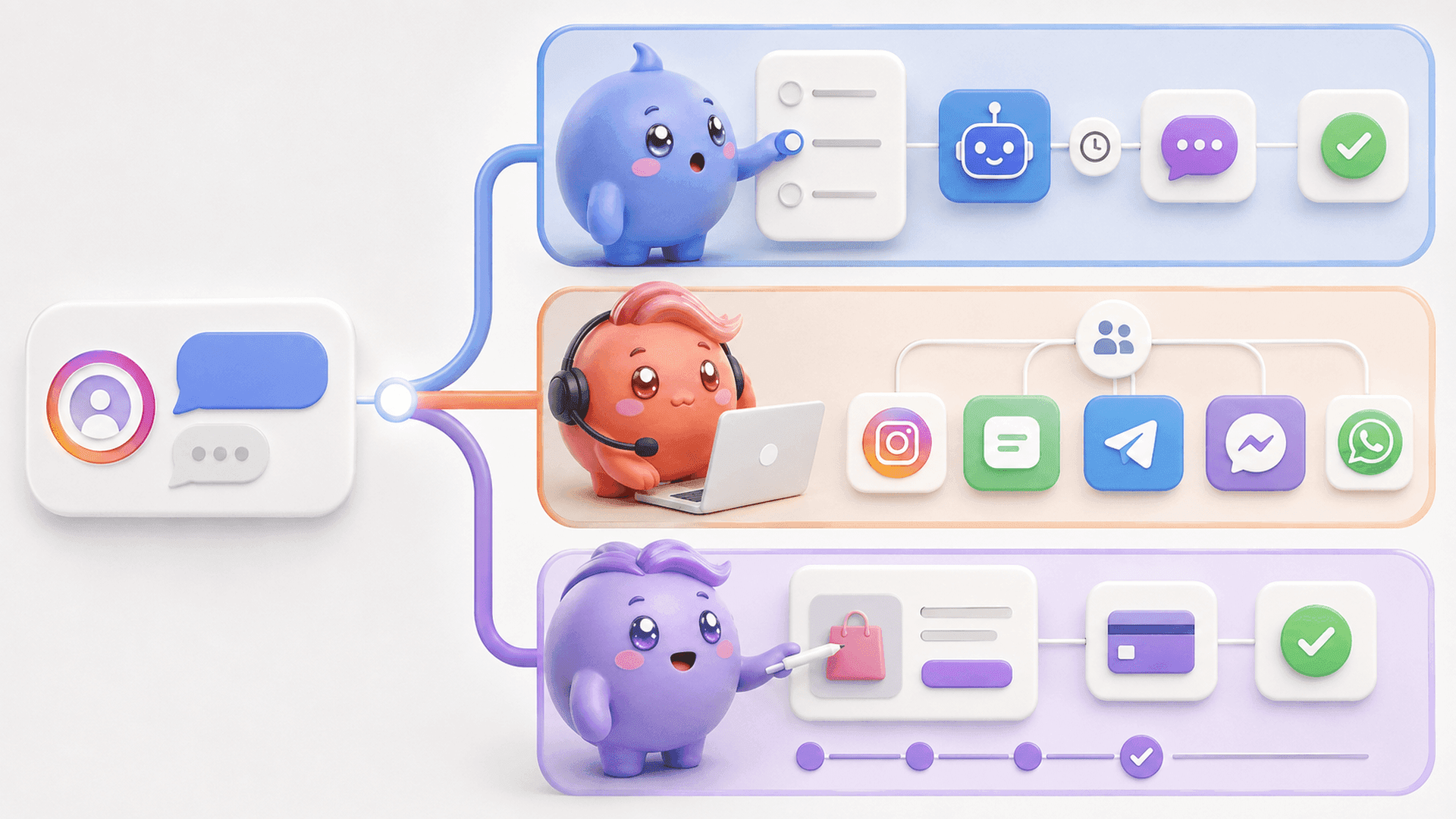
A QR code works best when the person knows why they should scan it. “Follow us on Instagram” may be enough for a general awareness campaign, but it is weak when the business wants questions, leads or sales conversations.
Give the code one clear job. Useful examples include:
- Scan to see the full tutorial on Instagram.
- Scan to view the coach's profile and send a DM about the program.
- Scan and message a specific word to receive a guide.
- Scan to ask a product question in the DMs.
- Scan to follow the account for the next lesson in a series.
Keep the promise beside the code rather than expecting the visitor to work it out. Then make sure the Instagram profile continues the same message. If a sign promises a free training, the bio or pinned content should make the training easy to find. If the goal is a DM, tell the visitor what to send and what they will receive.
Plan what happens after the first message
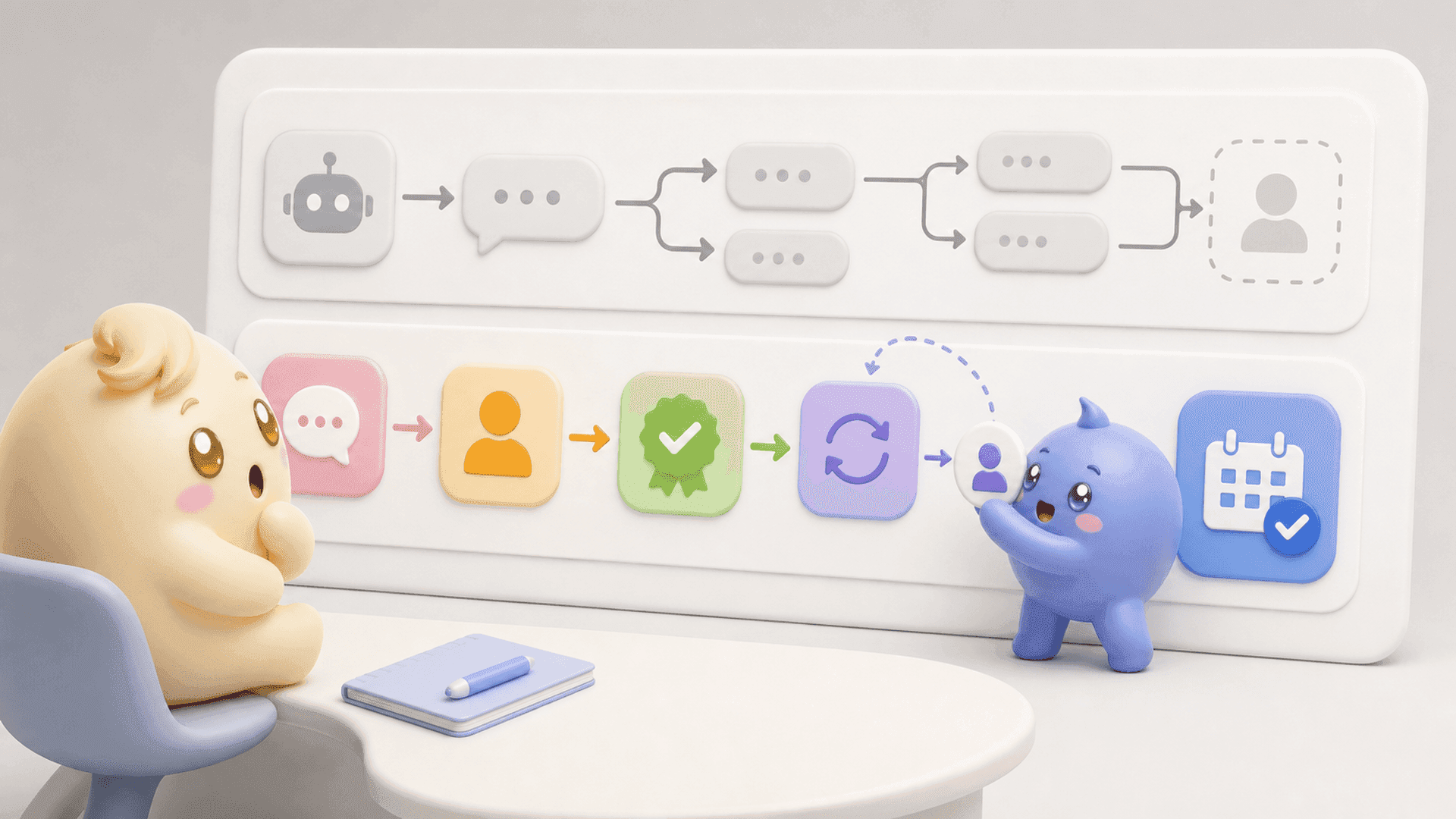
The scan is only the beginning. Once somebody enters the DMs, the person handling the inbox may need to ask questions, understand whether the person is a good fit, follow up and move the conversation toward a purchase or booked call.
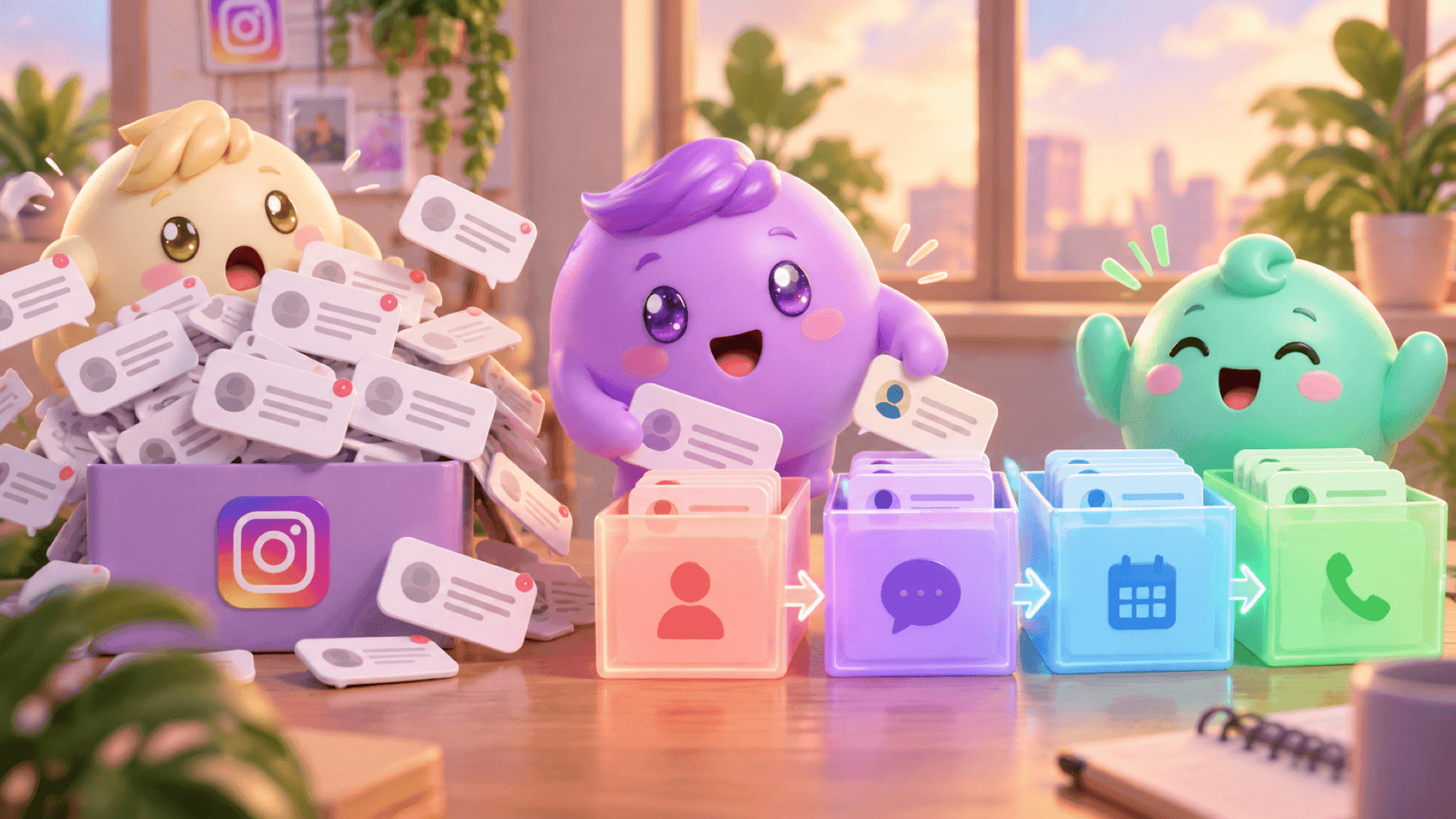
This is where a successful campaign can become messy. A QR code at an event may create a burst of profile visits and messages. Instagram shows recent activity, but the newest message is not always the most important conversation. Somebody who already answered the qualifying questions or asked to book can end up waiting below newer messages.
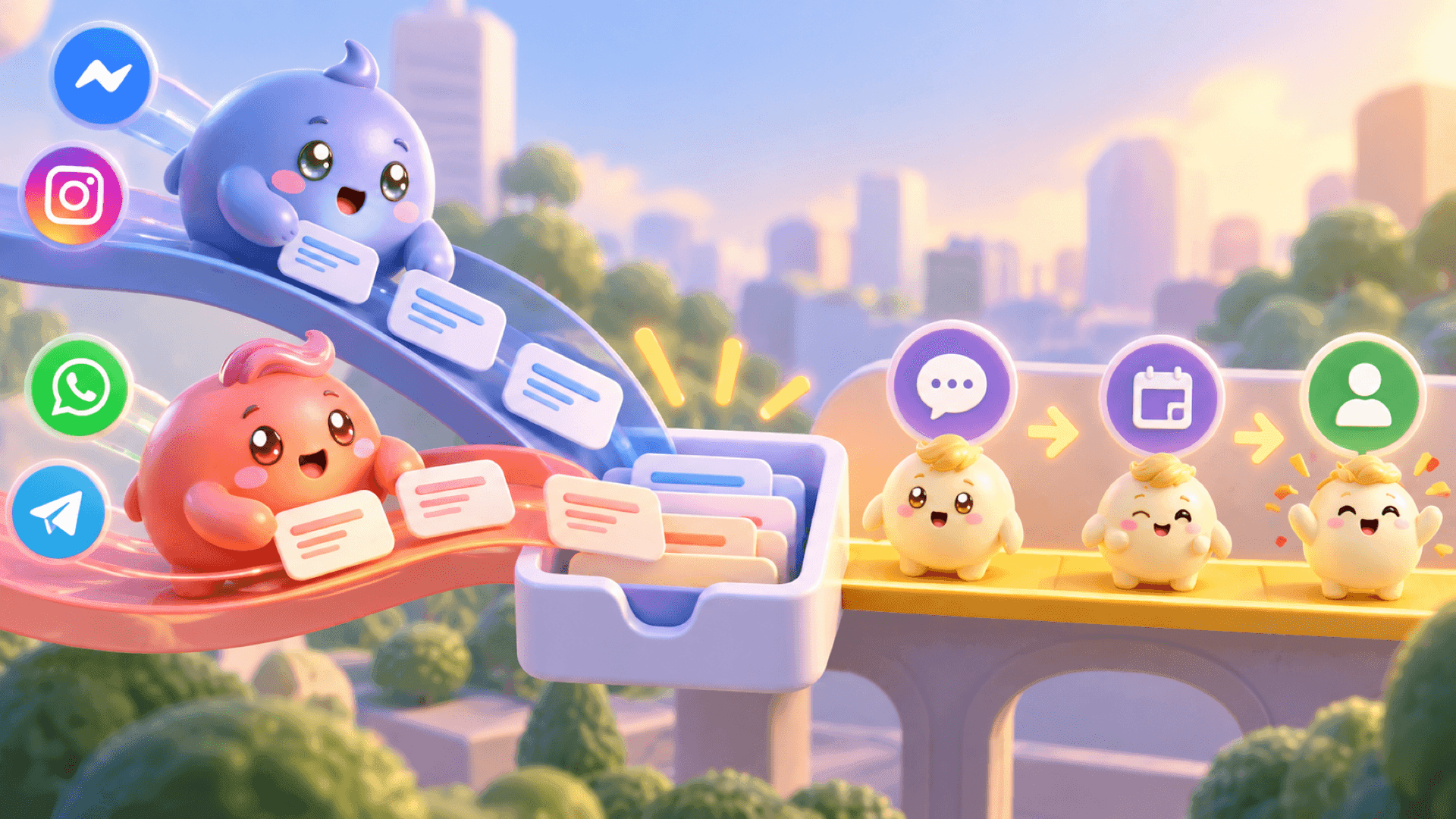
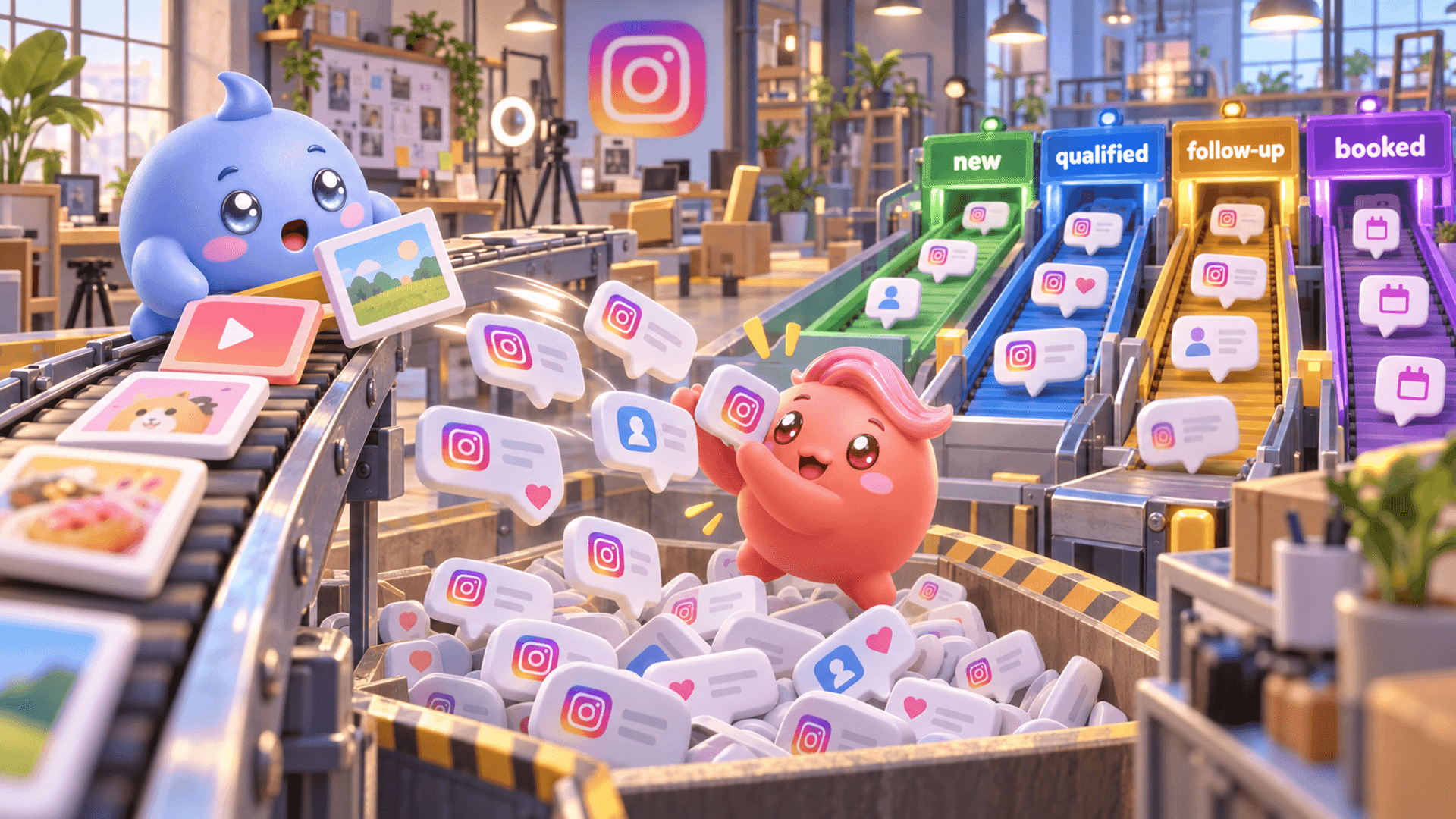
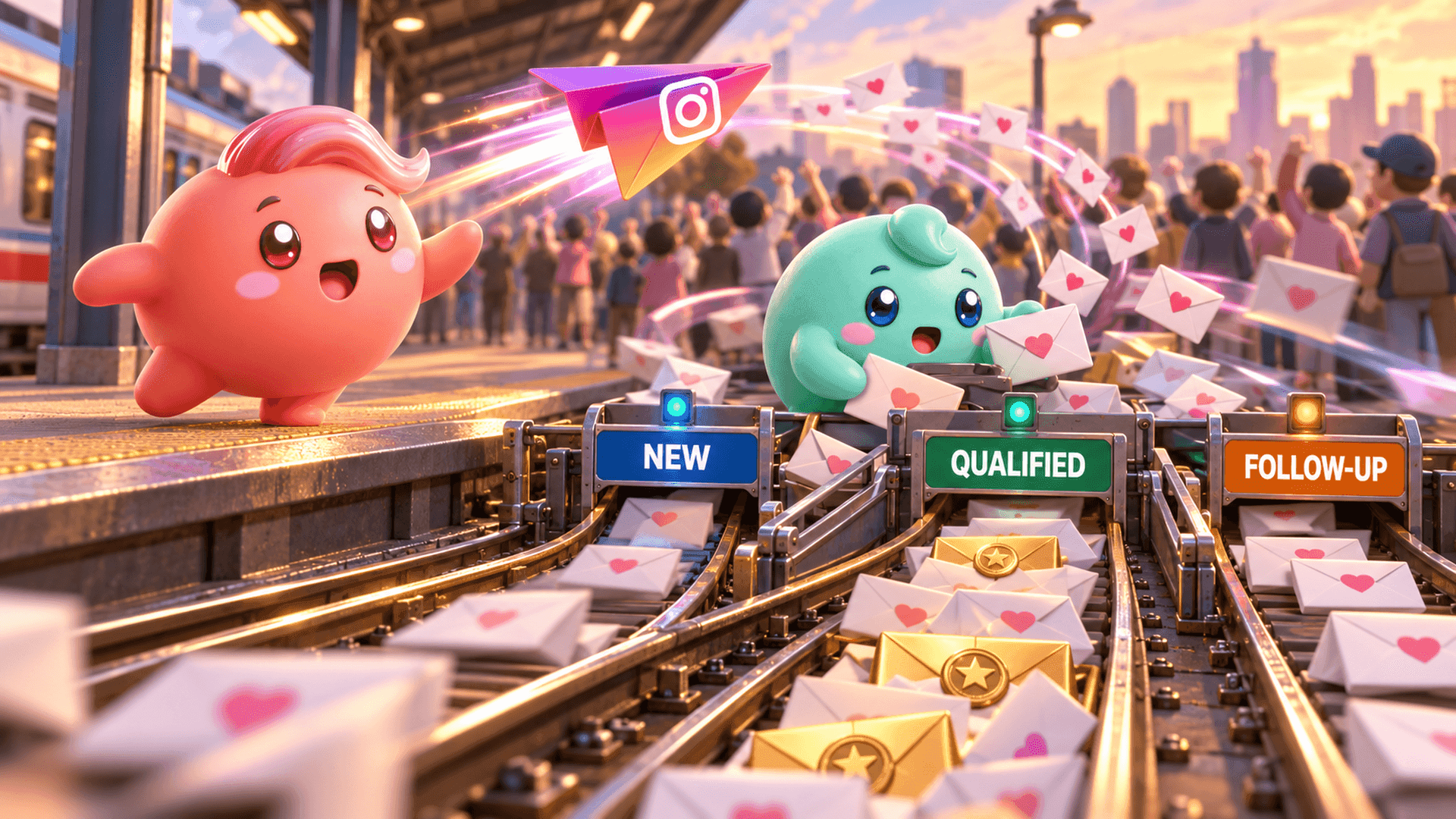
A simple manual process is to define the next stages before sharing the code: new conversation, in contact, qualified, follow-up and booked call or customer. Decide who owns each conversation and when follow-ups should happen. The aim is not merely to collect more DMs. It is to help the right conversations keep moving.
Manage the demand your QR code creates
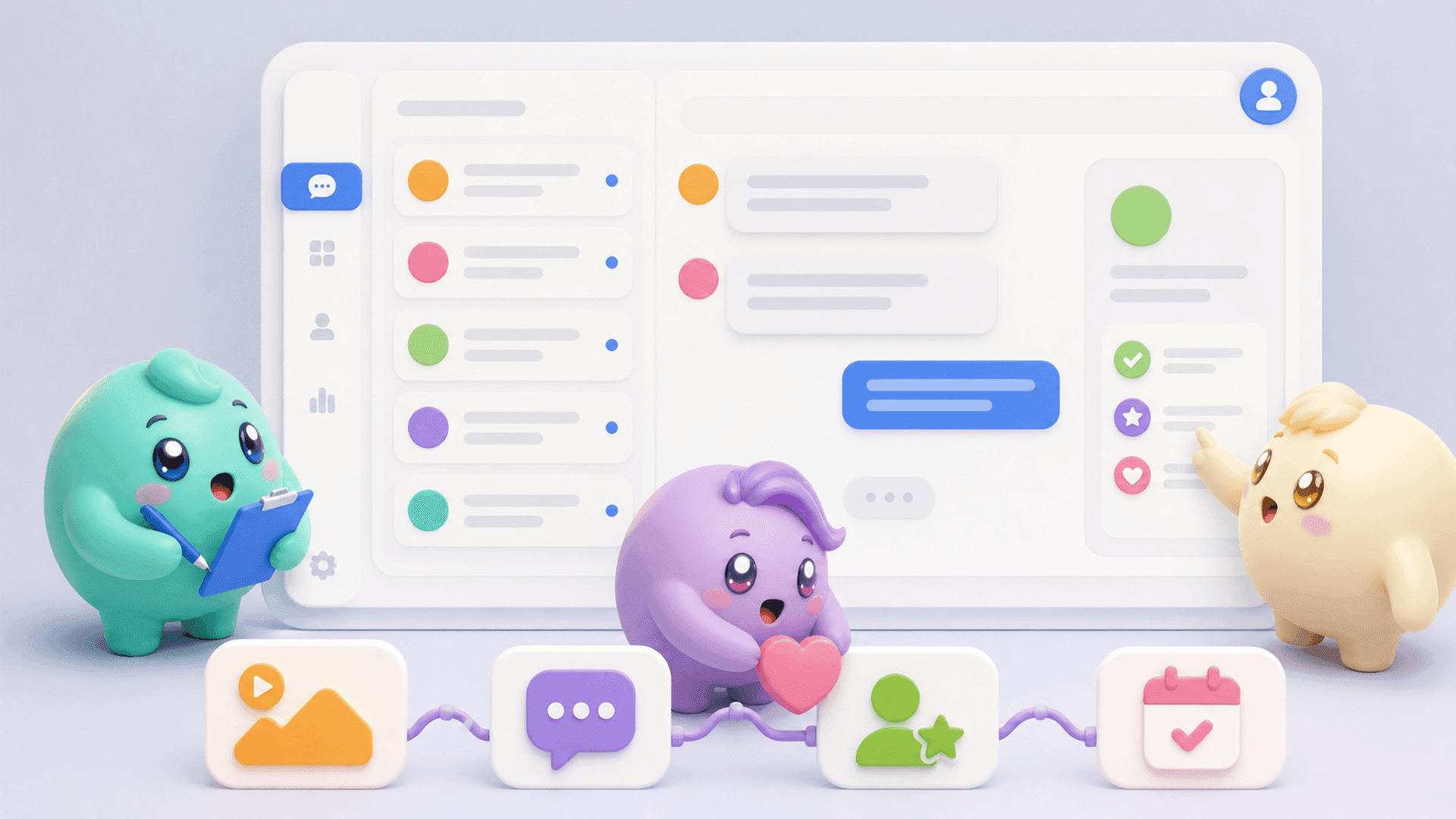
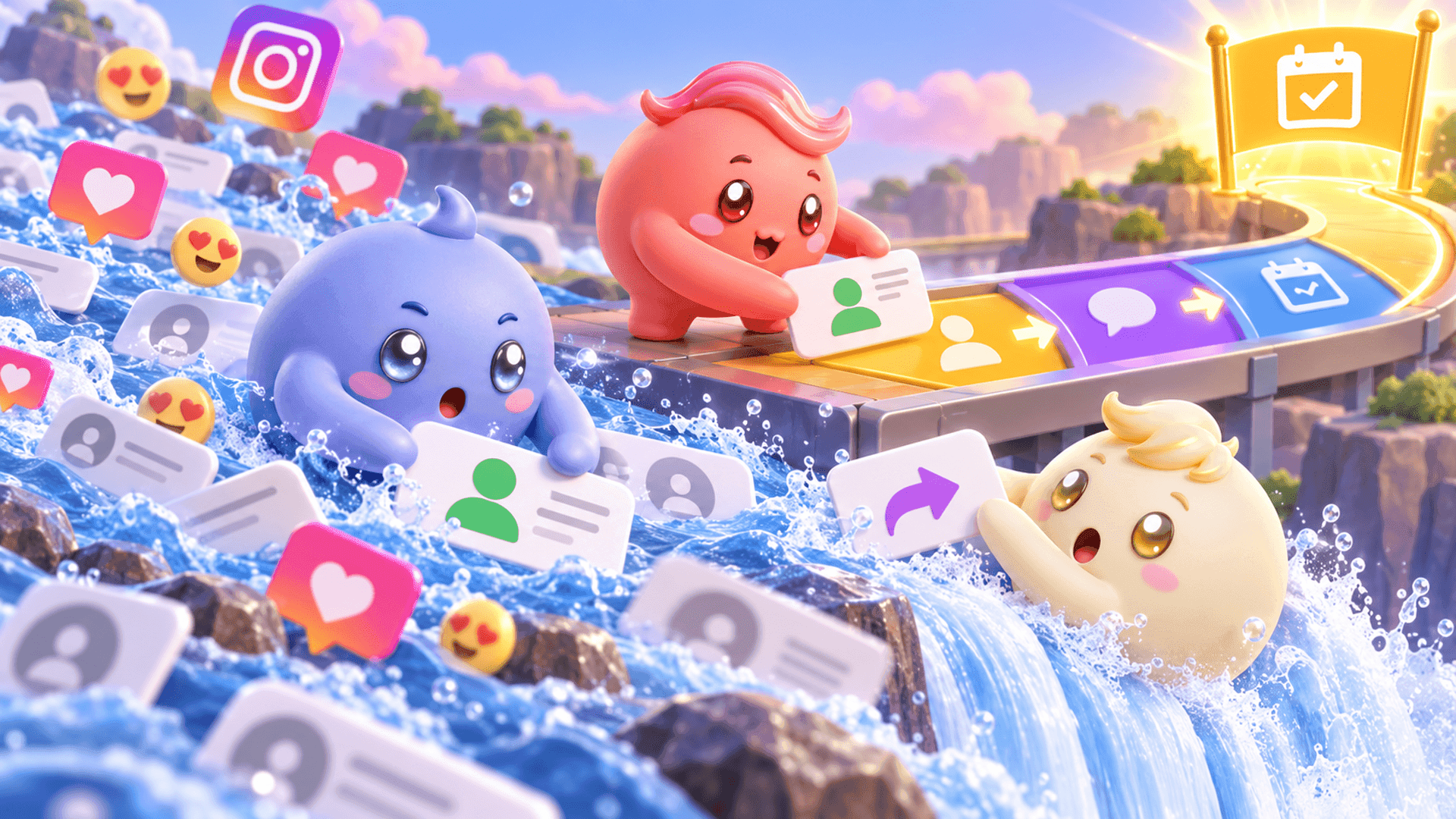
When only a few people scan the code, a founder may be able to remember every conversation. As volume grows, that system becomes unreliable. Interested people get mixed with compliments, general questions and new arrivals. Follow-ups live in somebody's memory, and the business cannot easily see where good conversations stopped moving.
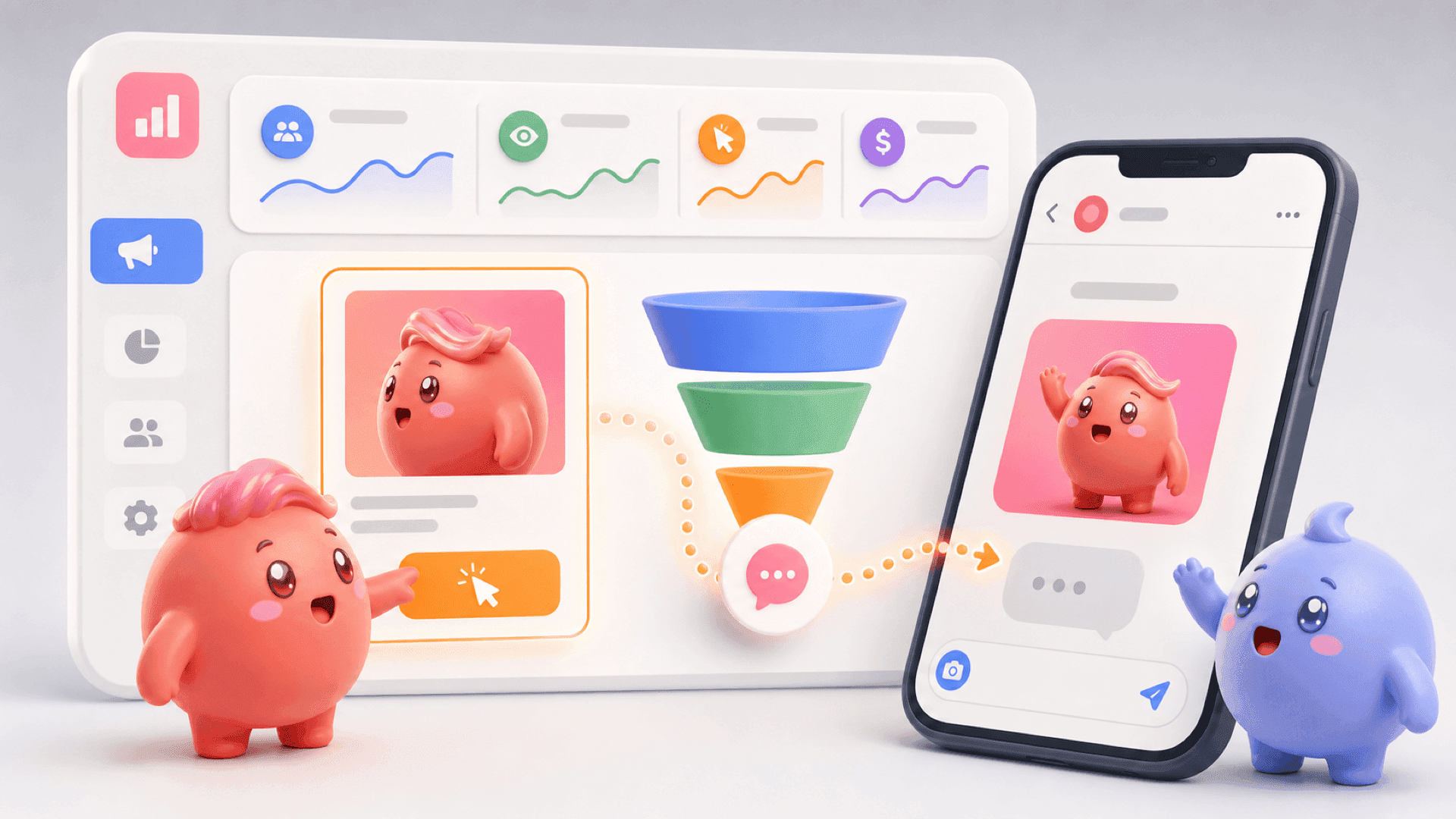
Mochi is built for coaches, creators and digital-product businesses that sell through Instagram DMs. It helps the person handling the inbox organize conversations by stages such as new lead, qualified, follow-up, calendar link sent and booked call. Lead Filters can surface the exact group that needs attention, while Scheduled Follow-Ups bring important conversations back at the right time.
The practical workflow is simple:
- Use the QR code to give people a quick route to the right Instagram profile.
- Put a specific reason to scan beside the code.
- Continue that promise on the profile with one clear next action.
- Give new DM conversations an owner and a defined stage.
- Handle qualified people and due follow-ups before random new messages hide them.
A QR code can help turn offline attention into Instagram activity, but the business result depends on what happens next. Make the scan worth taking, make the next step obvious and treat the resulting DMs like real sales conversations.
If you want to stop valuable conversations from disappearing beneath random new messages, try Mochi free for 7 days and give the leads already inside your Instagram inbox a clearer path forward.