How to Check Instagram Direct Messages Without Missing Important Conversations
Blog

How to check Instagram direct messages
Instagram direct messages, usually called DMs, are private conversations between Instagram accounts. They can include text, shared posts, Story replies, voice messages and other media.
Check your Instagram DMs in the mobile app
- Open the Instagram app and sign in to the correct account.
- From the home feed, tap the messaging icon in the top-right corner.
- Select a conversation to read its messages.
- Use the search field in the inbox if you need to find a particular account or conversation.
If the icon or layout looks slightly different, Instagram may have updated the app, but your messages should still be accessible from the home screen’s messaging area.
Check your Instagram DMs on a computer
- Open Instagram in a web browser and sign in.
- Select Messages from the navigation menu.
- Choose a conversation from the list.
Using a larger screen can make it easier to read long conversations, but it does not solve the bigger problem faced by busy businesses: knowing which conversation deserves attention first.
Where to find Instagram message requests
A message may not appear in your main conversation list when it comes from an account you do not follow. Check the Requests area of the inbox and review any additional filtered or hidden-request area Instagram displays.
Be careful with unexpected links, requests for passwords, payment demands and messages pretending to be Instagram support. Do not share login codes or sensitive account information through a DM.
If an Instagram message is missing or will not load
Try these basic checks before assuming the conversation is gone:
- Confirm that you are signed in to the right Instagram account.
- Refresh the inbox and check your internet connection.
- Look in message requests and any filtered-request area.
- Update the Instagram app through your device’s app store.
- Close and reopen the app, then restart the device if necessary.
- Try Instagram in a browser to see whether the conversation appears there.
- Check whether Instagram is experiencing a wider service problem.
A sender may also have unsent a message, or the account may no longer be available. If you still cannot access your messages, use Instagram’s in-app help and reporting options.
For an individual account, checking each area may be enough. For a business receiving leads from content, Stories, comments or ads, simply finding the inbox is only the beginning. If you want a clearer place to handle the conversations already coming in, try Mochi free for 7 days.
Checking every new DM is not the same as managing the inbox
Instagram usually puts recent activity where it is easiest to see. That makes sense for casual messaging, but it can create the wrong work order for a business selling through DMs.
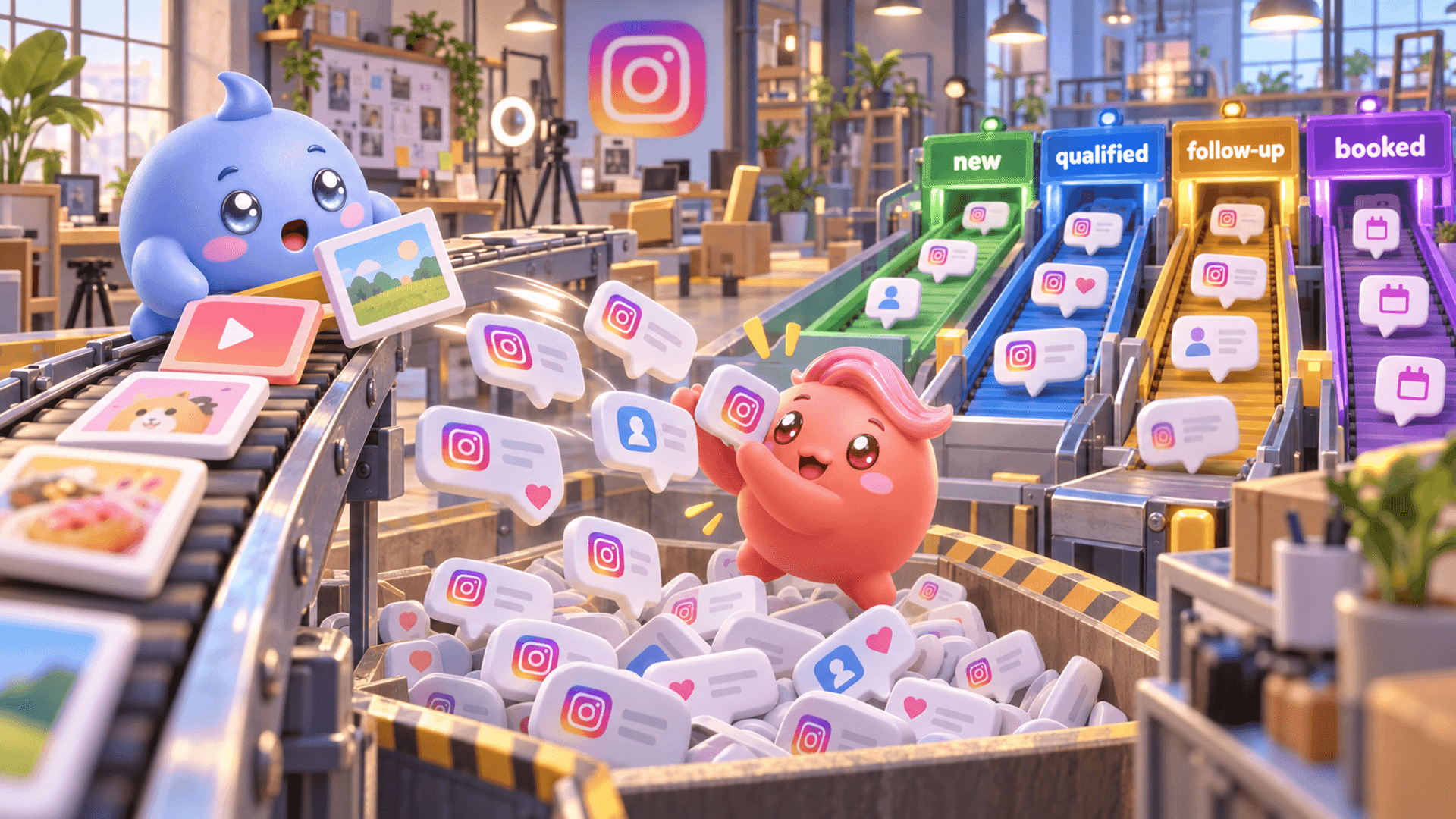
Imagine that a new person sends a compliment one minute ago. Lower in the inbox, another person has already answered your questions, looks like a good fit and asked how to book a call. If the person handling the inbox always works from the top down, the compliment may receive attention while the qualified lead waits.
The team can look busy all day and still lose good conversations. The problem is not always response speed. It is often priority.
A simple manual checking routine
If your inbox is still manageable, create a routine instead of opening random chats throughout the day:
- Check active sales conversations first. Return to people who have asked about the offer, answered qualifying questions or requested the next step.
- Review promised follow-ups. Keep a reliable list of people who asked you to return on a particular day.
- Check message requests. New leads may be waiting outside the primary conversation list.
- Handle new conversations. Respond while interest is fresh, but do not let new messages hide people who are already close to moving forward.
- Record the next action. Note whether each important conversation needs a reply, follow-up, booking link or no further action.
This process can work with a small number of conversations. It becomes unreliable when a content push brings dozens of replies or several team members share responsibility for the inbox. Notes get missed, unread status becomes ambiguous and important context gets buried.
How to check Instagram DMs when they are part of your sales process
When Instagram is bringing leads into the business, the inbox needs to answer more useful questions than “What arrived most recently?” The person replying should be able to see:
- Which qualified people need attention now?
- Who is waiting for a follow-up?
- Who owns each conversation?
- What did the person already say about their problem, goal or timing?
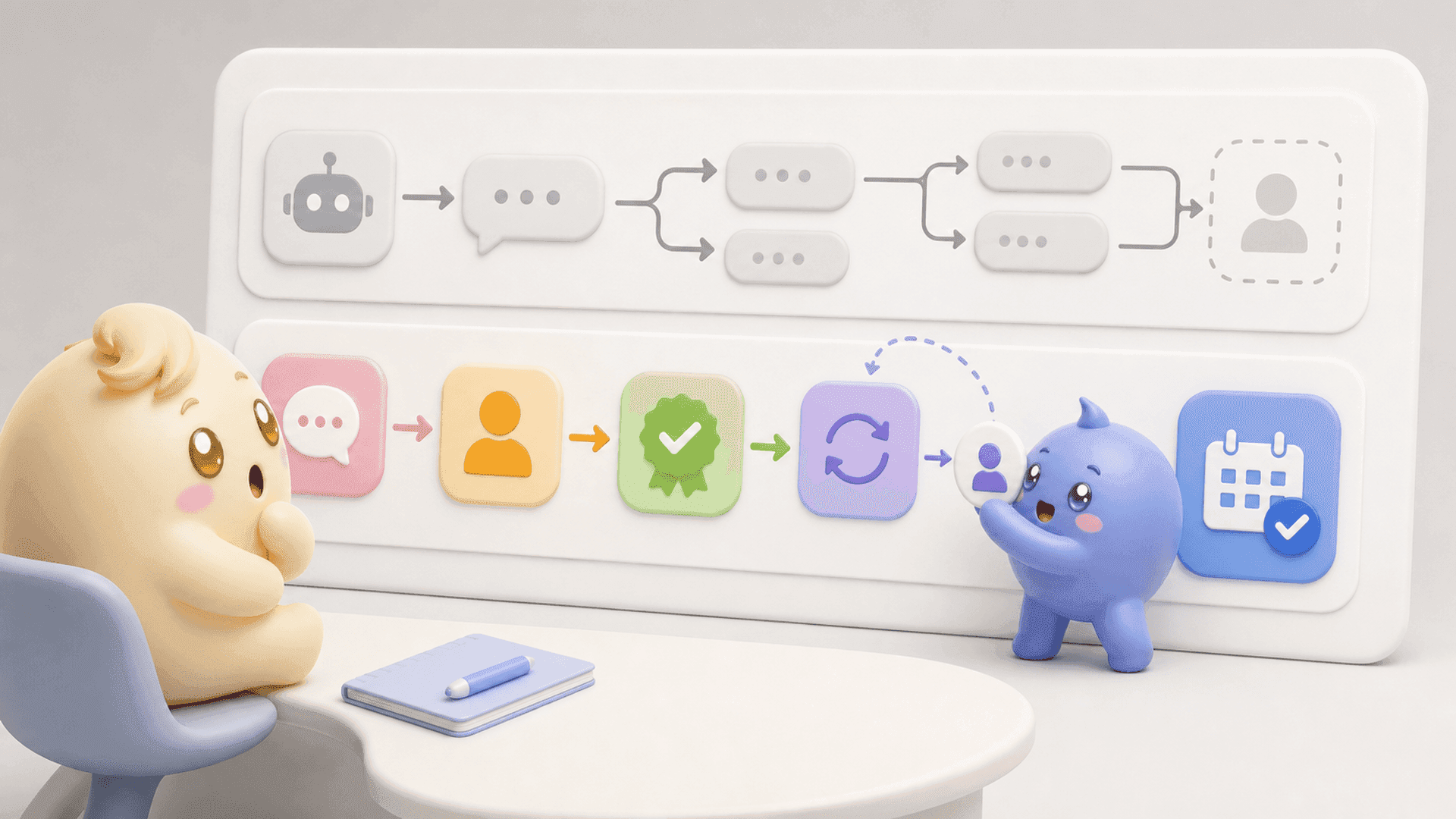
- Who has reached the next step in the sales process?
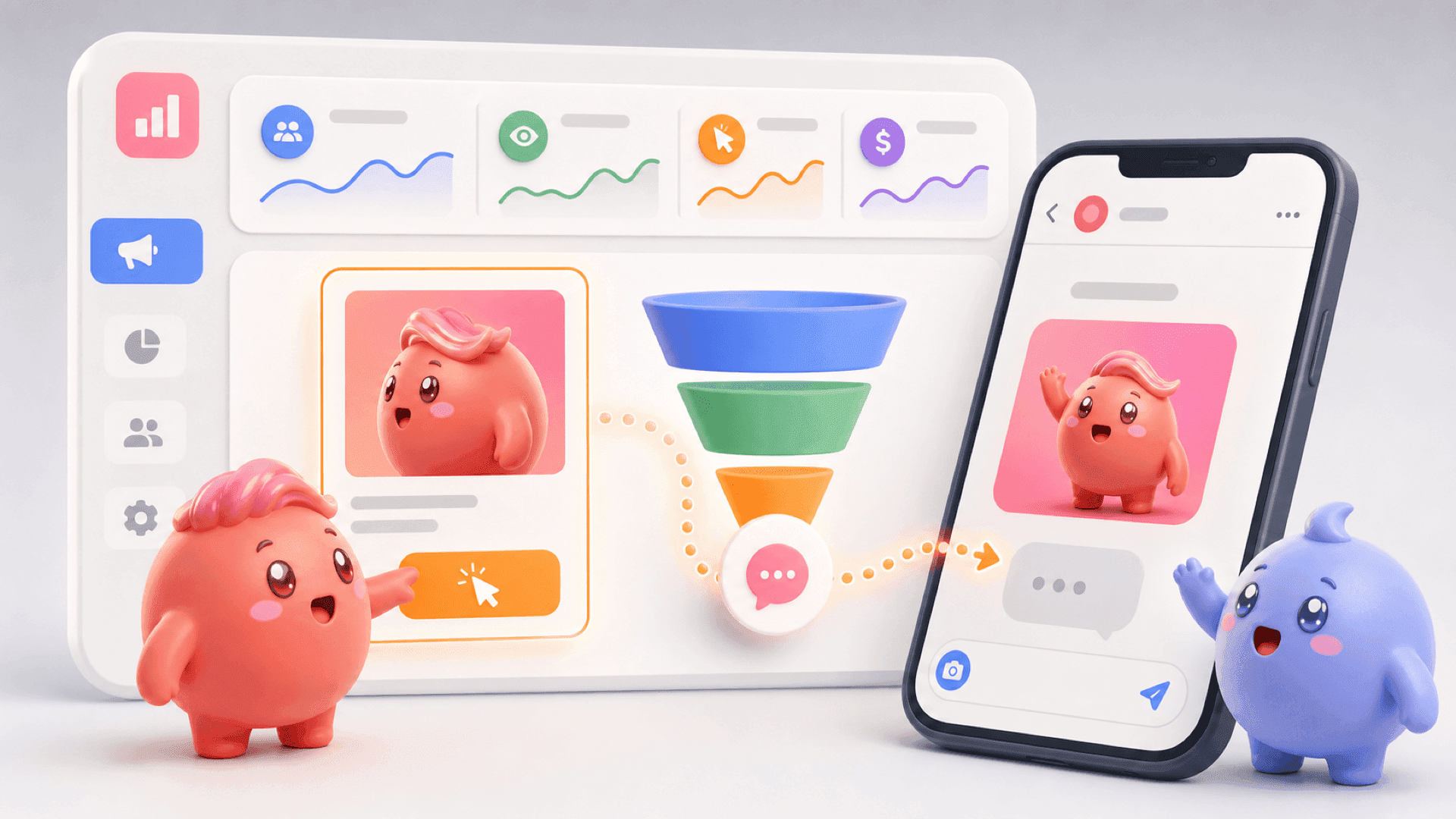
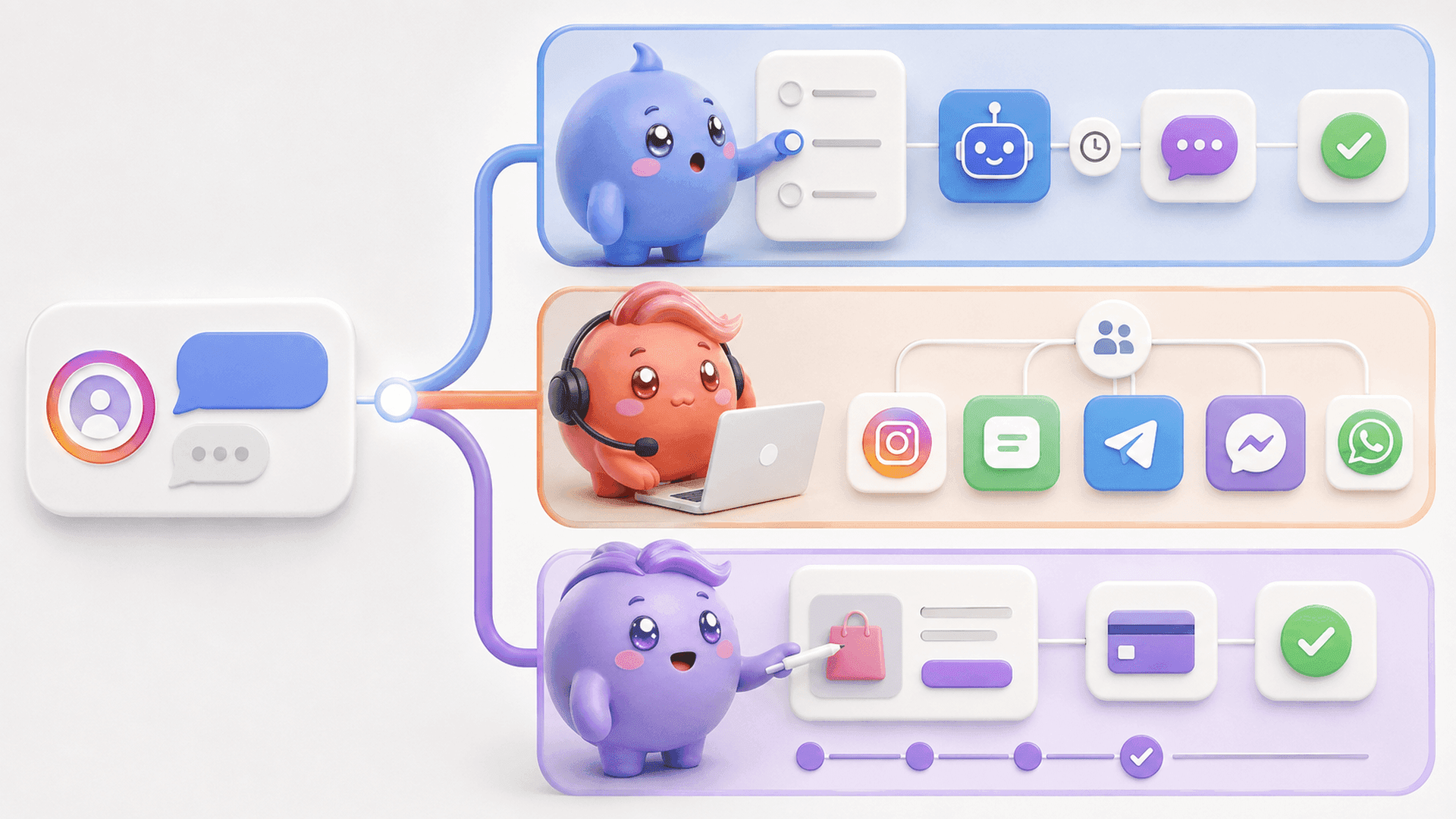
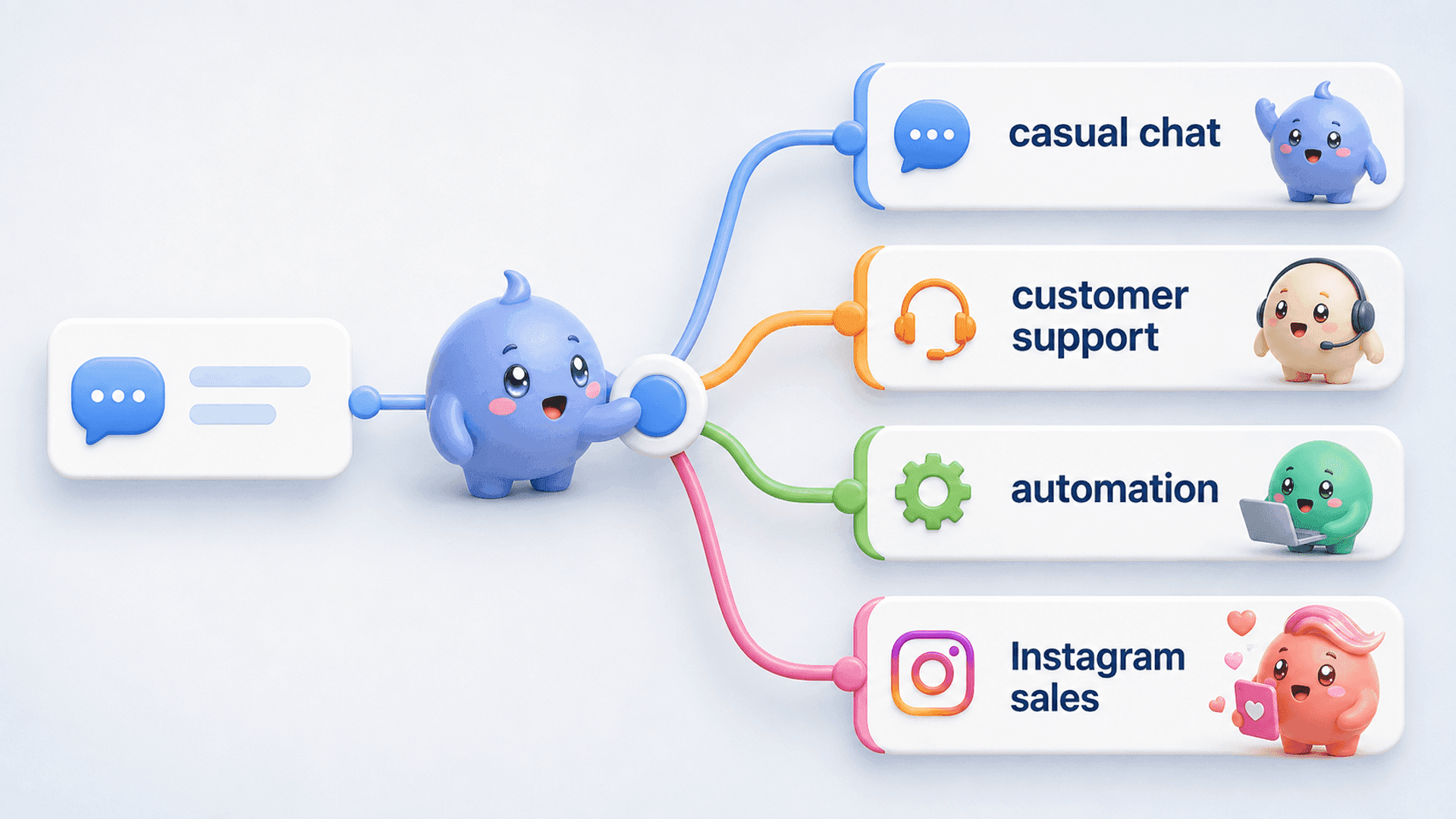
Mochi turns those questions into a practical work list. Its Priority Inbox helps the team start with important conversations instead of blindly working from newest to oldest. Lead Filters let the team find groups such as qualified leads, follow-ups or conversations assigned to a particular person. Scheduled Follow-Ups bring an important conversation back at the right time, while Conversation Summaries preserve the context needed for a thoughtful reply.
The difference is simple: checking Instagram tells you that a message exists. A DM sales system helps you decide what should happen next.
If qualified conversations are being buried beneath random new messages, start a 7-day free trial of Mochi and organize the leads already inside your Instagram inbox.
A better daily DM checklist
- Start with qualified leads and people waiting for the next step.
- Complete due follow-ups.
- Read enough context before replying.
- Review message requests and new conversations.
- Give every important conversation a clear owner and next action.
- At the end of the day, check that no qualified person is still waiting without a reason.
You do not always need more leads. Sometimes the leads are already there, and the real opportunity is to stop losing them between the first message and the booked call or sale.
Try Mochi free for 7 days and use it with the real conversations already coming into your business.