How to Unsend a Message on Instagram
Blog

How to unsend a message on Instagram
If you sent the wrong Instagram direct message, open the conversation and find the message you want to remove. Press and hold the message on a phone, or open its message options on the web, then choose Unsend. Instagram will remove that message from the conversation.
The exact menu position or wording can change as Instagram updates its app. If you do not see the option immediately, open the additional message menu and make sure your Instagram app is current.
Quick steps
- Open Instagram and go to your direct messages.
- Open the conversation containing the message.
- Press and hold the specific message, or open its options on desktop.
- Select Unsend and confirm if Instagram asks you to.
You need to unsend messages individually. Be careful to select the exact message you want removed, especially in a fast-moving conversation.
Unsend is different from deleting a conversation
Unsending targets a message inside the chat. Deleting a conversation removes the conversation from your own inbox view, but it should not be treated as a way to retract everything you sent to the other participant. If your goal is to remove one message from the shared conversation, look for Unsend on that message.
What happens when you unsend an Instagram message?
After a message is unsent, it no longer appears in the conversation. That does not guarantee the recipient never saw it. They may have read the chat while it was available, seen part of the message in a notification preview or saved the information another way.
Think of unsending as removing the message from the chat, not reversing time. It can correct a typo, remove something sent to the wrong person or take back a message you reconsidered. It cannot reliably erase what another person already read or remembered.
Will the other person know?
Even when the message disappears from the thread, the safest assumption is that it may already have been noticed. Notification behavior can vary by device, settings and app version. Avoid making important privacy or business decisions based on the belief that unsending will always go unseen.
Can an unsent message be recovered?
Do not unsend anything you may need later. Once you deliberately remove a message, you should not assume Instagram will provide a simple way to restore it to the conversation. For important business information, keep an approved record in the system your team uses before removing anything from a live chat.
If an accidental message reached a lead or customer, a short, honest correction is often better than pretending nothing happened: “Sorry, that last message was meant for another conversation. Here is the correct information.”
For businesses, the real issue is usually the DM process
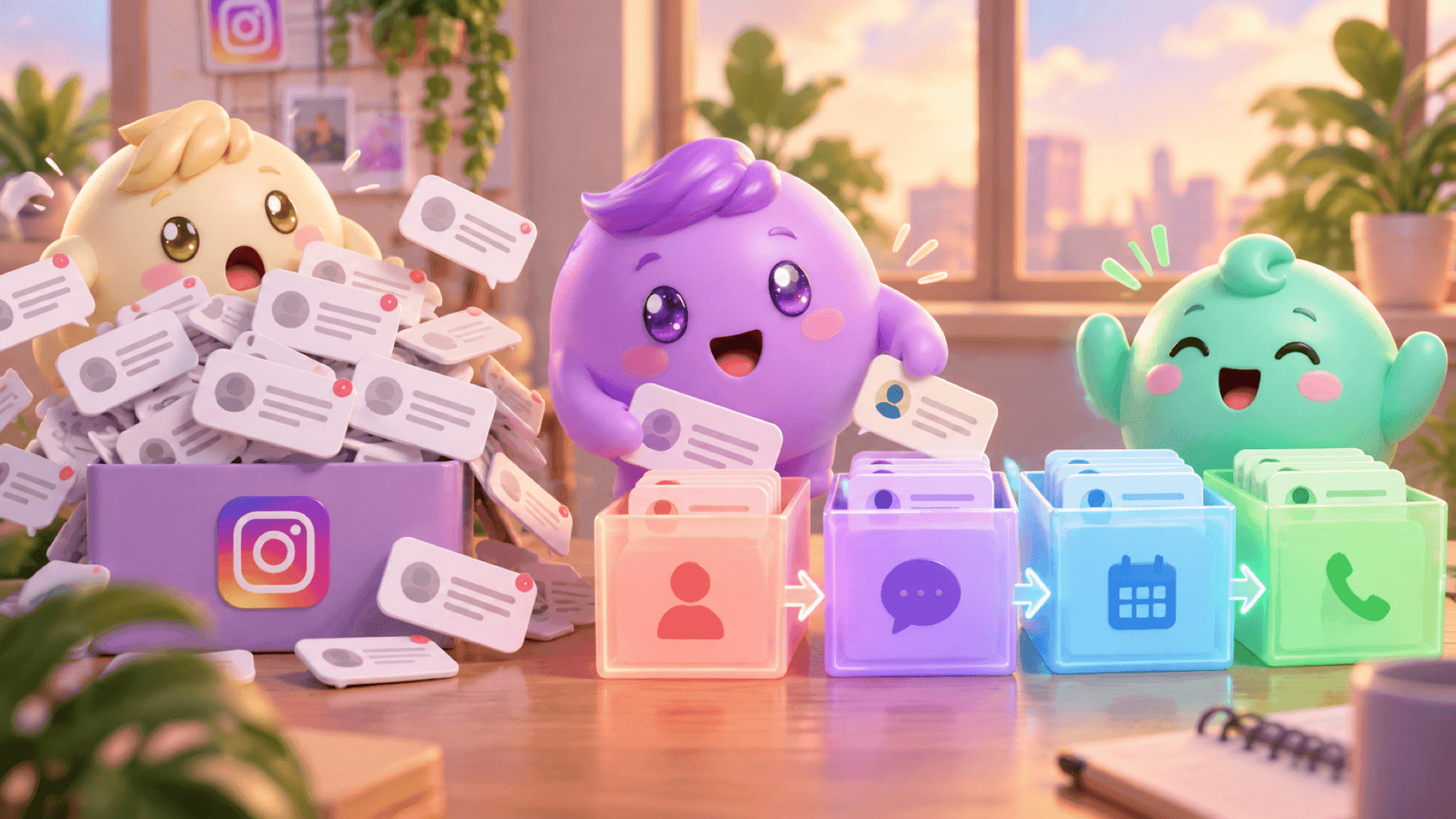
An occasional typo is normal. Repeated mistakes often point to a busier problem: several people are handling the inbox, nobody is sure who owns a conversation and replies are being sent without enough context.
This becomes especially expensive for coaches, creators and digital-product businesses. A team member may send the calendar link twice, answer a question the lead already resolved or paste a follow-up into the wrong chat. The message can sometimes be unsent, but the interruption can still make the conversation feel careless.
Use a simple pre-send check
- Confirm the person: Check the profile and conversation before pasting or recording anything.
- Read for context: Review the latest messages and the important details already shared.
- Confirm the next step: Know whether the person needs an answer, a follow-up, a calendar link or no message yet.
- Check ownership: If multiple people handle DMs, make it clear who is responsible for the conversation.
- Pause on sensitive details: Recheck names, prices, links and personal information before sending.
If your team is losing context because important conversations sit underneath random new messages, try Mochi free for 7 days and organize the leads already inside your Instagram inbox.
Build a DM system that prevents mistakes
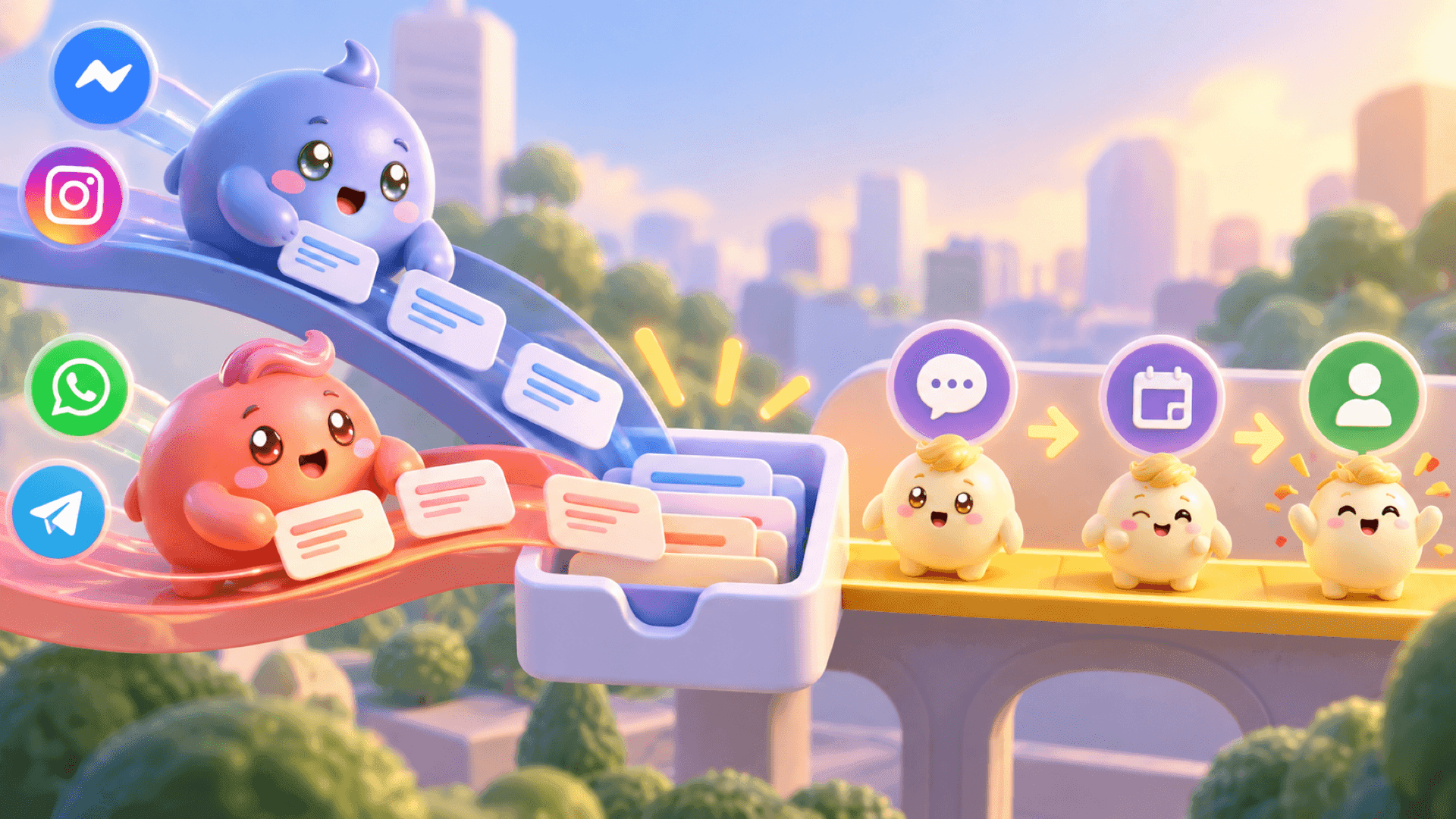
A normal Instagram inbox shows messages, but a sales team also needs priority, ownership, context and follow-up. Without those things, the person replying has to remember which lead matters, what was already said and what should happen next.
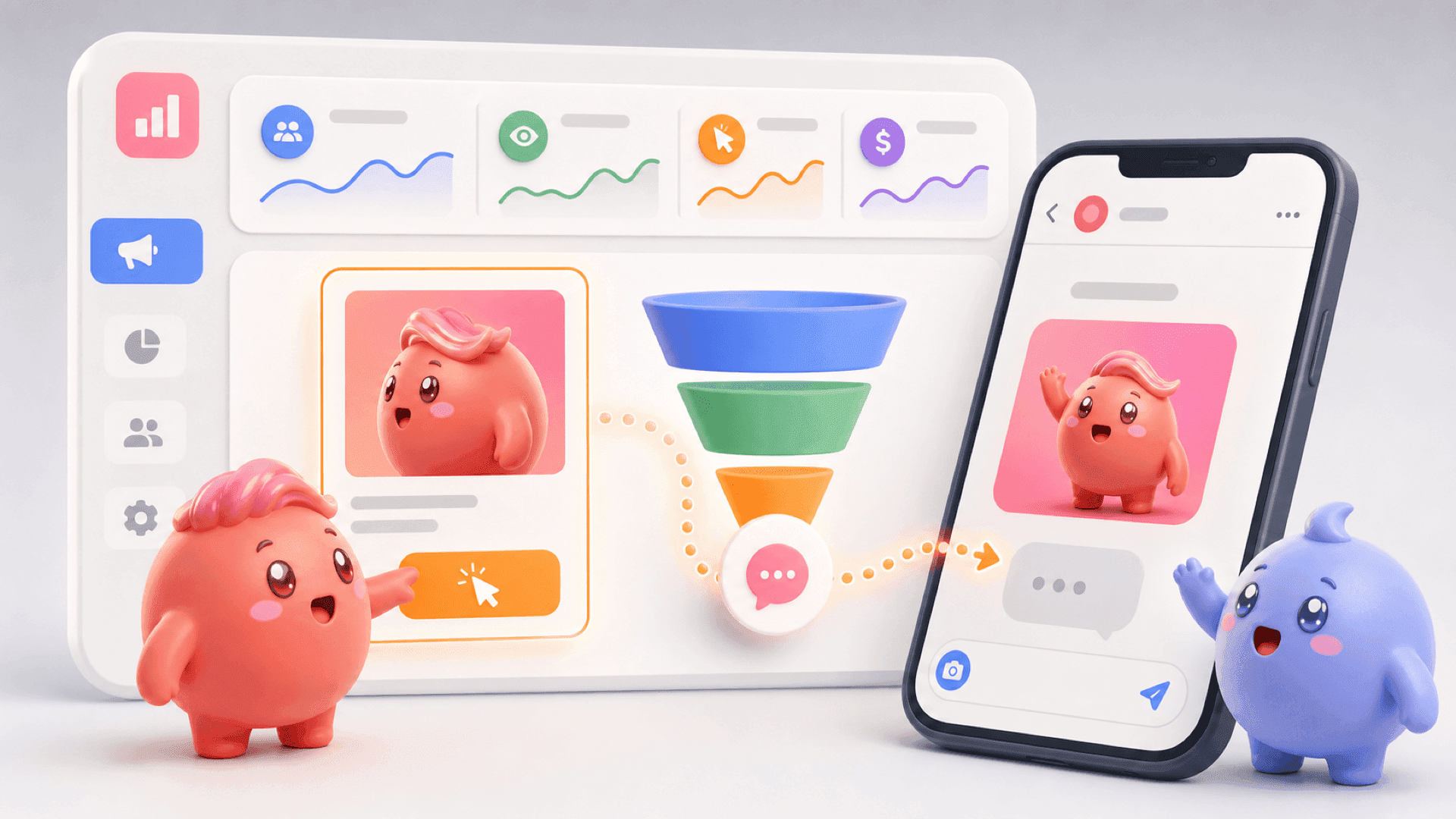
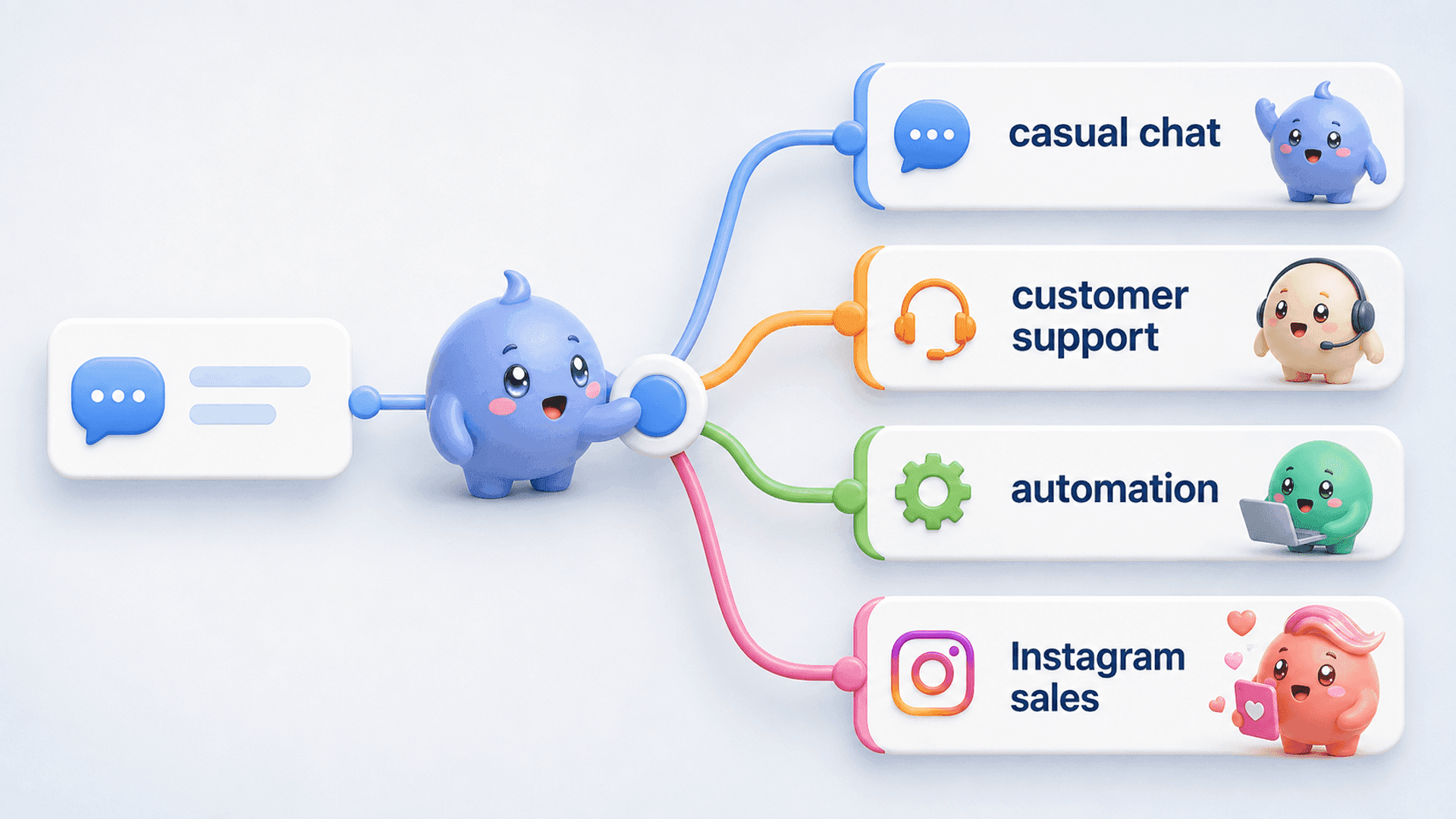
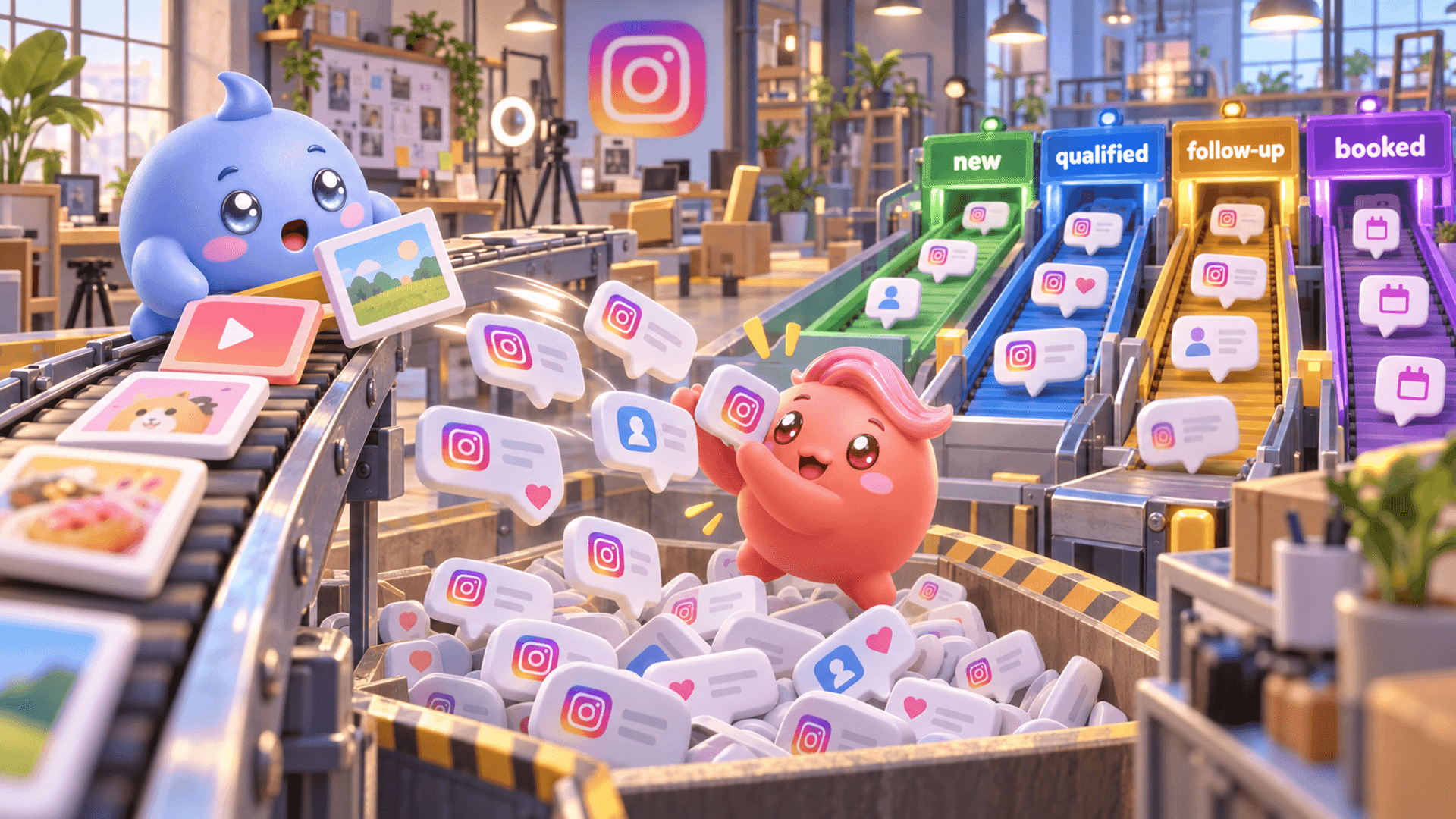
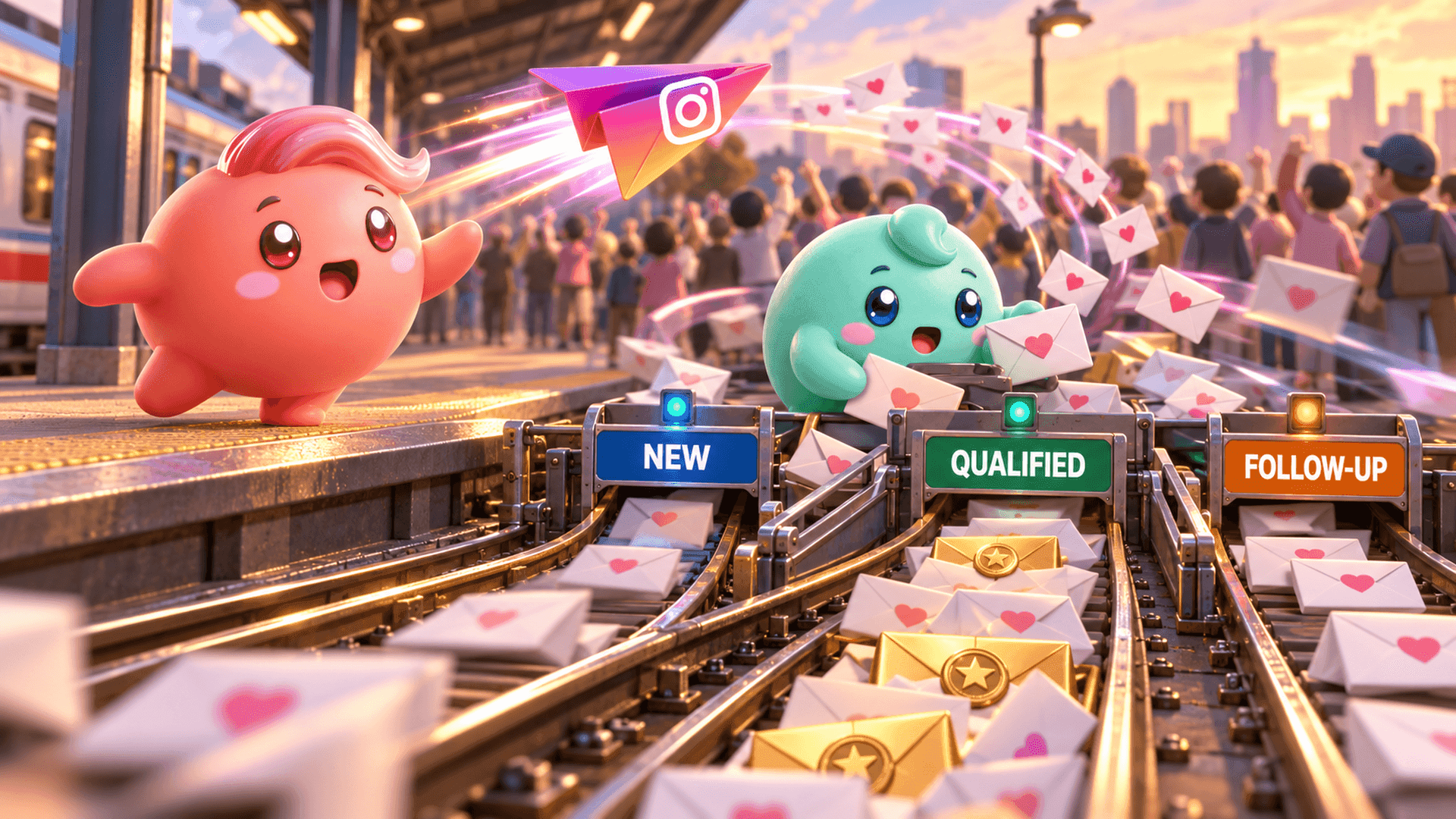
Mochi is an Instagram DM sales system for coaches, creators and info businesses. Its Priority Inbox helps the team start with qualified leads and important follow-ups instead of simply working from the newest message downward. Each conversation can have a clear owner, reducing the chance that two people reply to the same lead.
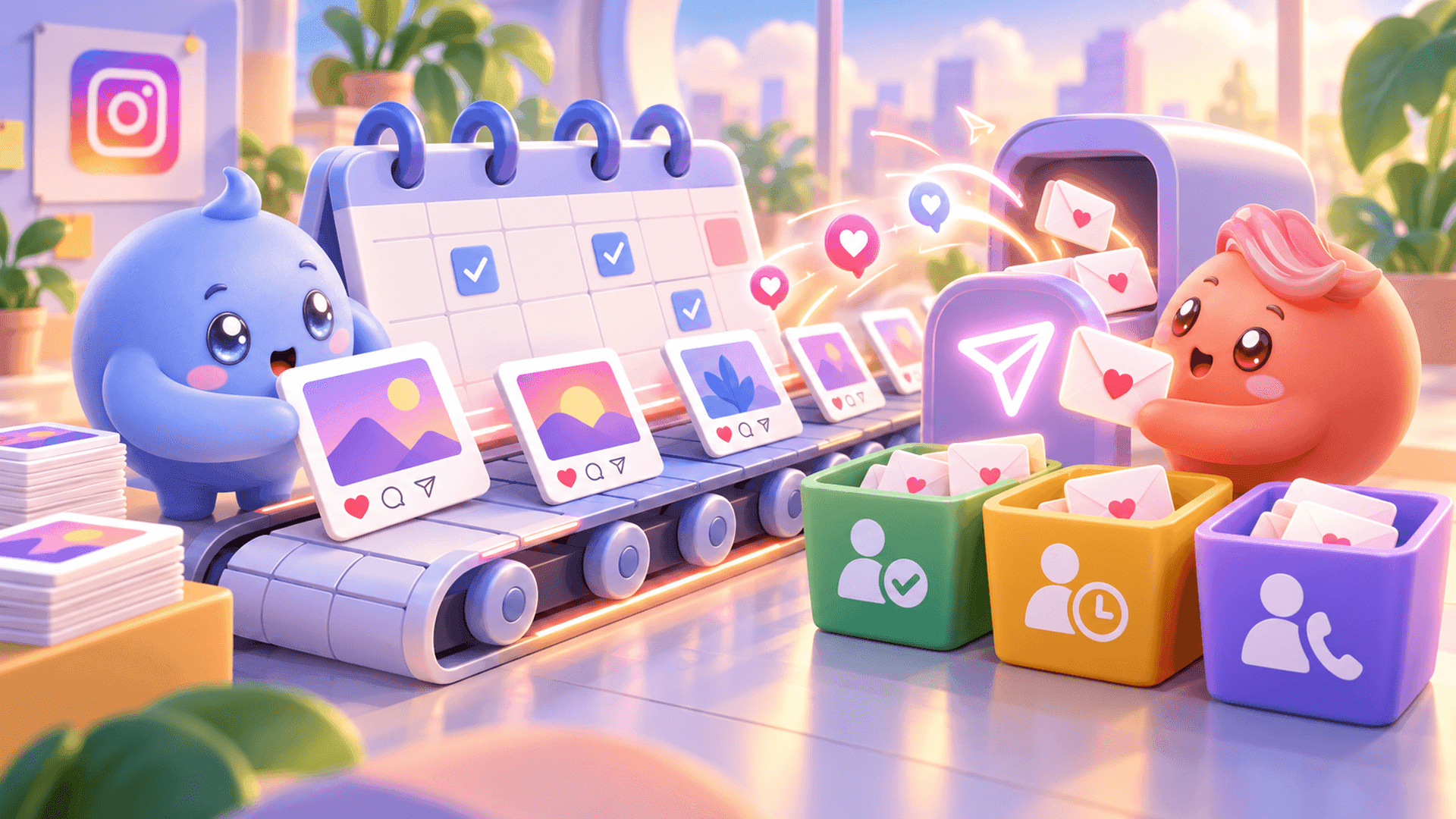
Conversation Summaries give the person replying the important context from a longer chat, including what the lead wants, relevant details and what has already happened. Scheduled Follow-Ups let the team prepare a message for the right time and skip it if the person replies first. Together, these workflows reduce the pressure that causes rushed, generic or duplicate messages.
What to do after a DM mistake
- Unsend the incorrect message if it is still appropriate to remove it.
- Assume the recipient may already have seen it.
- Send a clear correction when silence would create confusion.
- Identify why the mistake happened: missing context, unclear ownership, a rushed reply or a weak follow-up process.
- Fix that part of the workflow before the next busy content or Story push fills the inbox.
Unsending can clean up one message. A clear DM process helps stop the same mistake from happening across dozens of conversations. If you want your team to see who needs attention, understand the conversation and follow up at the right time, try Mochi free for 7 days.