Instagram Creator Studio Is Only Part of the System Creators Need
Blog

What people are really looking for when they search for Instagram Creator Studio
A search for Instagram Creator Studio usually starts with a practical need: one place to manage Instagram content. You may want to plan posts, keep publishing organized or understand how your content performs.
That is useful, but it covers only the first half of the job for a creator who sells a course, coaching offer, community or other digital product through Instagram.
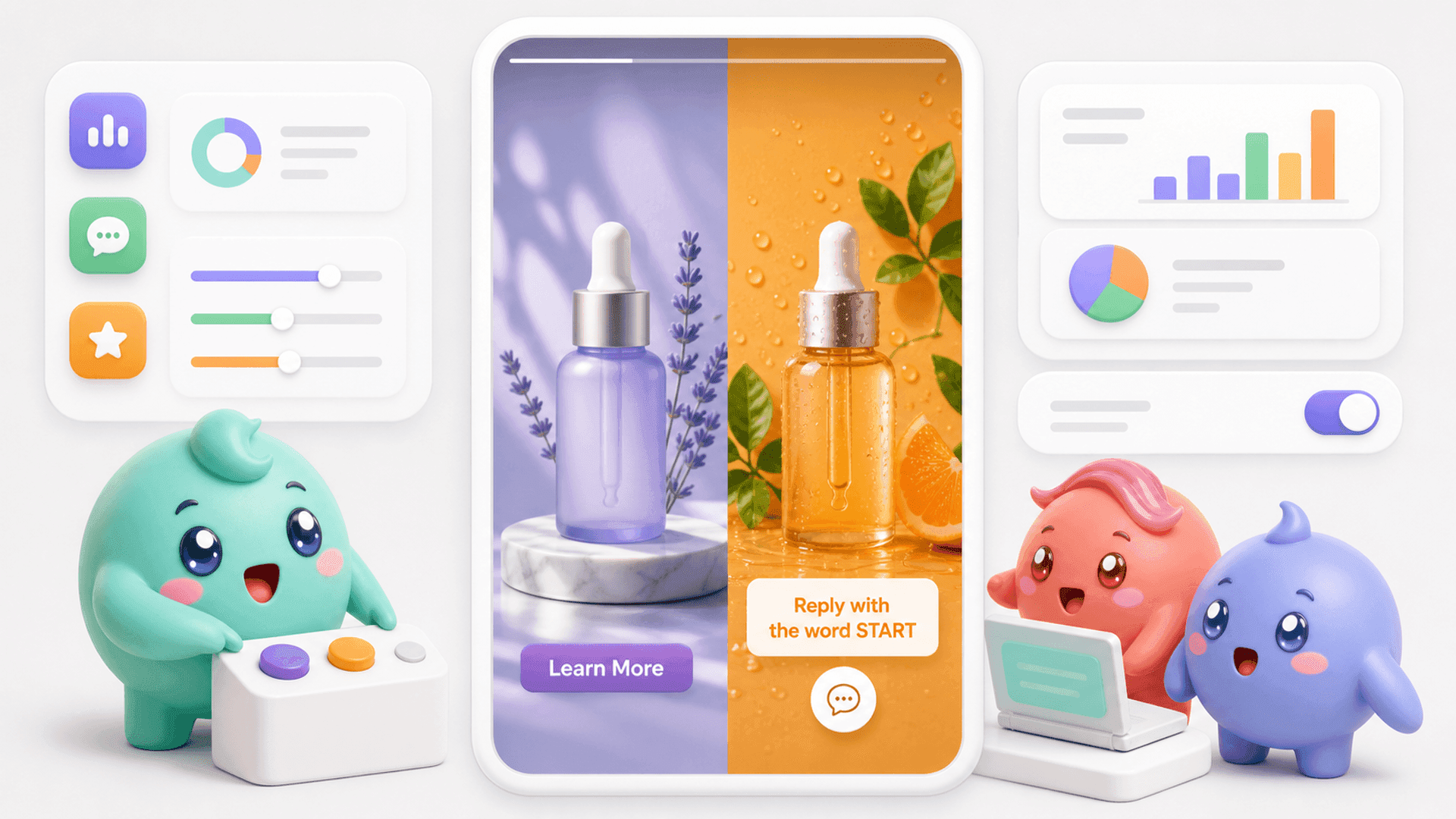
Your content is not simply something to publish. A Reel can ask people to comment a keyword. A Story can invite followers to reply. A post or ad can start a direct-message conversation. Once that happens, the important question changes from How did the content perform? to What happened to the people it brought into the DMs?
A complete creator system therefore needs to handle two connected jobs:
- Content operations: planning, publishing and reviewing content performance.
- Conversation operations: identifying serious leads, continuing conversations, following up and tracking who books or buys.
If you measure only views, likes and comments, you can miss the outcome that matters most. A smaller post may bring several serious conversations while a popular post brings plenty of attention but few people who fit your offer.
If your content already brings people into your inbox, try Mochi free for 7 days and see what happens after those conversations begin.
Why a content dashboard does not solve DM lead management
Imagine that a Story brings 50 replies into the inbox. Instagram places the newest message at the top, so the natural response is to work downward from the latest conversation.
That order is simple, but it does not reflect business value. Someone who sent a compliment one minute ago can appear above a person who already answered your questions, looks like a good fit and asked how to book a call.
The problem becomes harder when several people handle the inbox. A founder may know a lead's history, but the next team member may see only the latest message. Important details get buried, ownership becomes unclear and follow-ups live in somebody's memory.
The hidden gaps after content creates a lead
- A qualified person waits underneath newer, less important messages.
- A lead says to follow up tomorrow, but another wave of DMs pushes the chat down.
- The team sends a calendar link without knowing whether the person opened it or booked.
- One person opens a chat for review, and another assumes the lead has already been handled.
- The content team sees engagement while the sales team sees booked calls, but nobody connects the two.
This is why being busy inside the inbox is not the same as moving leads forward. The team can answer all day while people who were close to booking quietly disappear.
You can reduce the problem manually by marking important conversations, assigning one owner to each lead and keeping a daily follow-up list. That may work at low volume. As the inbox grows, the system becomes difficult to maintain because the information is split between Instagram, notes, spreadsheets and team reports.
Build the missing system between content and customers
A stronger Instagram workflow follows the person from the content that started the conversation to the final outcome. The goal is not to collect more disconnected numbers. It is to make the next action clear for every promising lead.
1. Give every conversation a stage
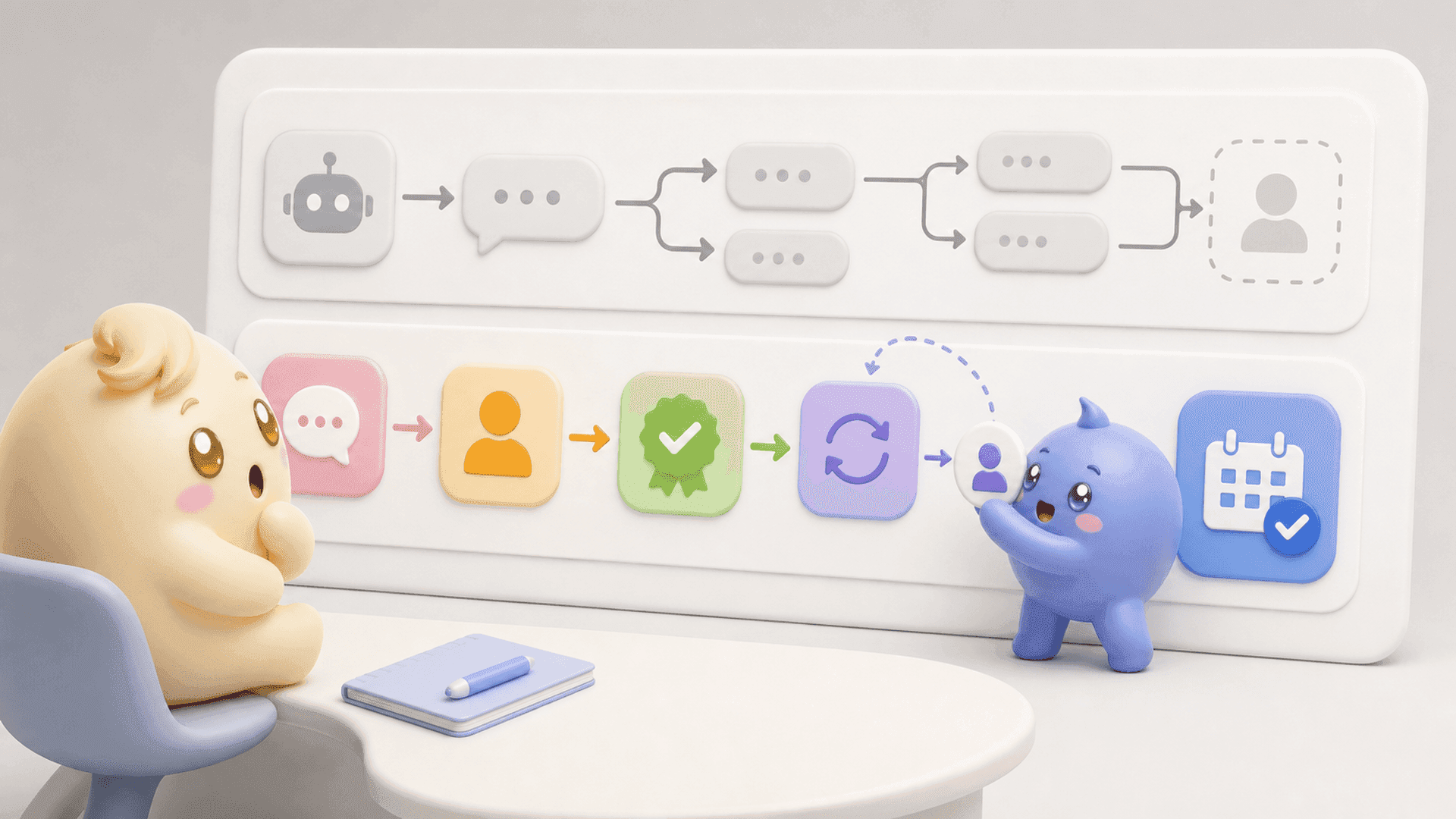
Use stages that match the way your business sells, such as new lead, in contact, qualified, follow-up, calendar link sent, booked call and customer. Clear stages reveal whether people are moving forward or disappearing at one particular step.
2. Work by priority, not only recency
Start with qualified leads, promised follow-ups and people already close to booking. New messages still deserve an answer, but they should not hide the conversations most likely to become customers.
3. Keep useful context beside the conversation
Record what the person wants, the problem they described, relevant objections and the next agreed action. A good reply should show that somebody listened. It should not force the lead to repeat information already shared.
4. Make follow-up a visible process
When someone says, “Come back tomorrow,” decide who owns that action and when it should happen. If the person replies before a prepared follow-up is sent, the message should adapt to the live conversation instead of arriving out of context.
5. Track the step after the link
A calendar link being sent is not the finish line. Separate people who received the link, opened it and booked. Each group needs a different next message, and the distinction shows where qualified leads are being lost.
6. Connect content to sales outcomes
Review each source by the conversations, qualified leads, booked calls and customers it creates. This helps you repeat content that attracts the right people, even when it does not have the highest public engagement.
Mochi brings these connected jobs into an Instagram DM sales system. Its Priority Inbox and Lead Filters help the team find the conversations that need attention. Scheduled Follow-Ups and Calendar Link Tracking help leads keep moving. Content Attribution connects the original content to later outcomes, while Custom Funnels show where people disappear.
If you want to stop losing qualified conversations beneath random new messages, start a 7-day free trial of Mochi and organize the leads already inside your Instagram inbox.
How to choose the right Instagram creator setup
Do not look for one dashboard merely because it promises to put everything in one place. Start with the work your business actually needs to complete.
- Choose your content workspace. Use the current Instagram or Meta tools available to your account for the publishing and content-management tasks you need.
- Map how a follower becomes a customer. Write down the stages between a comment or Story reply and a booked call or direct purchase.
- Define ownership. Every active conversation should have one person responsible for the next reply or follow-up.
- Choose the numbers that guide decisions. Track qualified leads, completed follow-ups, calendar-link progress, booked calls and customers, not only message volume.
- Review sources and drop-off points. Ask which content starts valuable conversations and where those people stop moving.
For a creator who only needs to publish content, a content-management workspace may be enough. For a founder remembering a modest number of conversations, a disciplined manual process can work. But when Instagram is a serious sales channel, the inbox needs to operate like one.
The clearest setup gives you an answer to three questions at any moment: Who needs attention first? What context does the person replying need? What is actually creating qualified calls or customers?
Instagram Creator Studio may be the phrase that starts the search, but publishing content is not the final outcome. The real opportunity is connecting attention to the conversations and sales it creates.
To manage that part of the journey with the people already messaging your business, try Mochi free for 7 days.