How to Use an Instagram QR Code to Start More Valuable Conversations
Blog

What is an Instagram QR code?
An Instagram QR code is a scannable shortcut to an Instagram destination, most commonly a profile. Instead of asking someone to search for your username and decide which account is yours, you let them scan a code with their phone.
That makes QR codes useful anywhere Instagram attention begins outside the app: an event booth, printed workbook, product insert, shop counter, presentation or another device. The code removes a few small steps between noticing your business and reaching your profile.
But a scan is not automatically a lead. It normally gives the person a faster way to find you. Your profile, offer and call to action still have to tell them what to do next.
What happens after someone scans?
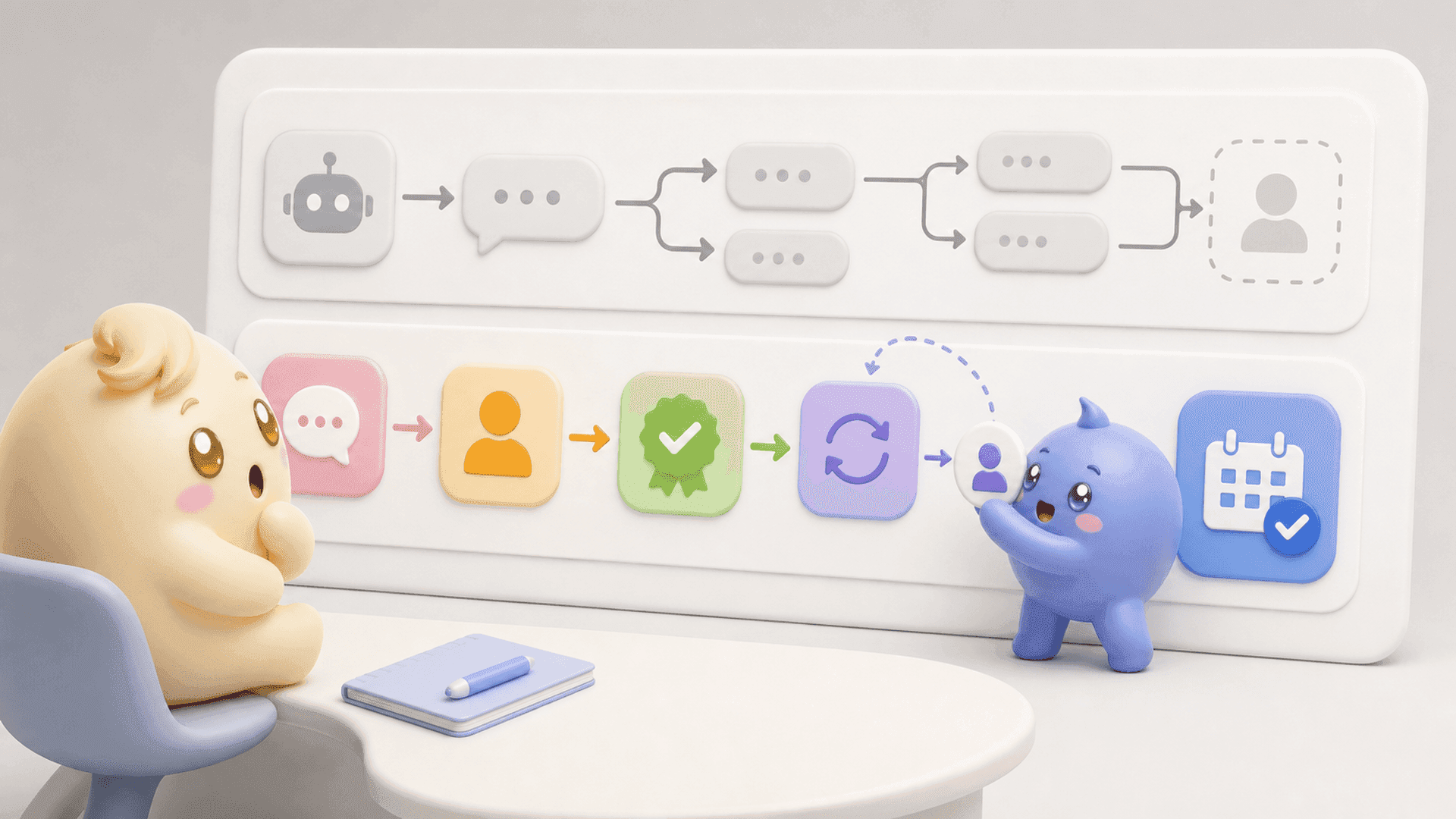
A typical journey looks like this:
- The person notices the QR code and its call to action.
- They scan it and arrive at your Instagram profile.
- They decide whether the profile is relevant to them.
- They follow, open a link or send a DM.
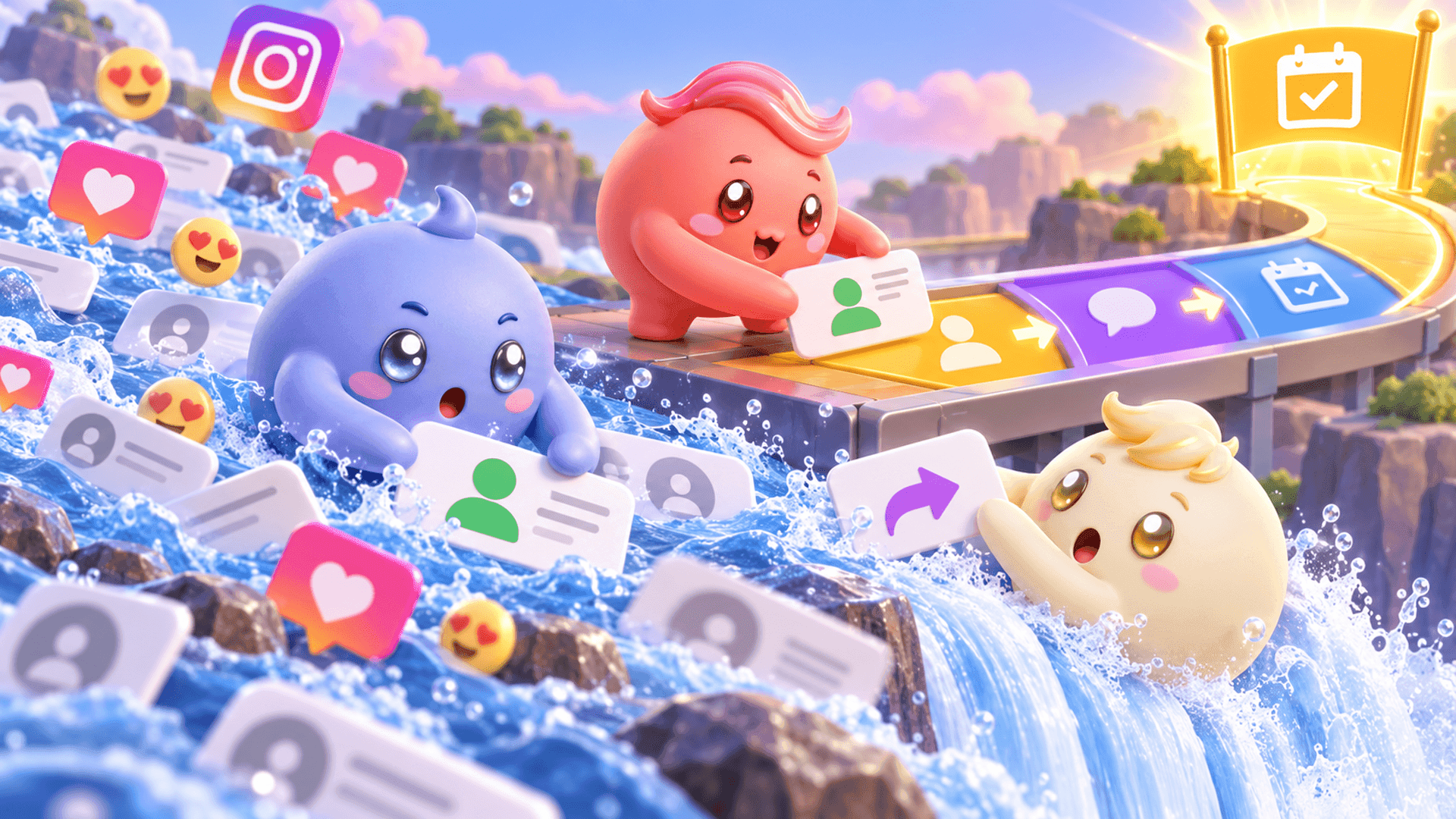
- Your business continues the conversation and moves the right person toward a purchase or booked call.
The important part is the journey after the scan. If Instagram is a sales channel for your business, the goal is not simply to collect profile visits. It is to start useful conversations and make sure interested people receive an answer.
If QR codes already bring people into your Instagram inbox but good conversations keep getting buried, try Mochi free for 7 days and organize the leads you already have.
How to find and share your Instagram QR code
Instagram's menus and labels can change, but you can generally access your account's QR code from your profile or its sharing options.
- Open your Instagram profile. Make sure you are signed into the account you want people to visit.
- Open the profile-sharing or QR-code option. Depending on the current app version, this may appear directly on the profile or inside its menu.
- Review the destination. Confirm that the code belongs to the correct account before downloading or printing it.
- Save or share the code. Use Instagram's available sharing or download controls to prepare it for your chosen placement.
- Test it with another phone. Scan from a realistic distance and confirm that it opens the intended profile.
Make the code easy to scan
A QR code can fail even when the destination is correct. Give it enough space, maintain strong contrast and avoid placing it over a busy image. Print it large enough for the distance from which people will scan it, and do not crop or distort the code.
Test the finished version rather than only the original file. A code that works on a laptop may become difficult to scan when it is printed on glossy material, placed behind glass or shown briefly at the end of a presentation.
Give people a reason to scan
Follow us on Instagram is clear, but it is rarely the strongest reason to stop and open a camera. Connect the scan to something useful and specific:
- Scan to see the examples from this workshop.
- Scan and DM PLAN for the checklist.
- Scan to ask a question about the program.
- Scan to see the full tutorial on Instagram.
The QR code is the route. The promise beside it is the reason someone takes that route.
How to turn QR-code scans into DM leads
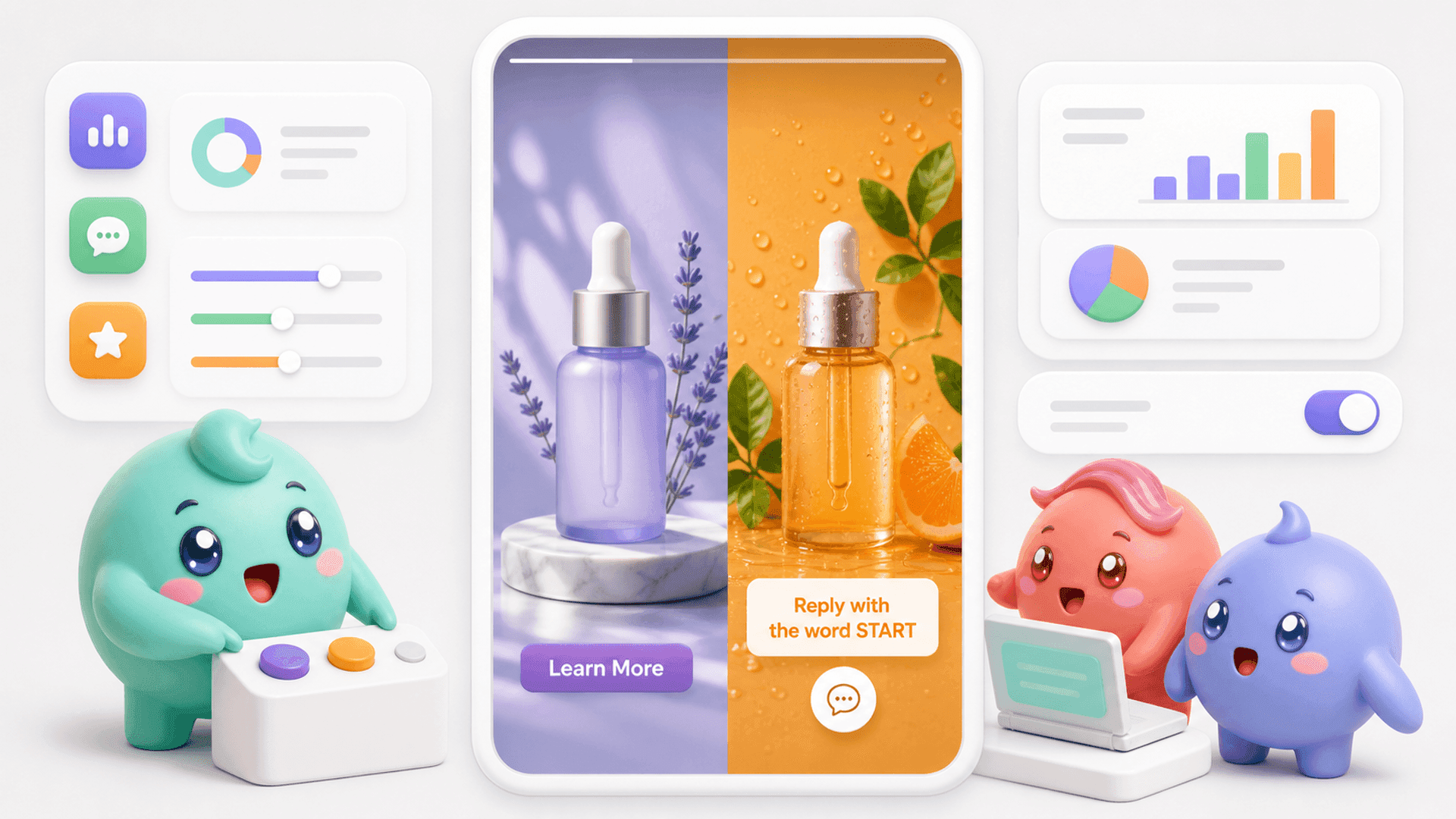
For coaches, creators and digital-product businesses, a DM keyword can create a clearer next step than sending people to a profile with no direction. Put a simple instruction beside the code, such as Scan, then DM EVENT for the workbook.
This also helps you distinguish conversations created by different placements. For example, an event card might use EVENT, while a printed guide might use GUIDE. Keep the words short, easy to spell and clearly connected to the offer.
Build the journey before publishing the code
- Choose one audience. Decide who will see the code and what they are likely to need in that moment.
- Offer one useful next step. Avoid giving the scanner five competing actions.
- Write the exact instruction. Tell the person to scan, where they will arrive and what they should do there.
- Prepare the first response. Deliver what was promised, then ask a relevant question if a conversation makes sense.
- Assign responsibility. Decide who will answer replies and how quickly the inbox will be checked.
- Plan the follow-up. Give interested people a clear next step instead of letting the conversation disappear.
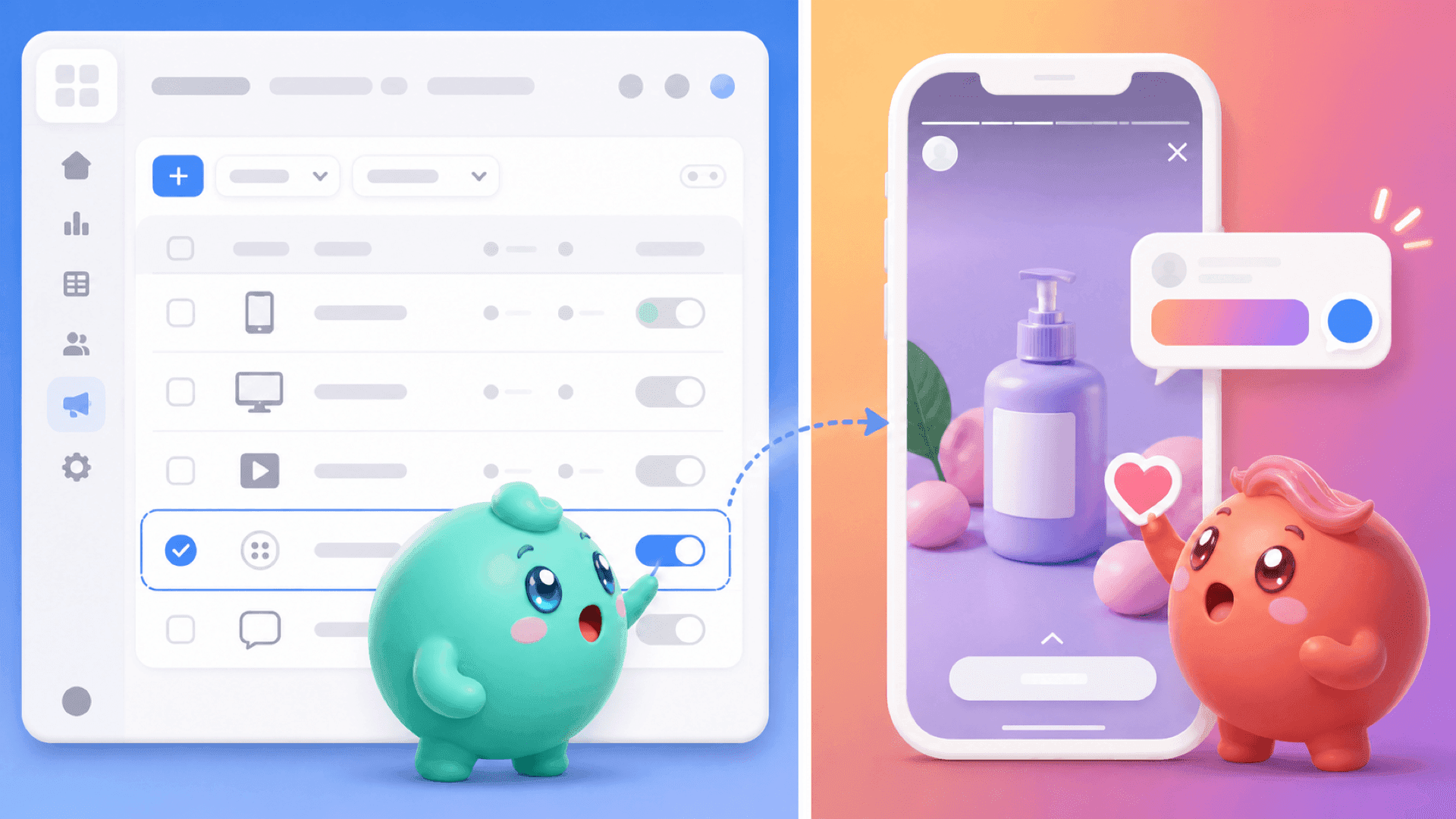
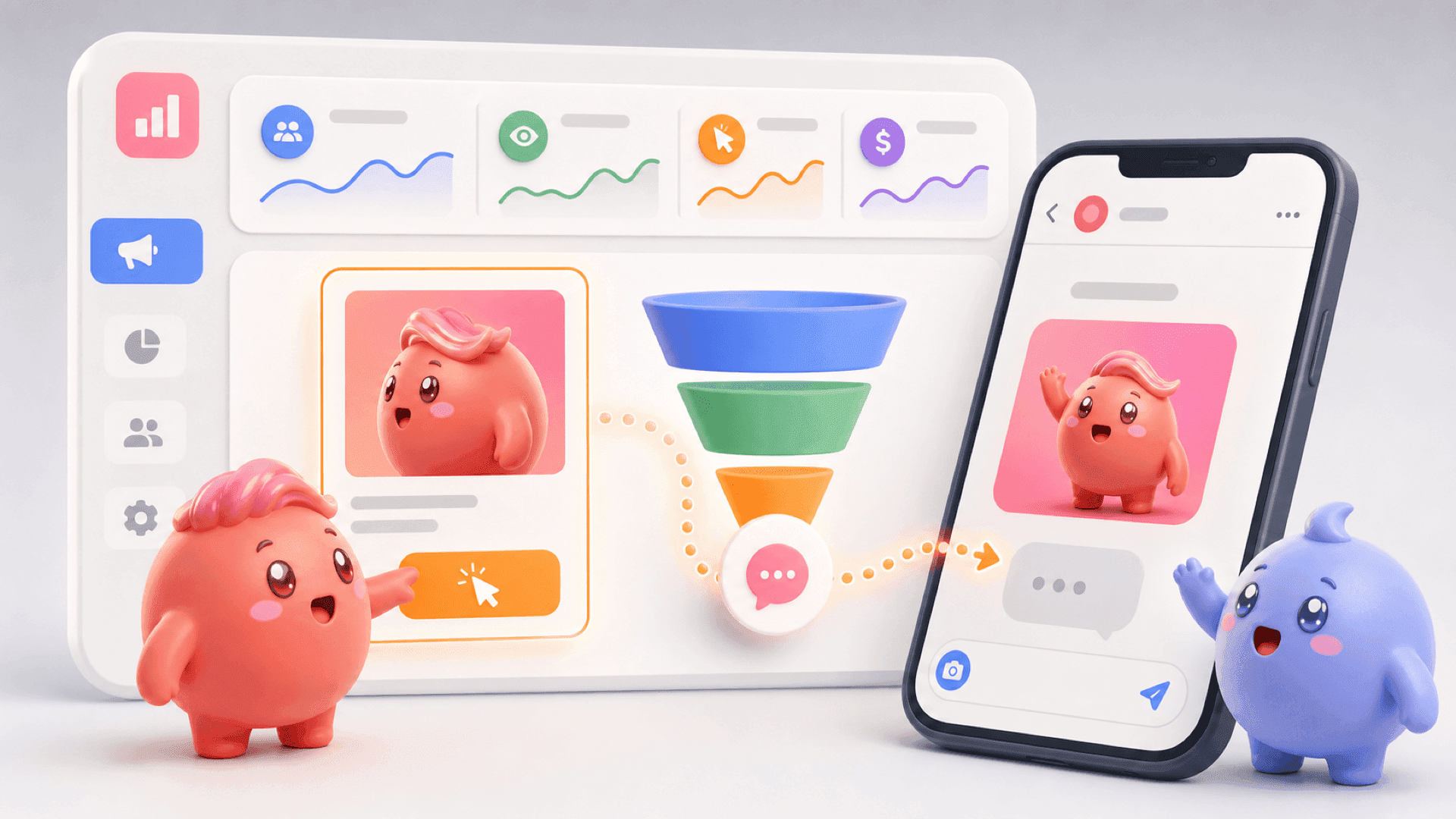
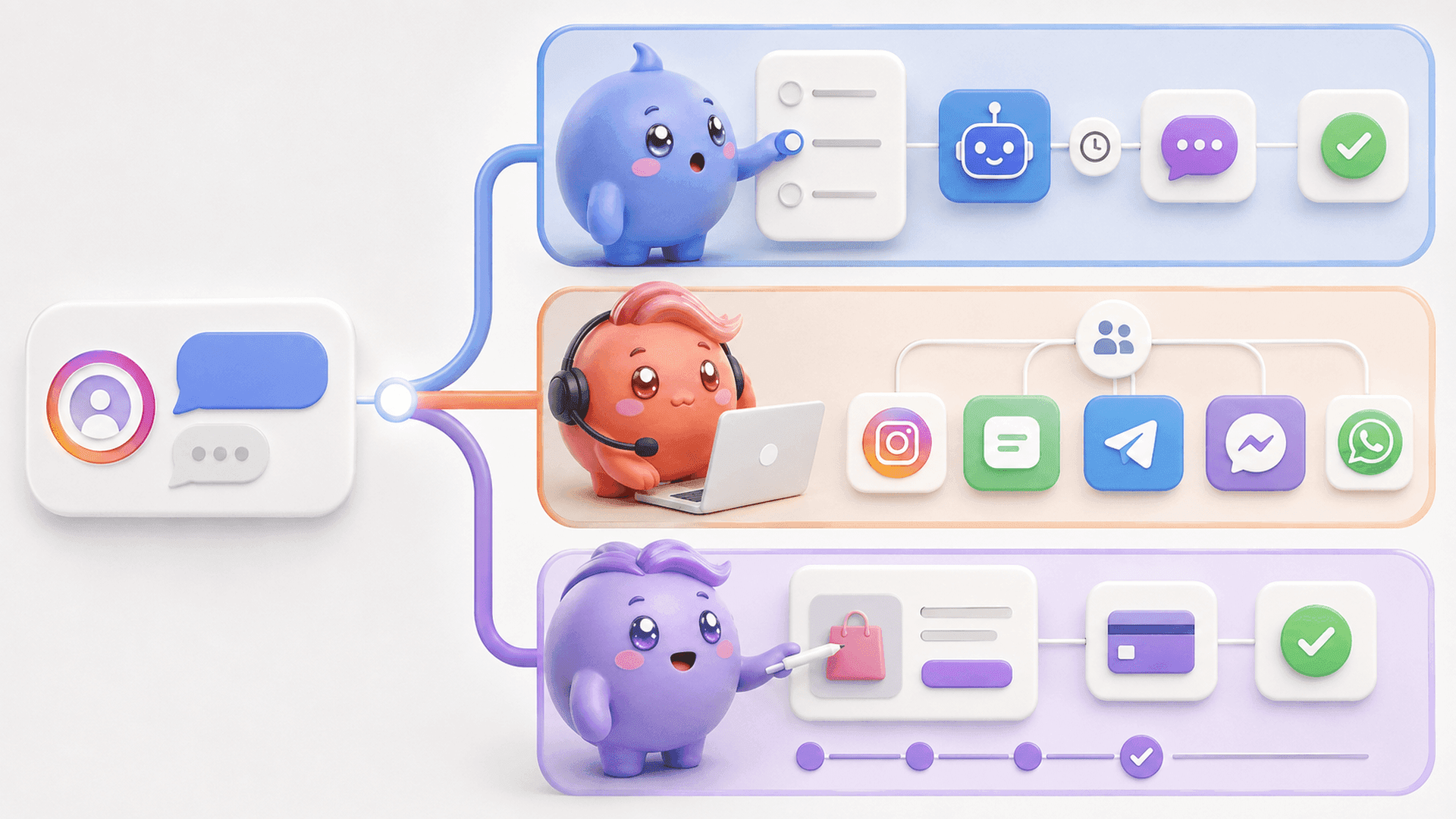
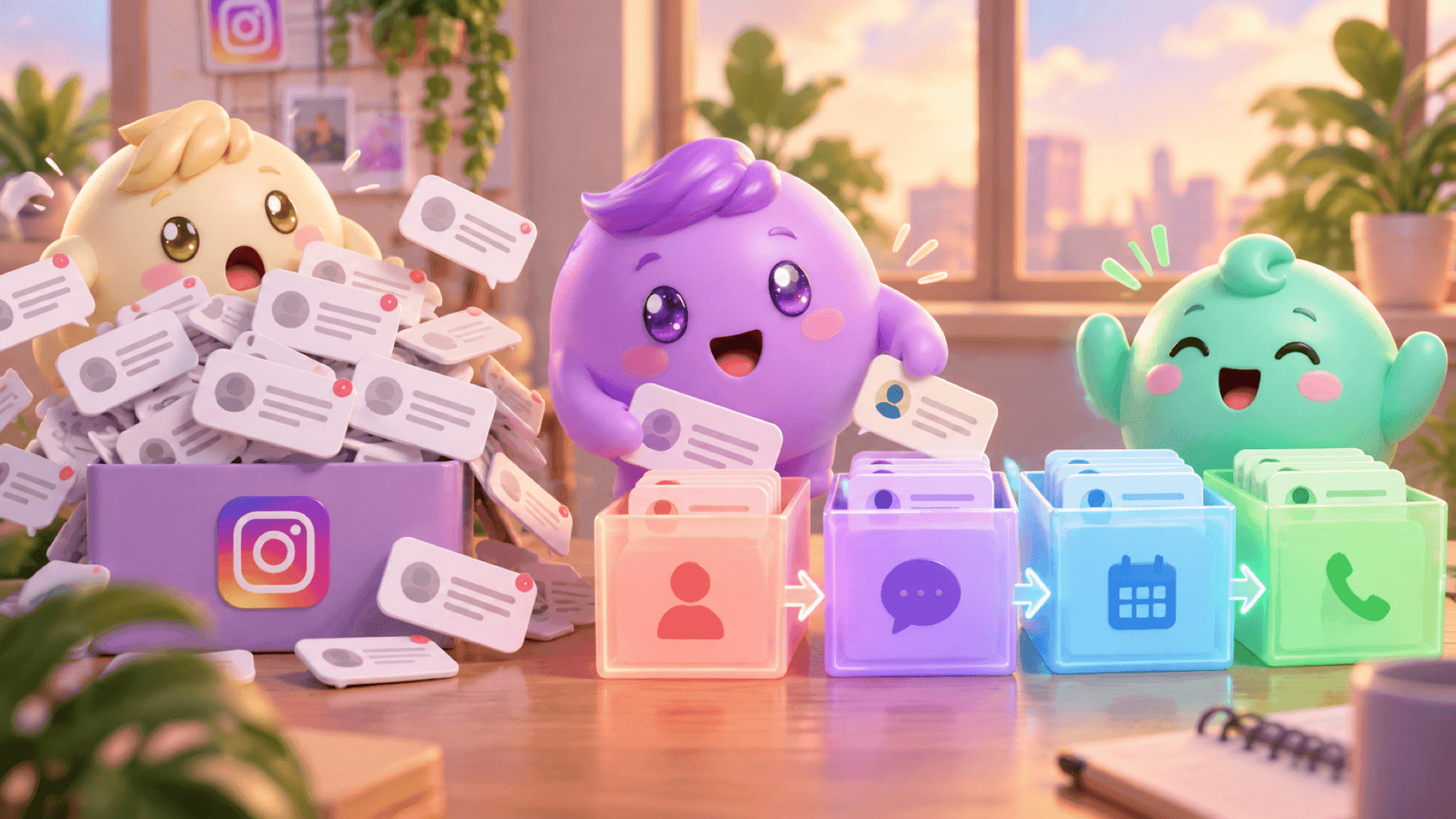
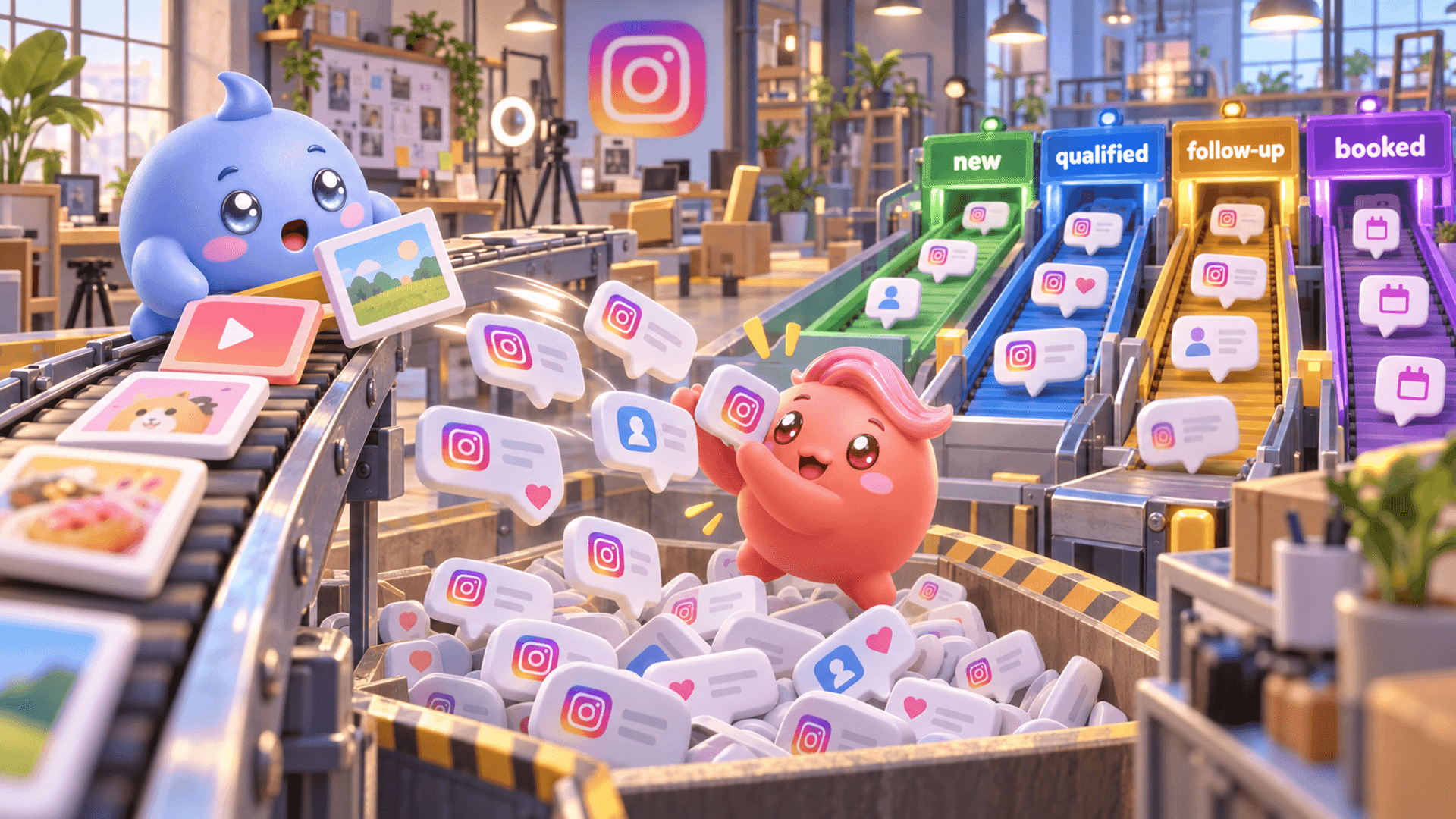
Mochi can trigger first DMs from supported comments, keywords, Stories and ads, then keep the resulting conversations inside the same Instagram DM sales system. The team can see who replied, organize conversations by stage and handle qualified people or follow-ups before random new messages hide them.
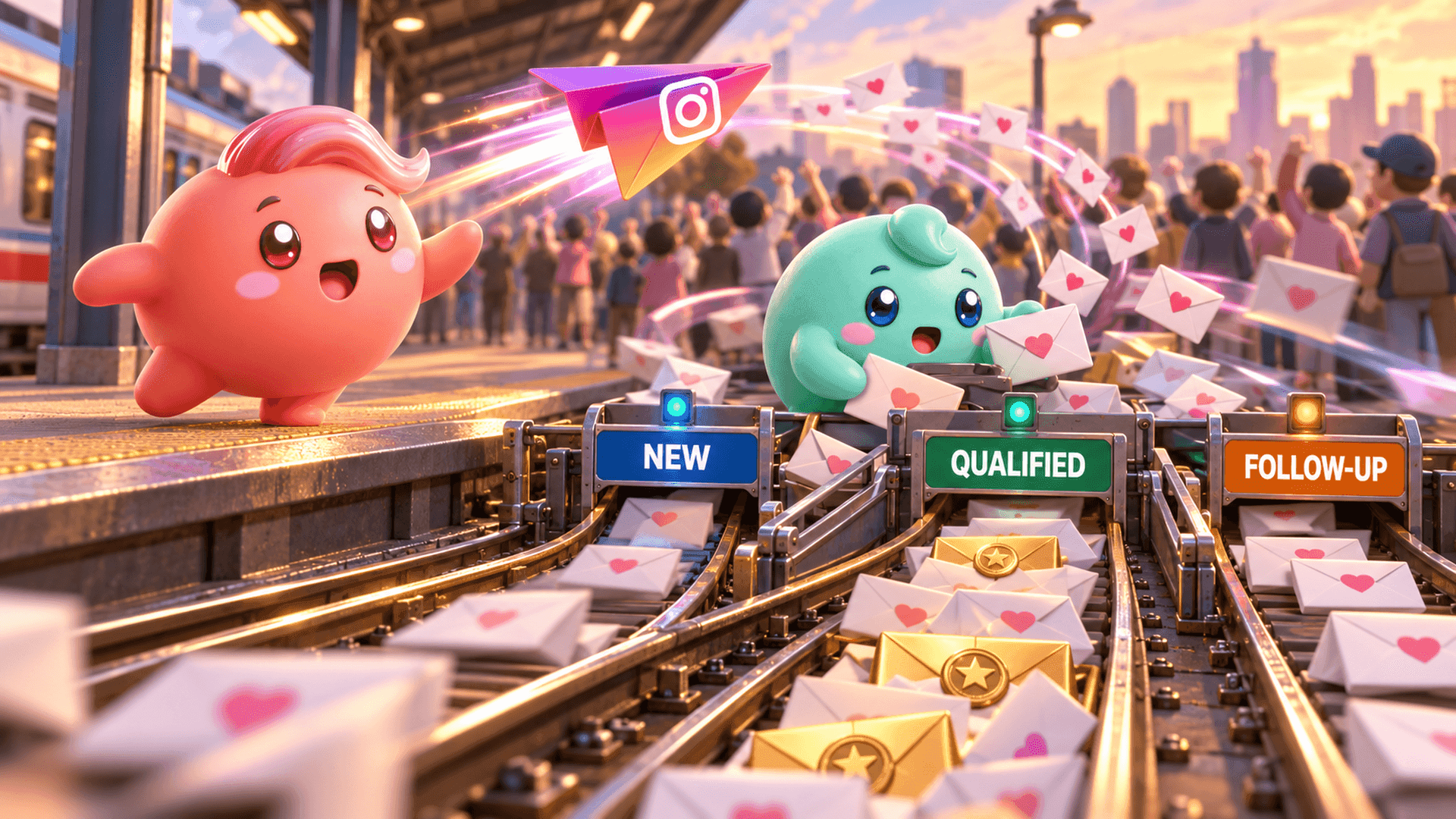
AI Tags can also read what people say and label useful information according to the business's rules. Lead Filters then let the person handling the inbox find groups such as qualified leads, follow-ups or conversations assigned to them without opening chats at random.
If you want the conversations created by your QR-code campaign to move through a clearer inbox process, start a 7-day free trial of Mochi.
Where to use an Instagram QR code
The best placement is somewhere a relevant person already has a reason and enough time to scan. Useful options include:
- Events and workshops: Add the code to a final slide, workbook or booth sign and connect it to a resource mentioned during the session.
- Packaging and printed materials: Continue the customer journey with instructions, tutorials or a direct way to ask a question.
- Physical locations: Place the code near the moment someone needs help, wants examples or is considering the offer.
- Presentations and webinars: Give viewers a way to move from a shared screen into a private Instagram conversation.
- Networking materials: Use the code on a card or one-page guide when searching and typing a username would interrupt the interaction.
Common mistakes to avoid
- Showing a QR code without explaining what the scanner receives.
- Sending people to a profile whose bio does not match the promise.
- Printing the code too small or placing it on a reflective surface.
- Using one generic keyword everywhere, then losing track of what started each conversation.
- Starting more DMs without deciding who will reply or follow up.
- Measuring success only by scans, followers or messages instead of meaningful conversations, booked calls or customers.
An Instagram QR code can remove friction, but it cannot repair a weak process after the person reaches your account. Make the promise clear, test the complete path and treat each serious DM as part of a sales journey.
When those conversations grow, Mochi helps the team focus on the right people, keep the context and see where leads move forward or disappear. Try Mochi free for 7 days and use it with the Instagram conversations already entering your business.