How to Delete Instagram DMs Without Removing the Wrong Thing
Blog

How to delete Instagram DMs
If you want to delete Instagram DMs, first decide what you are trying to remove. Instagram treats deleting a complete conversation differently from removing one message you sent.
- Delete a conversation when you want the entire chat removed from your own inbox.
- Unsend a message when you want a particular message you sent removed from the conversation.
The difference matters. Deleting a chat generally clears it from your inbox, but it does not erase the other person's copy. Unsending is the option intended to remove one of your sent messages from the chat for its participants.
Instagram can change button names and menu layouts, so the wording may look slightly different depending on your device and app version. Read the confirmation shown on screen before completing either action.
How to delete an entire Instagram conversation
- Open Instagram and go to your direct messages.
- Find the conversation you want to remove.
- On iPhone, swipe left on the conversation. On Android, touch and hold it. You may also see a menu when you open the chat or select its options.
- Select Delete.
- Review the warning and confirm.
This removes the conversation from your inbox. It does not mean every message has been erased from the other participant's account.
How to unsend one Instagram message
If you sent the wrong text, link, photo or other message, you do not need to delete the complete conversation.
- Open the relevant Instagram chat.
- Find the message you sent.
- Touch and hold the message on mobile, or open its options on the web.
- Select Unsend.
- Confirm if Instagram asks you to do so.
Unsending is different from deleting the chat. It targets that individual message rather than hiding the entire conversation from your inbox.
Do not assume unsending makes a message unseen. The recipient may already have read it, seen it in a notification or saved a copy. If the message contained sensitive information, take any other appropriate security steps instead of relying only on Unsend.
Can you delete a message sent by somebody else?
You can remove the complete conversation from your own inbox, but the Unsend control is for messages you sent. You cannot use it to erase another person's message from their account.
Can you delete every Instagram DM at once?
Bulk controls can differ by account type, device and app version. If your inbox offers a selection or editing control, review each chosen conversation carefully before deleting it. Otherwise, conversations may need to be removed individually.
Before deleting DMs from a business account
A personal inbox can usually be cleaned by removing chats you no longer want. A business inbox needs more care. A conversation that looks inactive may contain a customer question, a promised follow-up or a qualified lead who asked to return later.
Before deleting a business conversation, check:
- Whether the person is waiting for a reply.
- Whether they have shown real interest in the offer.
- Whether somebody on the team owns the conversation.
- Whether a follow-up, booking link or payment step is still outstanding.
- Whether the conversation contains context the team may need later.
If the real problem is a crowded inbox, deletion may not solve it. New messages will keep arriving, and an important lead can still disappear underneath newer conversations.
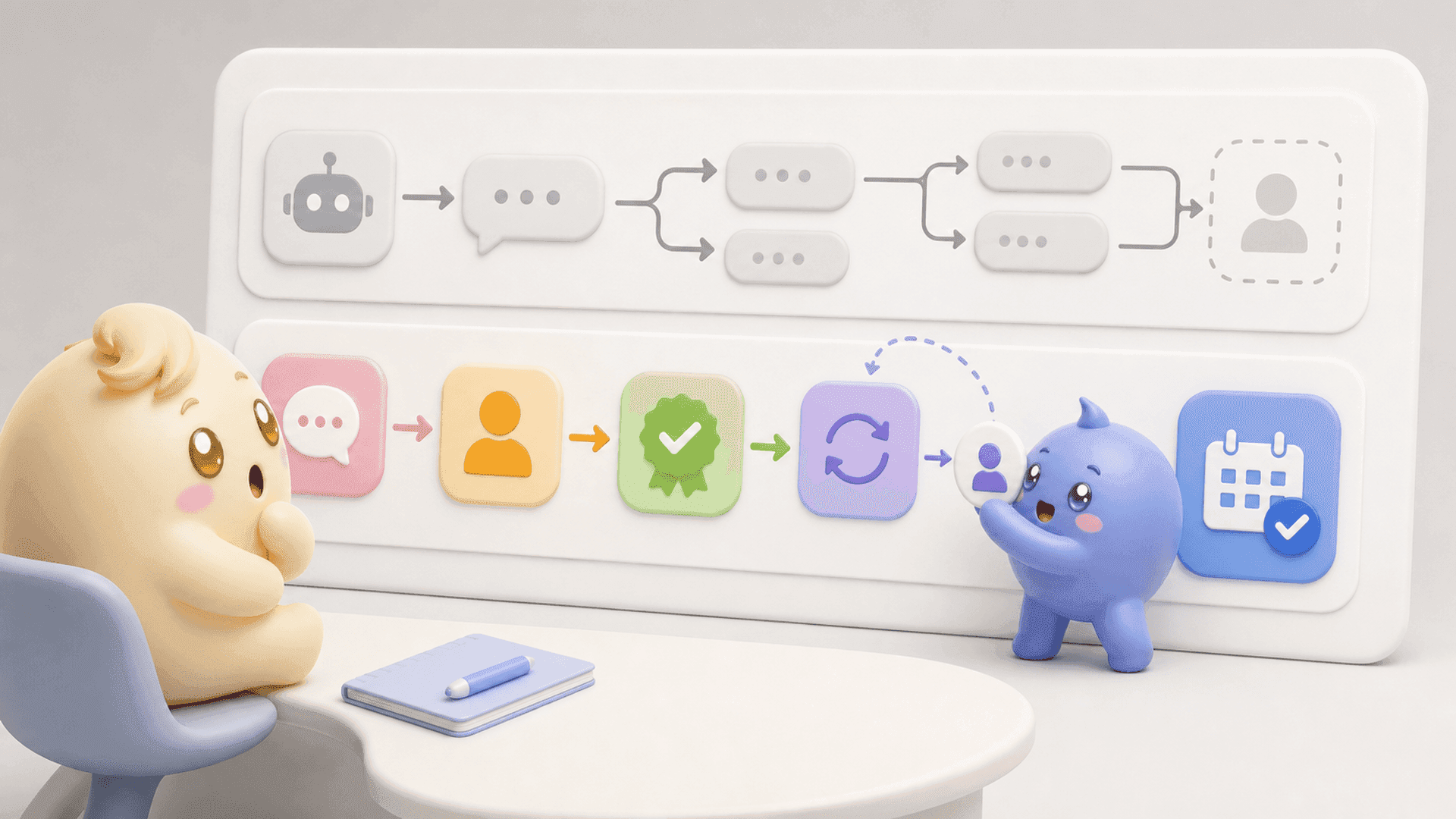
A better system is to separate active leads, qualified people, scheduled follow-ups and completed conversations. That gives the person handling the inbox a clear work list without treating every older chat as clutter.
If you want to organize the leads already inside your Instagram inbox instead of deleting conversations just to make it manageable, try Mochi free for 7 days.
A cleaner inbox should still protect good conversations
For coaches, creators and digital-product businesses, Instagram is often more than a messaging app. Content, Story replies and comments bring people into the DMs, where the team qualifies them, follows up and tries to book a call or make a sale.
Instagram naturally puts recent activity in front of the team. That can make a new compliment look more urgent than an older conversation with someone who already asked to book. Deleting chats reduces the visible count, but it does not create a reliable order for the conversations that remain.
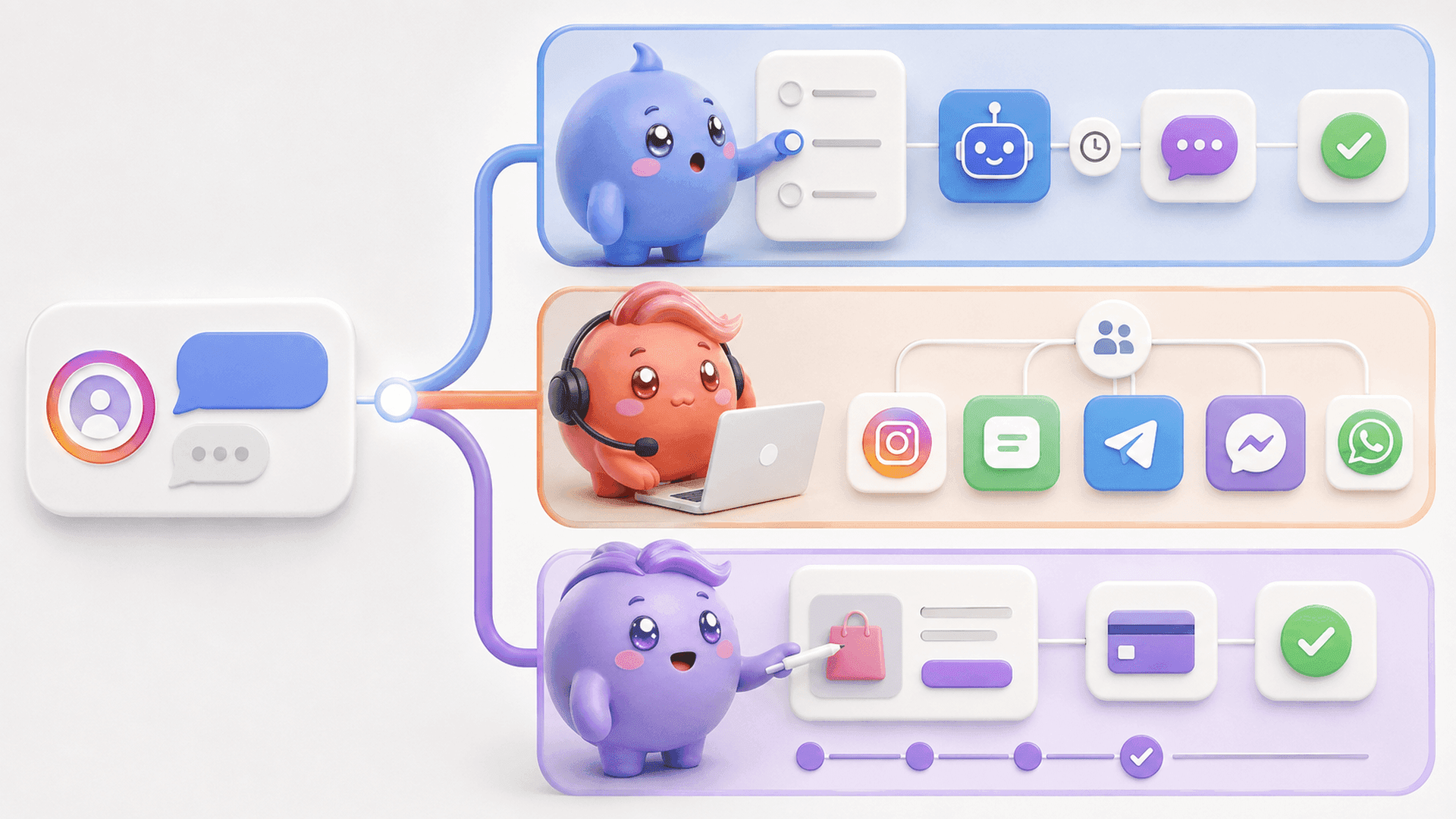
Mochi turns the inbox into a clearer sales process. Its Priority Inbox helps the team start with important leads, Lead Filters find groups such as qualified people or conversations waiting for follow-up, and each conversation can have a clear owner. The goal is not to preserve every DM forever. It is to make deliberate decisions about which conversations still matter.
Use the right action
- Delete the conversation when you only need it removed from your own inbox.
- Unsend your message when you need to remove one specific message you sent.
- Organize the conversation when it may still contain a lead, customer question or follow-up opportunity.
Clean up obvious spam and unwanted chats, but do not mistake an older conversation for a worthless one. The money may already be sitting inside the inbox.
To give your team a clearer way to find and handle the conversations that matter, try Mochi free for 7 days.