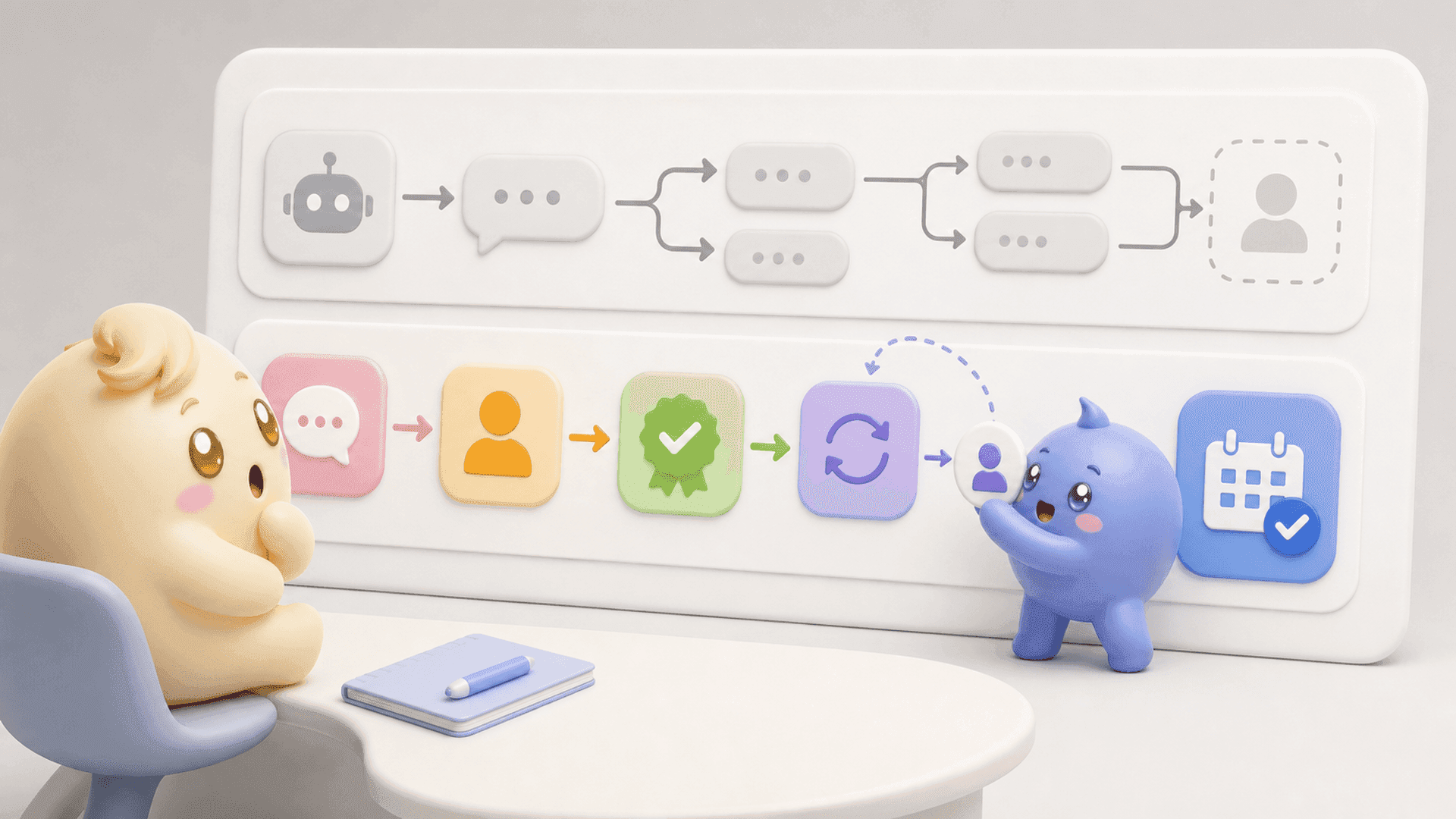
Team Chat is here. And it's going to change how your team works together.
No more Slack threads you can't find. No more WhatsApp messages asking "who's this lead again?" No more scrambling before calls trying to piece together context from four different places.
Team Chat lives directly on the lead. Every note. Every update. Every piece of context—one thread, one source of truth.
How it works
1. One place for everything
Open any lead and you'll see a new Team tab in the right panel. That's where your team's conversation lives. Tag a teammate, leave a note, share an update. Everyone on your team sees the full picture on every lead.
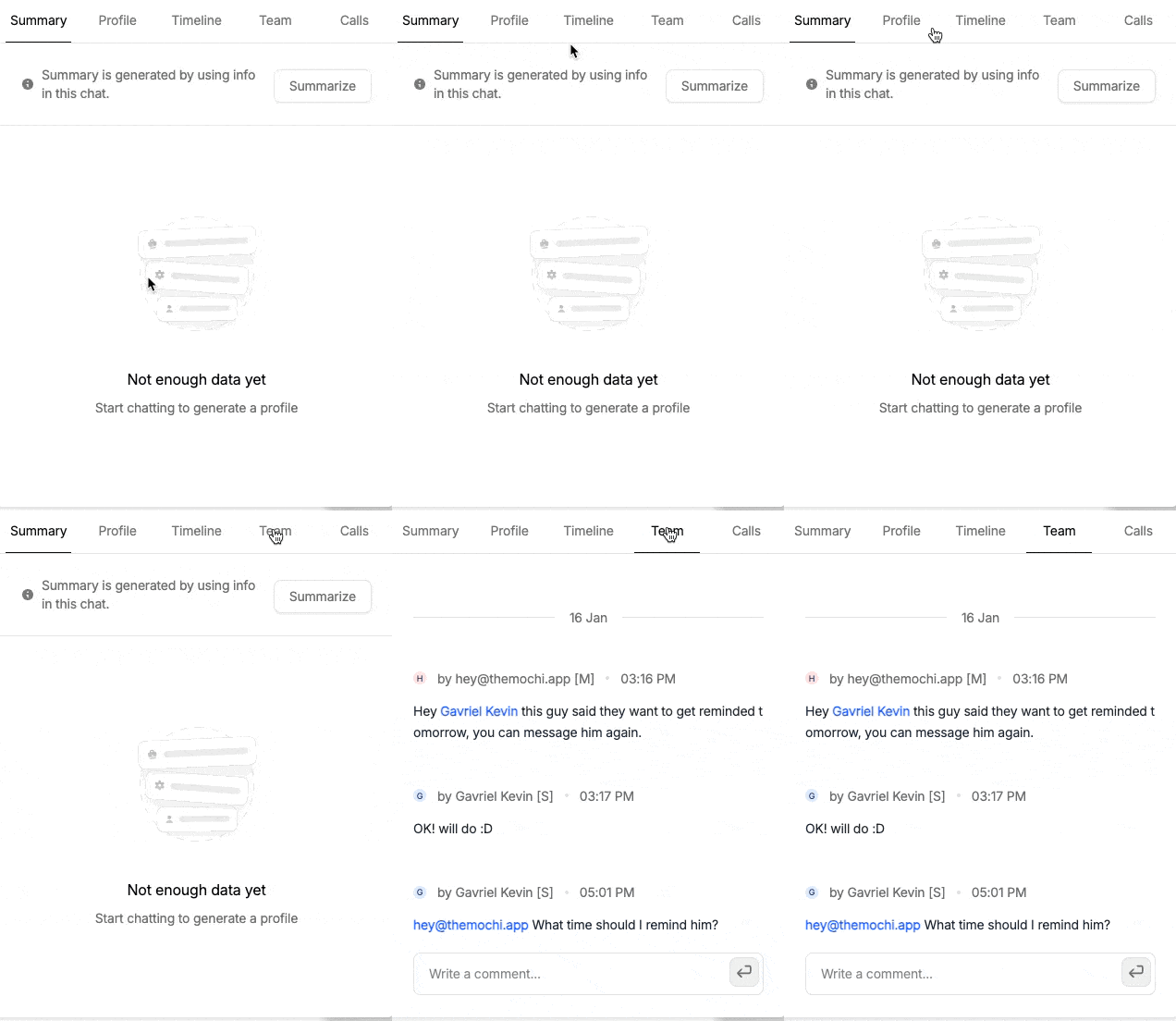
2. @mention to notify
Need someone's attention? Just @mention them. They'll see it in their Priority inbox immediately. No more "did you see my message?" No more context lost in a sea of notifications.
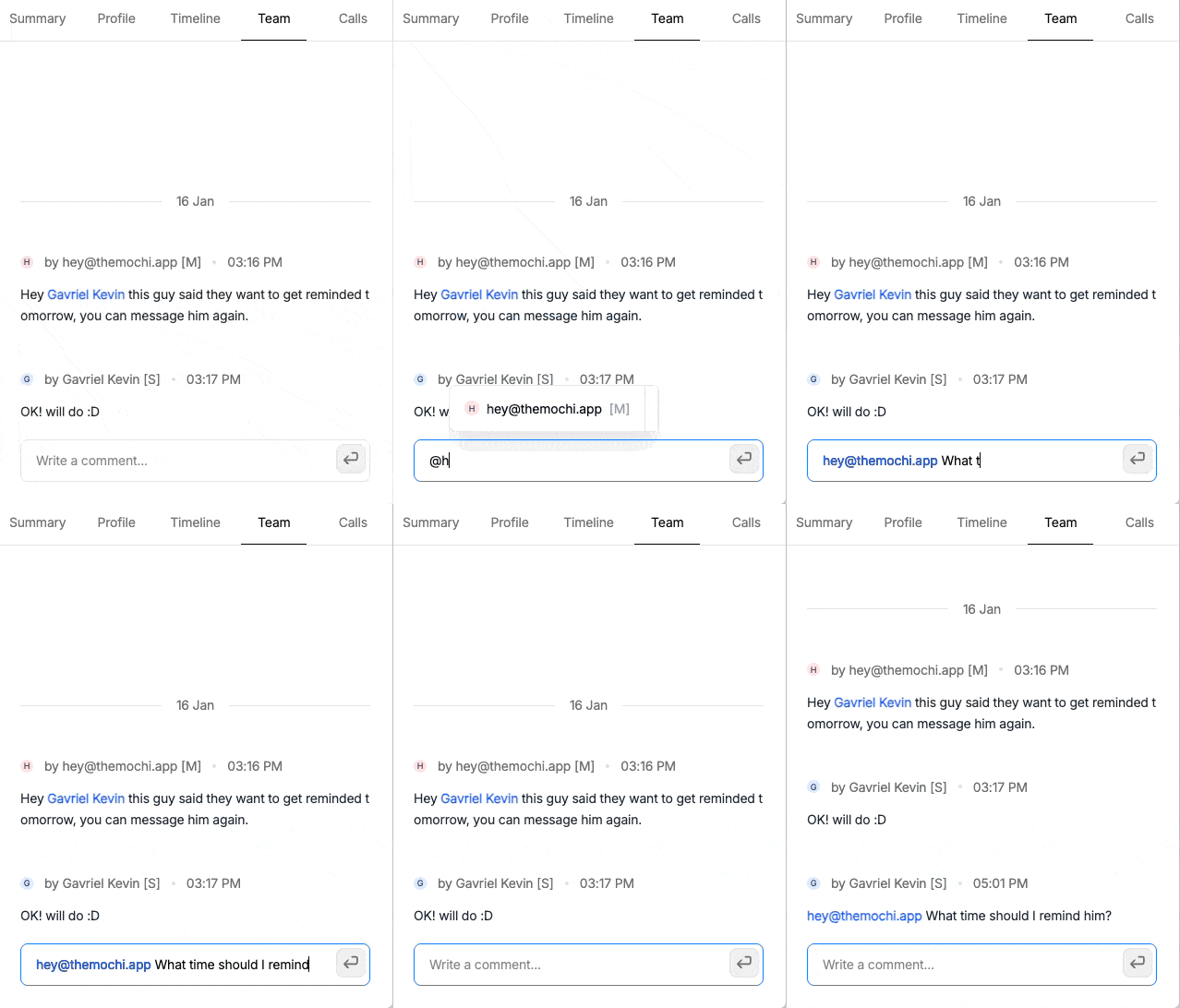
Your team's space
This isn't a replacement for how you talk to your leads. It's a space just for your team—setters, closers, managers—to coordinate without the noise.
Think of it as the conversation that happens around the lead, not with them.
Team Chat is available now for all Mochi users. Open any lead, click the Team tab, and start collaborating.