Instagram Ad Sizes: A Practical Guide for Every Placement
Blog
Instagram ad sizes at a glance
The right Instagram ad size depends on where the ad will appear. A square Feed image, a portrait Feed image and a full-screen Story all occupy the screen differently. If you upload one design everywhere without checking each placement, Instagram may crop an important headline, hide a call to action or surround the creative with unused space.
These are the most useful starting dimensions for Instagram ads:
- Square Feed ad: 1080 × 1080 pixels, with a 1:1 aspect ratio.
- Portrait Feed ad: 1080 × 1350 pixels, with a 4:5 aspect ratio.
- Landscape Feed ad: 1080 × 566 pixels, with an aspect ratio close to 1.91:1.
- Stories ad: 1080 × 1920 pixels, with a 9:16 aspect ratio.
- Reels ad: 1080 × 1920 pixels, with a 9:16 aspect ratio.
- Carousel ad: use matching dimensions across every card, commonly 1080 × 1080 or 1080 × 1350 pixels in Feed.
Dimensions describe the number of pixels. Aspect ratio describes the shape. When an ad platform asks for a 9:16 asset, for example, 1080 × 1920 is the standard high-resolution canvas most teams use.
Meta can change placement requirements and delivery behavior, so check the specifications shown in Ads Manager before launching a campaign. Treat the dimensions above as practical production defaults, then preview every selected placement.
Choose the size for the placement
Feed ads
For most Feed campaigns, a 1080 × 1350 portrait asset is a strong starting point because it occupies more vertical space than a square or landscape image. That gives the hook, visual and call to action more room while somebody scrolls.
A 1080 × 1080 square remains useful when the design must travel across several placements or when a balanced composition matters more than screen coverage. Landscape can work for wide scenes, demonstrations or reused video, but it appears smaller in a vertical mobile feed.
Stories and Reels ads
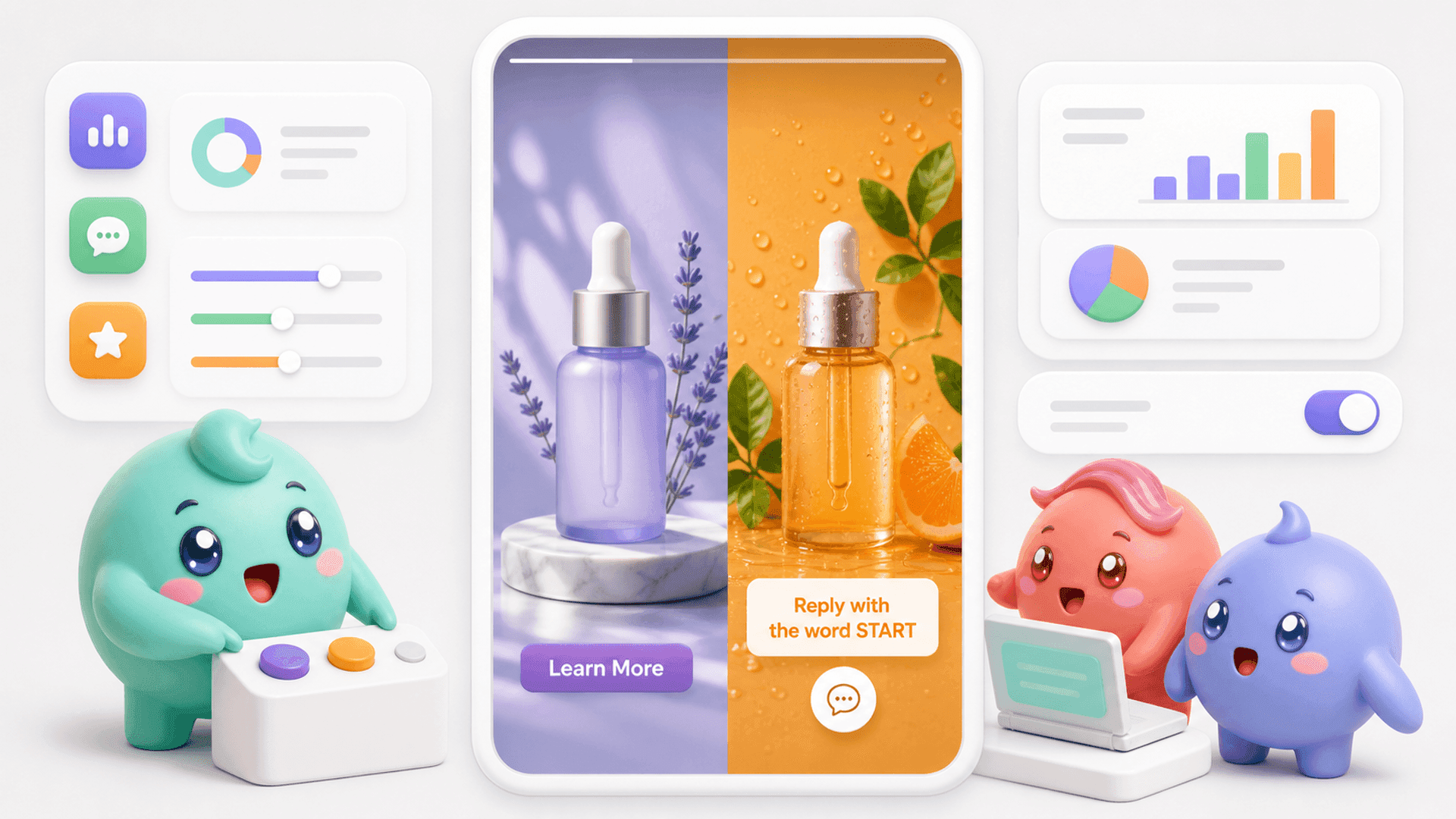
Stories and Reels are full-screen placements, so build them vertically at 1080 × 1920. Do not simply place a square Feed ad in the middle of a tall canvas. Use the extra space intentionally with movement, a clear opening message and one obvious next step.
Keep essential words, faces, logos and buttons away from the extreme top and bottom. Instagram adds interface elements over full-screen creative, and the visible controls can vary. Previewing the finished ad is more reliable than assuming every pixel will remain clear.
Carousel ads
A carousel lets the viewer move through several cards. Pick one ratio and use it consistently across the sequence so the campaign does not feel as if each card came from a different template. The first card should introduce the reason to keep swiping, while later cards can explain the problem, show the method and present the next action.
If your ads are designed to start Instagram DM conversations, the creative is only the first step. Try Mochi free for 7 days to organize the people who respond and keep qualified conversations from getting buried beneath newer messages.
How to design one idea for several ad sizes
The quickest approach is not to stretch one finished design into every shape. Build a flexible system around the same message.
- Choose the main placement first. Start with the placement receiving most of the campaign budget or the one most important to the idea.
- Define one visual focal point. A face, product moment or clear physical action should remain understandable in square, portrait and vertical versions.
- Keep the hook short. A compact headline is easier to reposition without shrinking it until it becomes unreadable.
- Protect the important content. Keep the hook, subject and CTA near the central area, then use backgrounds and supporting details to fill the edges.
- Recompose instead of resizing. Move elements for each ratio. A side-by-side Feed layout may need to become a stacked Stories layout.
- Preview every placement. Check whether interface elements, cropping or the CTA cover any part of the message.
A simple creative checklist
- Can the main idea be understood quickly on a phone?
- Is the text large enough to read without zooming?
- Does the opening frame make sense without sound?
- Are captions available when spoken words carry the message?
- Is the next action clear?
- Does the destination match what the ad promised?
File size and accepted formats can vary by placement and campaign setup. Export a high-quality image or video, then use Ads Manager's upload checks and placement preview to catch technical issues before publishing.
The ad is only the start of the sales journey
Correct dimensions help the ad appear as intended, but they do not tell you whether the campaign produced useful conversations. An ad can look perfect and still create weak leads. Another can attract fewer replies but bring people who are far more likely to buy or book a call.
That distinction matters when the ad sends people into Instagram DMs. Once somebody responds, the team still needs to understand what they want, decide whether they are a good fit, follow up and move the right person toward the next step.
The normal Instagram inbox sorts conversations by recency. A new emoji reply can appear above somebody who already explained their problem and asked what to do next. When an ad produces a rush of messages, the team can look busy while qualified people wait lower in the inbox.
A basic manual system can help at lower volume:
- Record which campaign or creative started each conversation.
- Mark people who appear qualified.
- Assign a clear owner to each active conversation.
- Set a specific follow-up time instead of relying on memory.
- Track how many conversations become qualified leads, booked calls or customers.
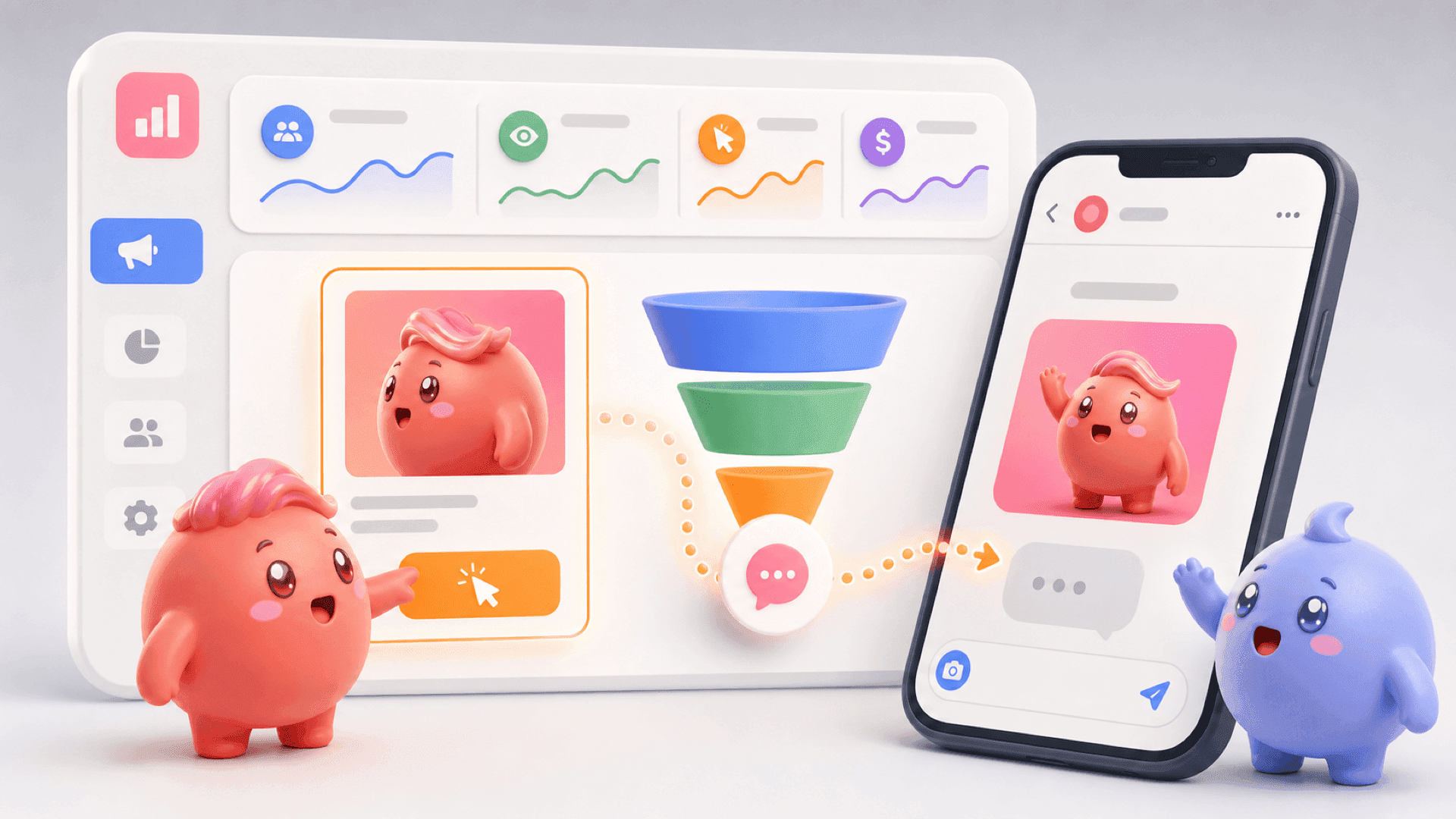
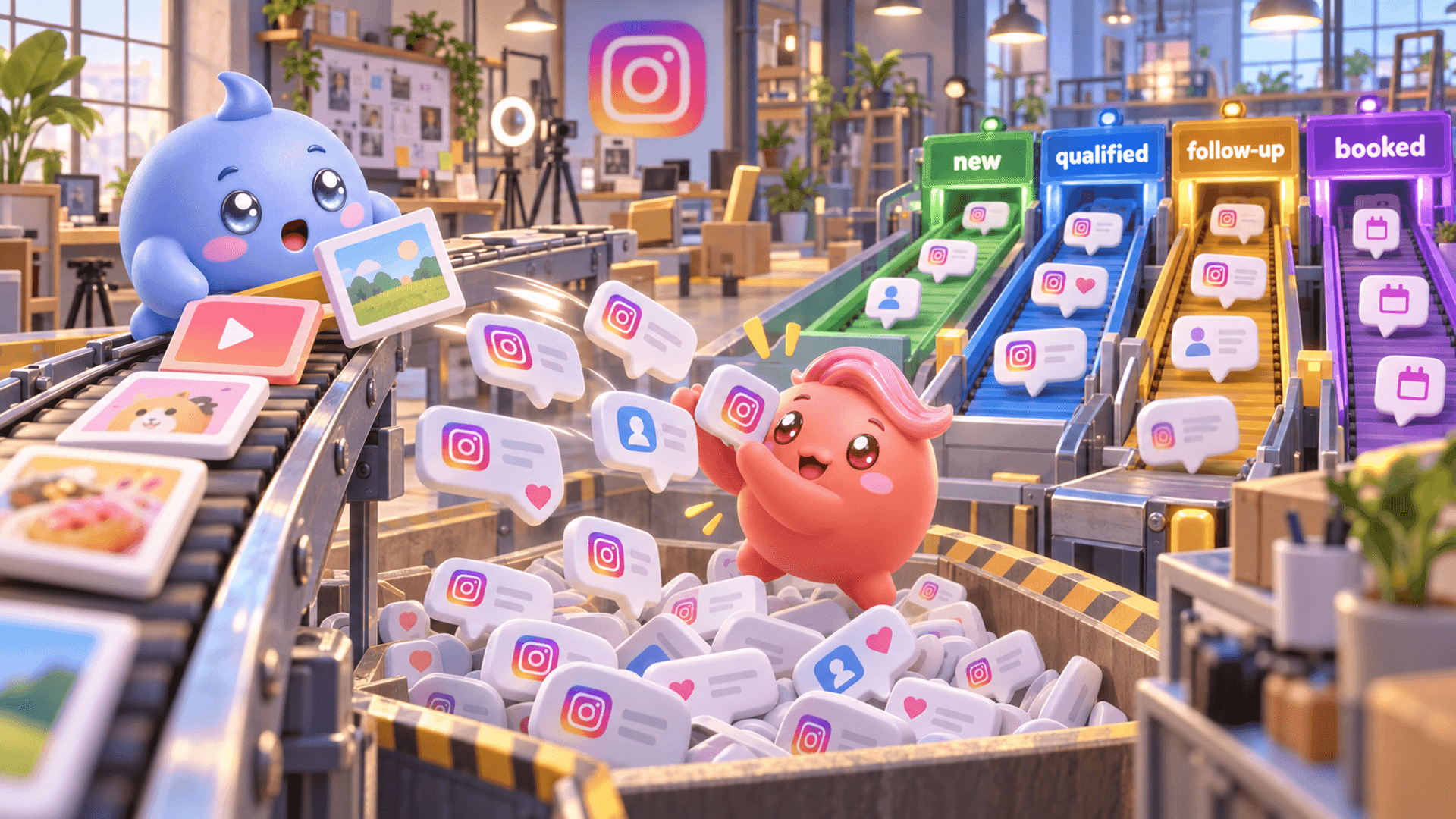
Mochi puts that work into an Instagram DM sales system. Content Attribution connects sources to the conversations and outcomes they create. Priority Inbox and Lead Filters help the person handling the DMs find qualified leads and follow-ups before random new messages. The DM Sales Pipeline shows where conversations stop moving across the business.
This closes the gap between ad production and sales. Instead of judging creative only by views, clicks or replies, the business can see which sources create qualified conversations, booked calls and customers.
If your Instagram ads already bring people into the DMs, start a 7-day free trial of Mochi and build a clearer process around the conversations you are already paying to create.