How to Find and Use Your Instagram Account QR Code
Blog

What is an Instagram account QR code?
An Instagram account QR code is a scannable image that opens a specific Instagram profile. Instead of asking someone to type your username, check the spelling and choose the right account from the results, you can let them scan one code and go straight to your profile.
That makes the code especially useful anywhere people encounter your business away from Instagram. You can place it on an event sign, product insert, presentation, business card, reception desk or printed guide. Someone scans it with their phone, reviews your profile and can follow you or start a conversation.
The code does not automatically turn a visitor into a lead or customer. It removes one small but important point of friction. What happens next depends on whether your profile gives the visitor a clear reason to act and whether your business handles the resulting conversations properly.
Instagram QR code versus profile link
Both routes lead to your profile, but they work best in different situations:
- Use a QR code when the person is looking at a physical item, another screen or an in-person display.
- Use a profile link when the person is already clicking inside an email, website, message or digital document.
Avoid making someone scan a QR code displayed on the same phone they are using. In that situation, a normal clickable profile link is simpler.
How to find and share your Instagram QR code
Instagram can change the names and positions of menu items, but the account QR code is normally available from your profile's sharing options.
- Open the Instagram mobile app and go to your profile.
- Look for Share profile. If it is not shown on the profile screen, open the profile menu and look for a QR code or profile-sharing option.
- Open the QR code view and check that it belongs to the correct account.
- Use the available sharing or saving option to send the code or keep an image for your design.
If you manage several Instagram accounts, check the username before downloading or printing anything. A perfectly designed sign is useless if its code opens the wrong profile.
How to scan an Instagram account QR code
Most modern phone cameras can recognize a QR code directly. Open the camera, point it at the code and tap the link that appears. Instagram may also provide a scanner inside the app, depending on the current version.
Test the finished code using a phone that was not involved in creating it. Confirm that it opens the intended profile and remains readable at the size and distance people will actually encounter.
If the code does not scan
- Increase its printed size.
- Give it clear space instead of surrounding it with text or graphics.
- Use strong contrast and avoid glare, folds or curved surfaces.
- Do not crop, stretch or cover parts of the code.
- Test the exported design rather than only the original image.
If you expect QR-driven profile visits to become sales conversations, the next step is making sure those conversations do not disappear inside a busy inbox. Try Mochi free for 7 days and organize the Instagram leads already speaking to your business.
Where businesses should use an Instagram QR code
The best placement is not simply wherever the code fits. Put it where someone has enough context to understand why visiting your account is worth the effort.
Events and presentations
Place the code on a booth sign, final presentation slide, handout or name badge. Add a specific reason to scan, such as seeing examples, getting a resource or asking a follow-up question. Leave it visible long enough for people to use it.
Packaging and printed materials
A product insert, thank-you card, menu, brochure or workbook can connect an offline customer to your Instagram account. Match the prompt to the moment: ask for a question, invite the person to see instructions or point them toward relevant content.
Physical locations
Studios, offices, shops and venues can place the code near reception, checkout or another natural waiting point. Make the message concrete. “Scan to follow us” is clear, but “Scan to ask which program fits your goal” gives a potential customer a stronger reason to begin a useful conversation.
Lead magnets and direct-message prompts
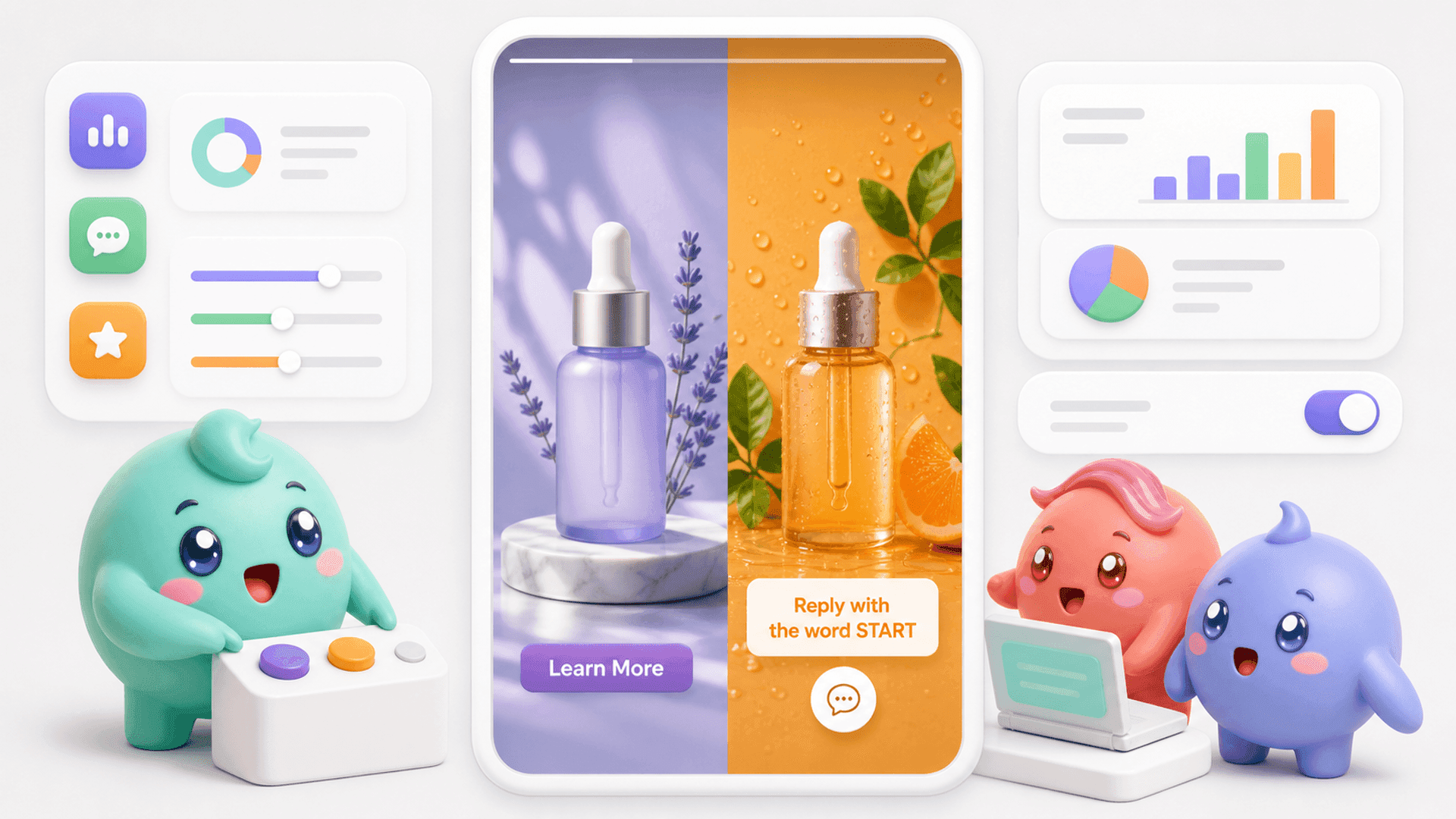
For coaches, creators and digital-product businesses, a QR code can send an offline audience to the profile while a nearby prompt tells them what to do next. For example, a workshop slide could ask people to scan the code, open the profile and send a particular word to request a resource.
Keep the journey short. A person should be able to understand the offer, open the right profile and take the next action without navigating several unrelated pages.
Turn QR code scans into conversations you can manage
A QR code solves discovery. It does not solve the work that begins after someone reaches the profile.
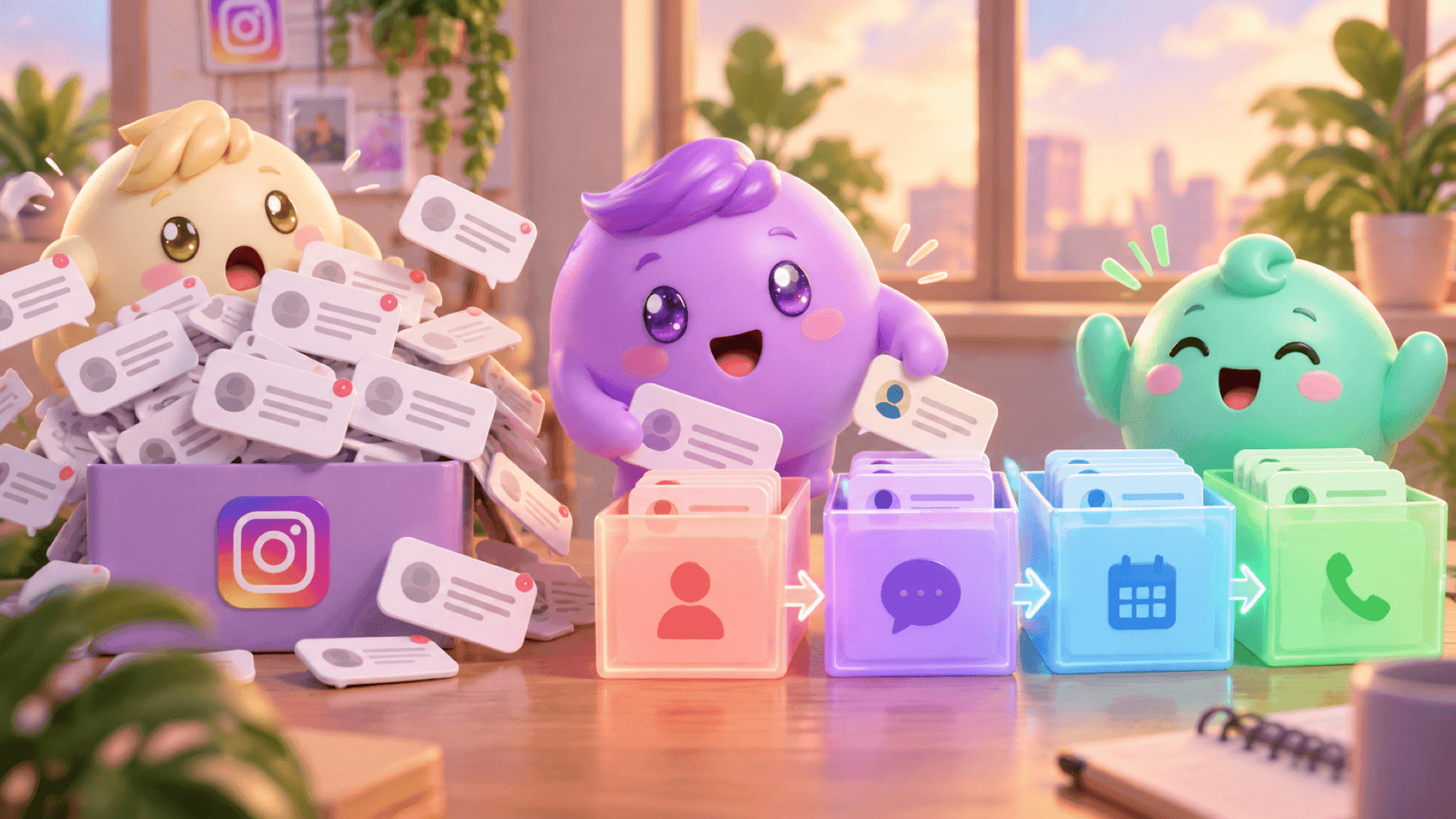
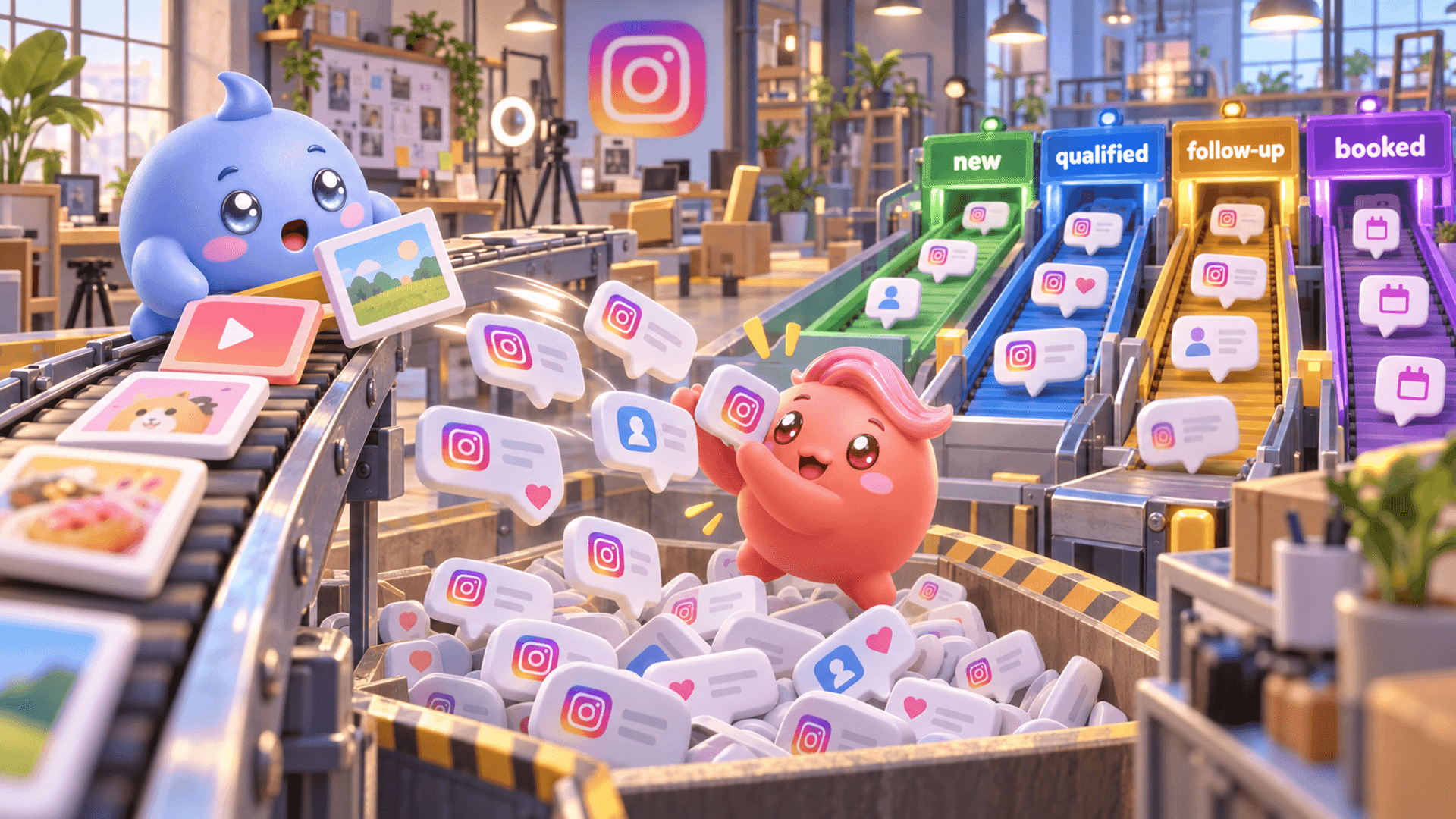
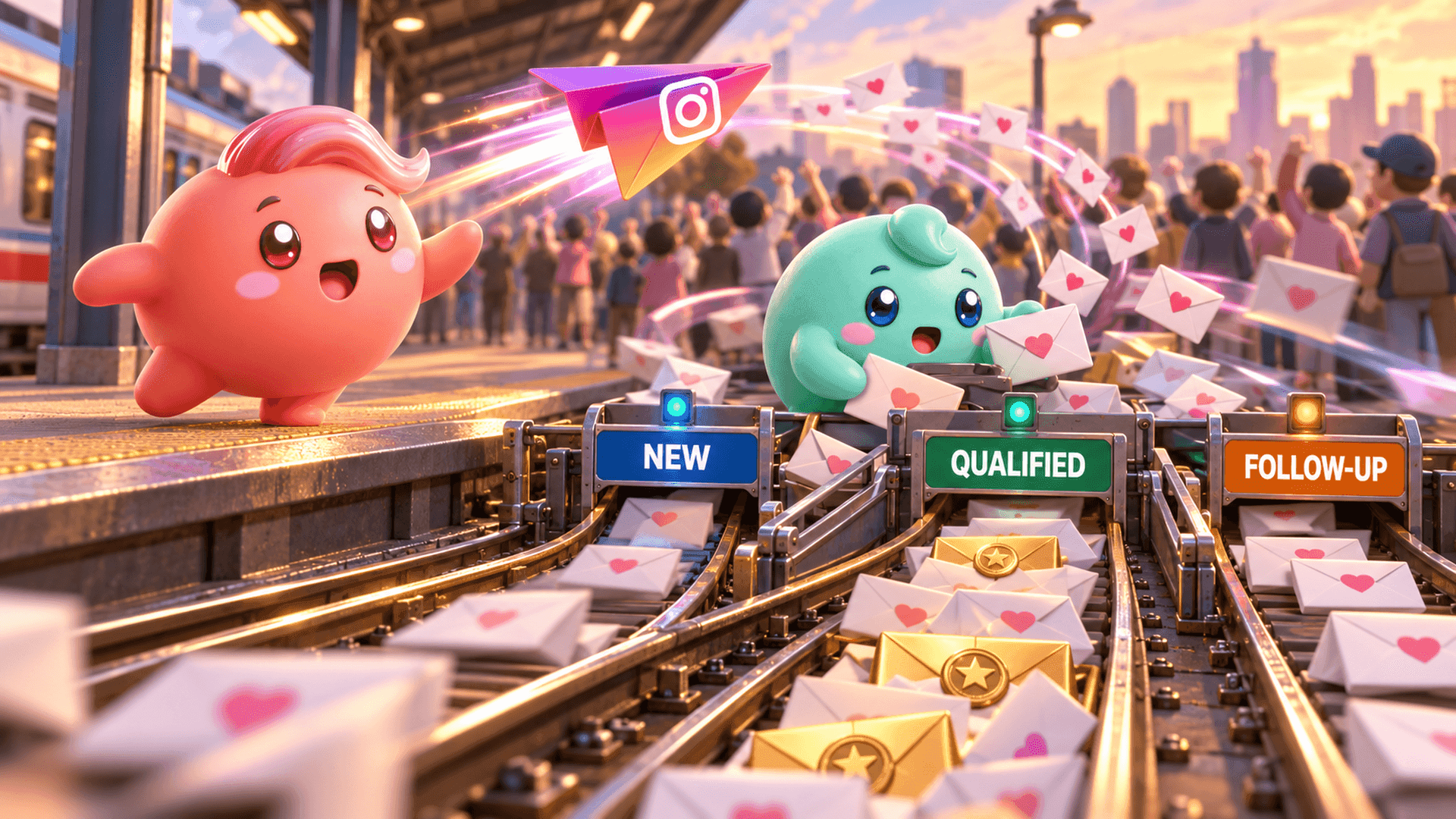
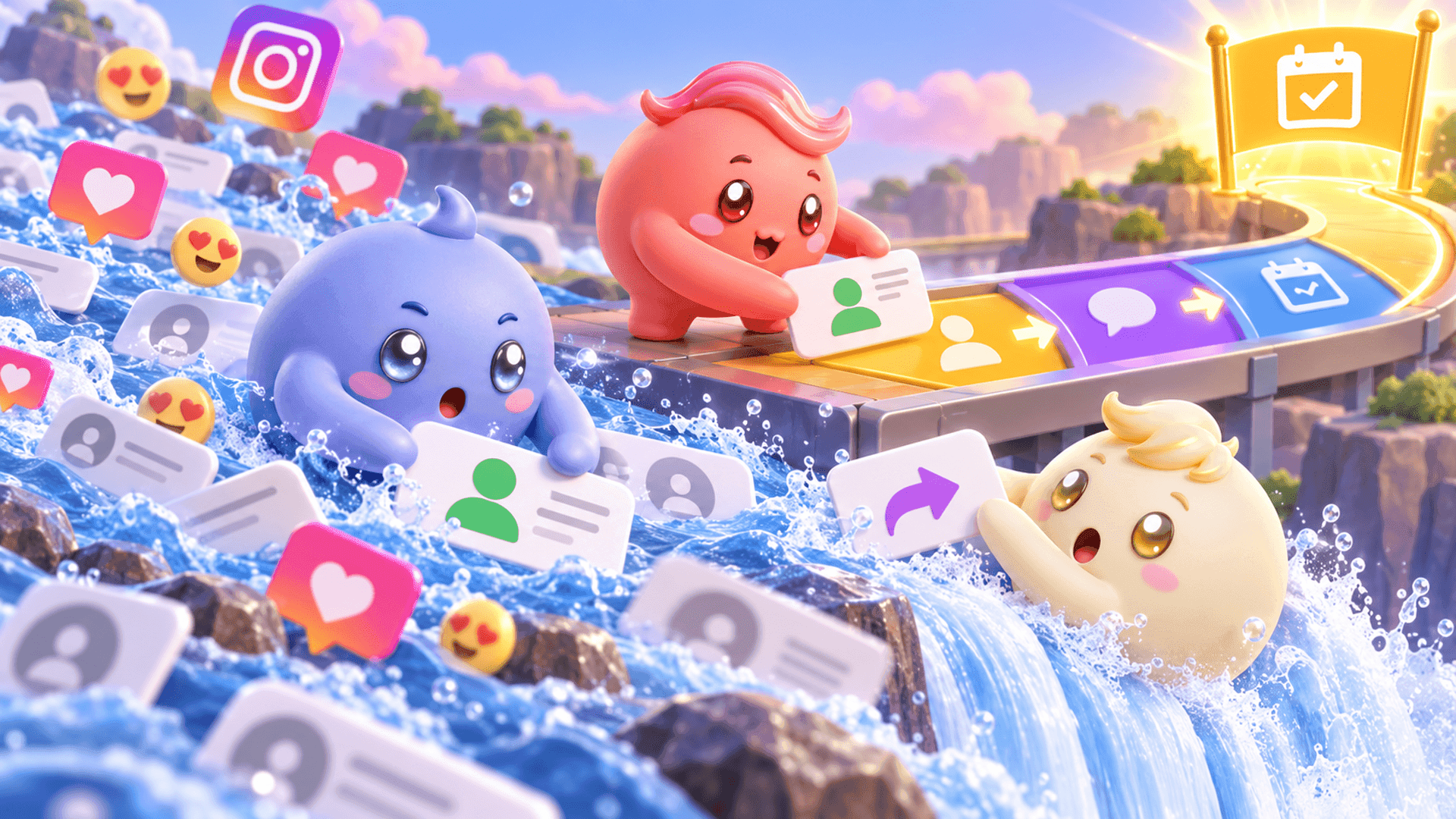
Imagine that people scan your code after a live workshop and start messaging within a few minutes. Instagram puts the newest message near the top, so the person handling the inbox naturally answers in that order. Meanwhile, someone who already explained their problem and looks ready for the next step can move lower as more messages arrive.
A simple manual process can prevent some of that loss:
- Give every code one clear purpose. Decide whether visitors should follow, view a resource, send a question or begin a sales conversation.
- Use a specific prompt. Tell people exactly what to send so your team understands why they arrived.
- Record the source. Use a distinct prompt for each event or placement when you need to compare where conversations began.
- Separate serious conversations. Mark qualified people and follow-ups instead of relying on the order of the inbox.
- Review outcomes. Look beyond scans or profile visits. Ask how many useful conversations, qualified leads, booked calls or customers followed.
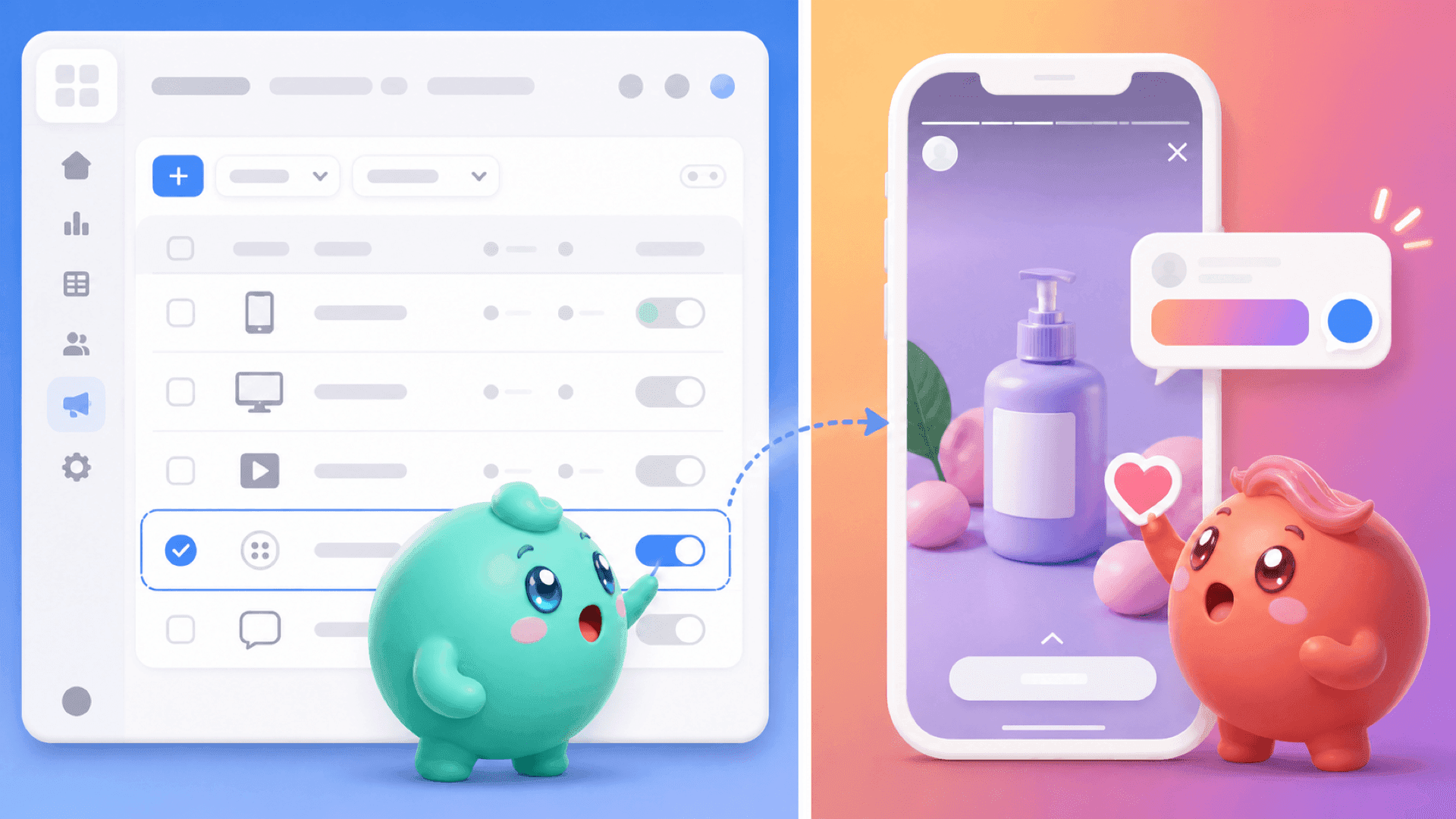
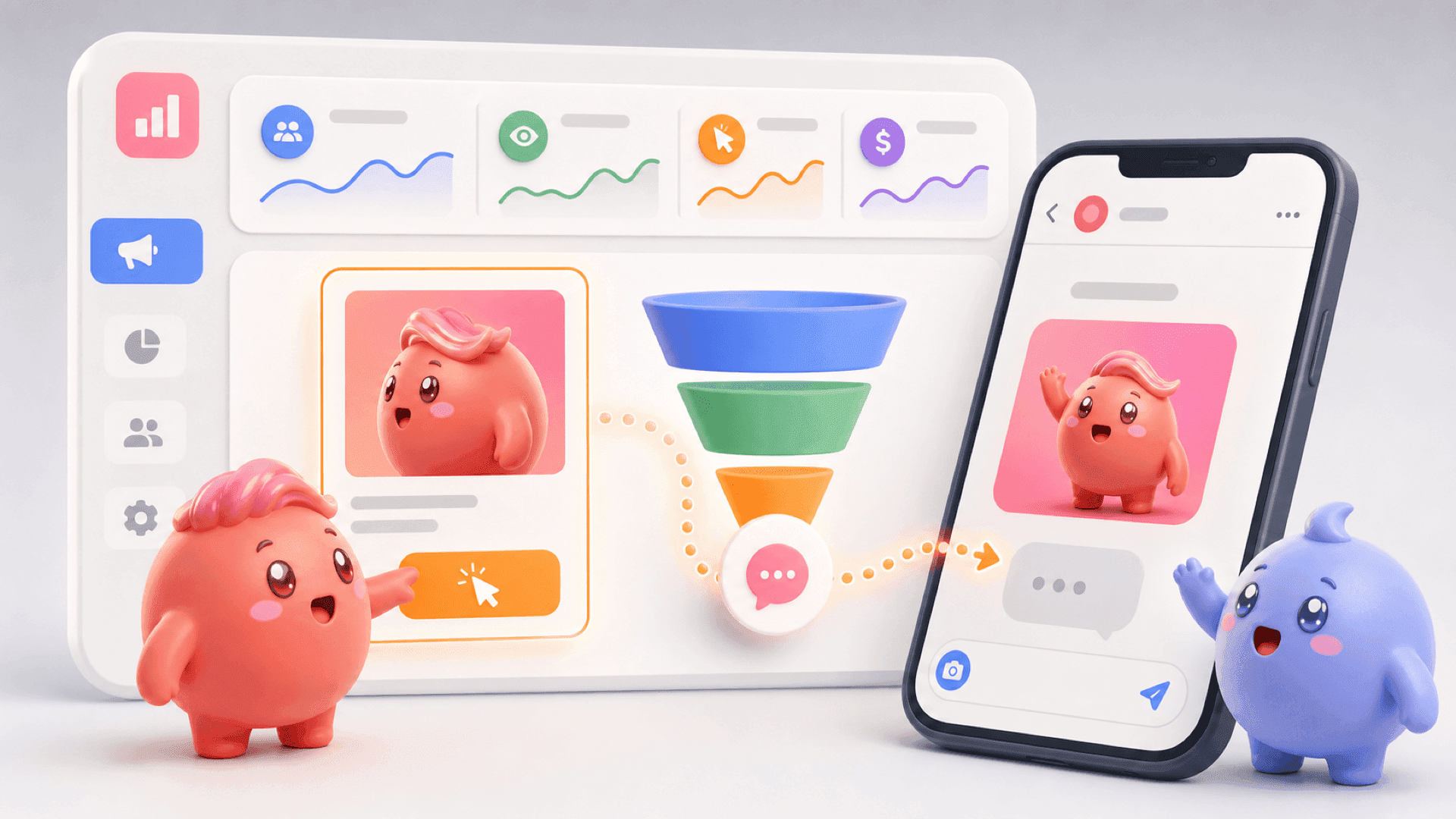
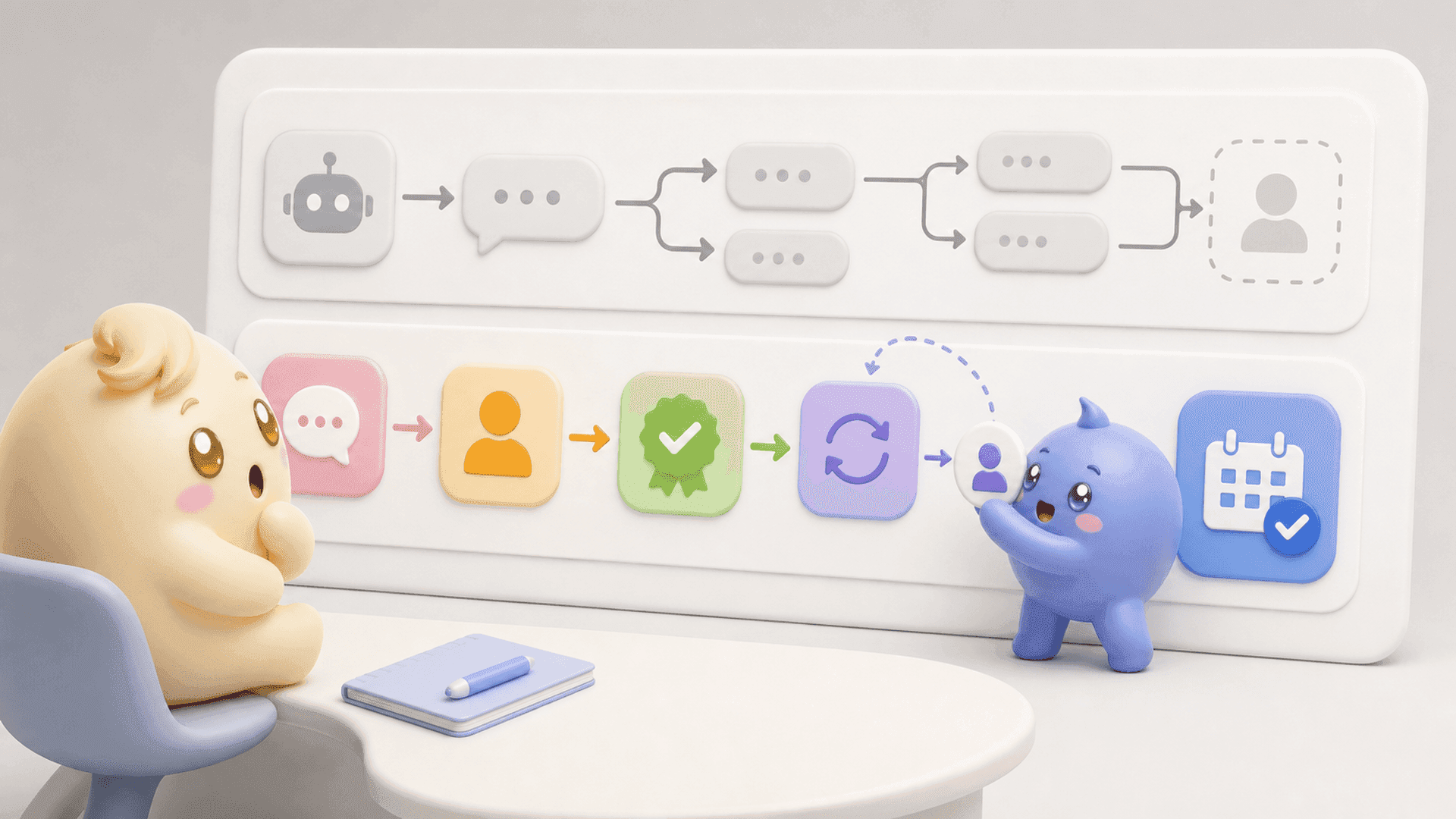
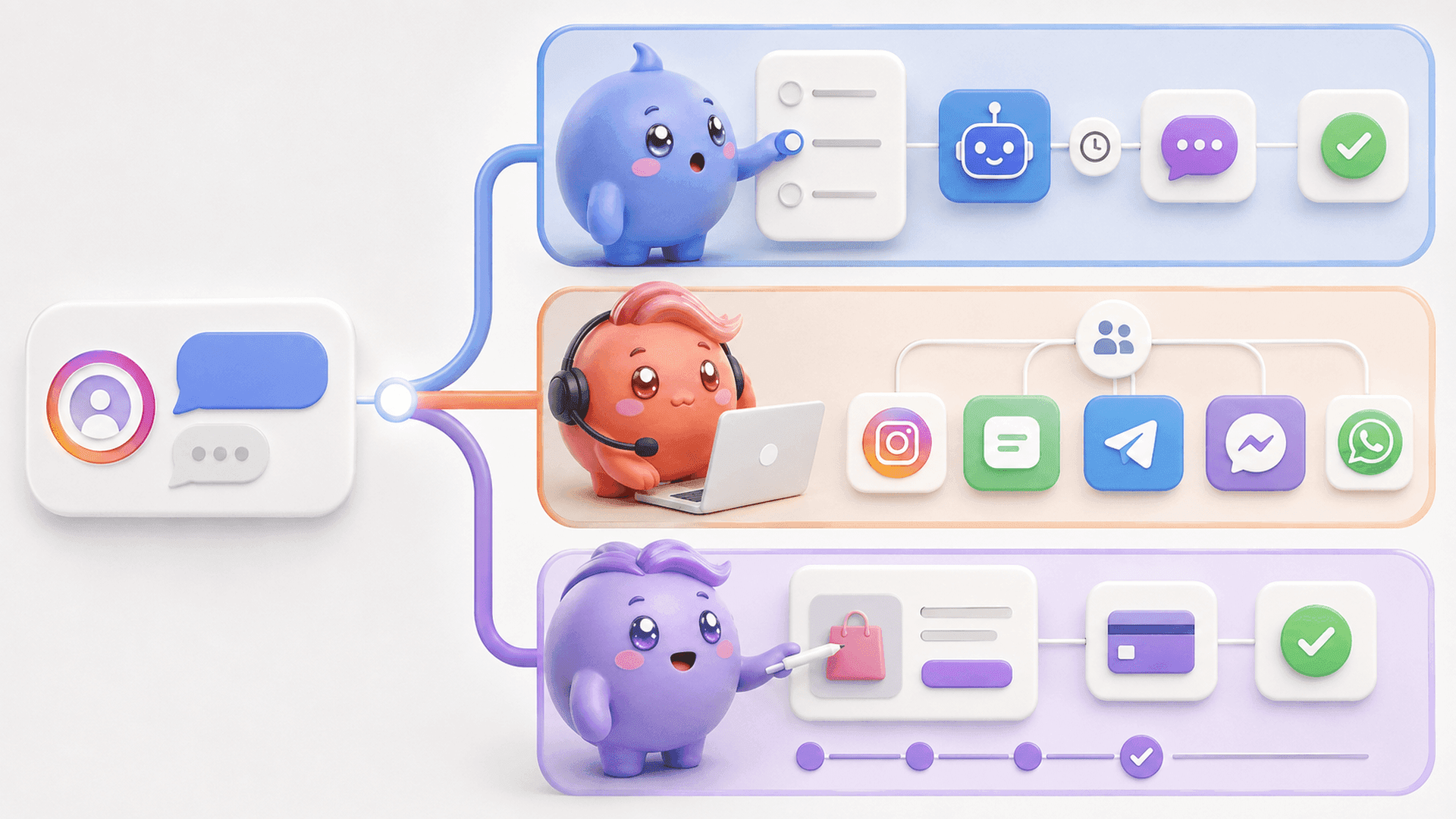
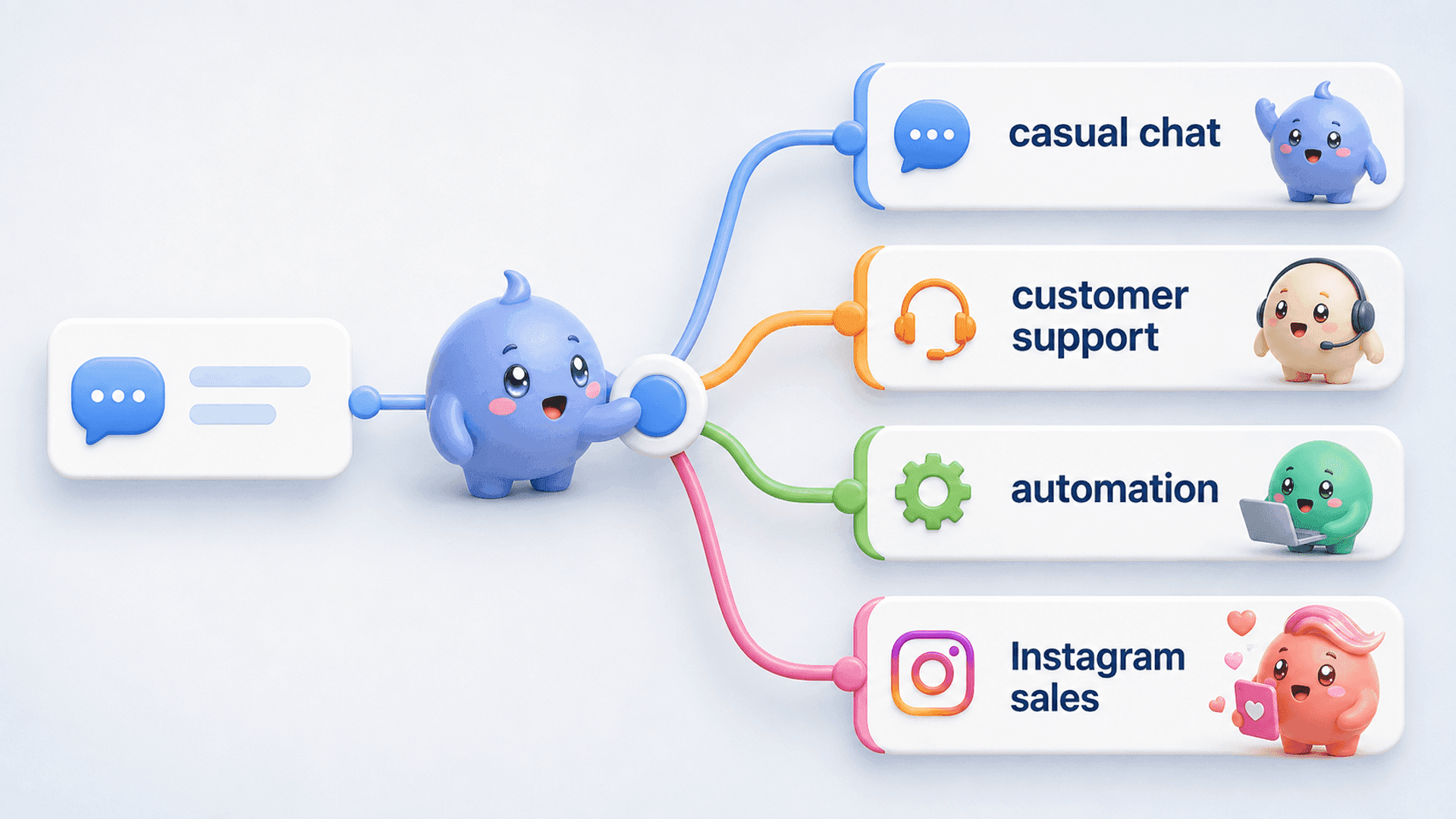
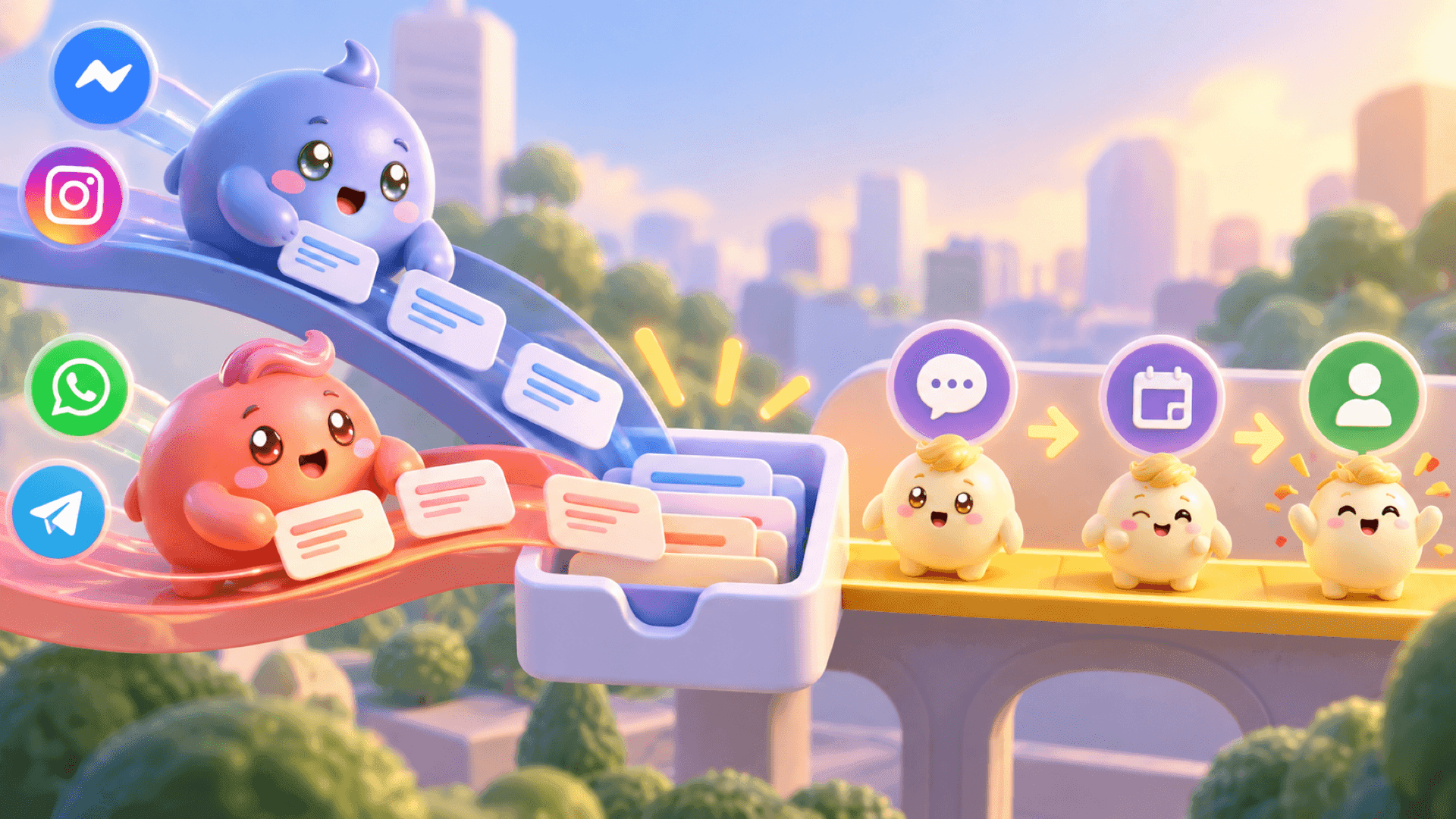
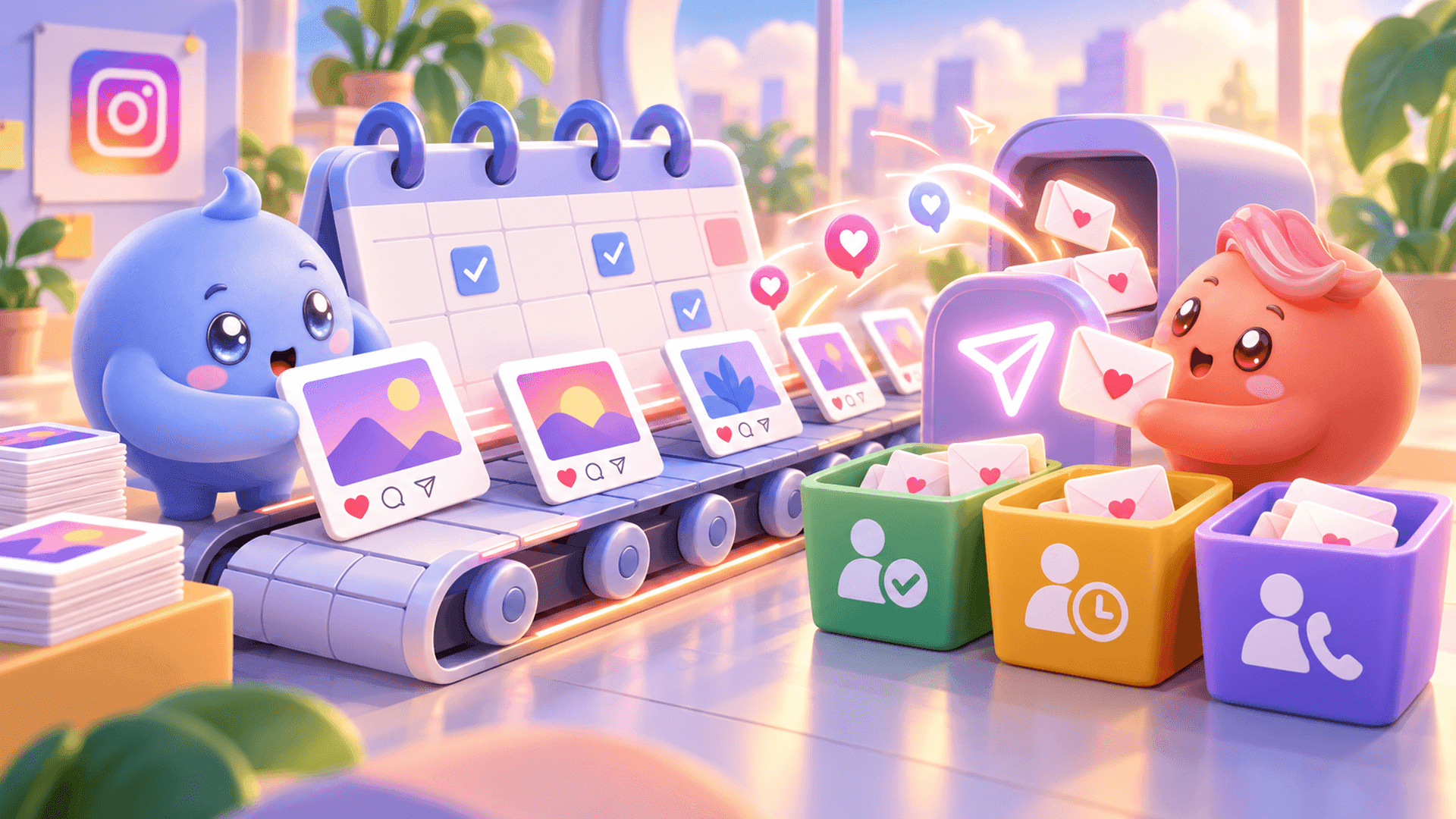
Mochi gives coaches, creators and digital-product businesses a stronger system for the part after the first message. DM Automations can start and route selected conversations from supported triggers. The Priority Inbox and Lead Filters help the team find qualified people and follow-ups before random new messages hide them. Content Attribution connects supported Instagram sources to the conversations and outcomes they create.
The principle is simple: access and attention are only the beginning. The business still needs to know who deserves attention, what was already said and whether the conversation moved forward.
If your QR code brings more people into an inbox that is already difficult to manage, start a 7-day free trial of Mochi and give those conversations a clear next step.
Your Instagram account QR code should therefore be treated as the entrance to a journey, not the entire strategy. Test the code, give people a useful reason to scan it, make the next action obvious and build a process for following through once they message you. When you are ready to manage those Instagram conversations as a real sales channel, try Mochi free for 7 days.